



I analyzed a mix of texting platforms to see how they handle referral-based list growth. (And you can apply these findings to your local business!) Once the dust settled, everything dropped into four clear groups:
- Lightweight SMS tools that keep sending simple and lean on integrations for tracking.
- SMS platforms with automation strong enough for timed and conditional referral flows.
- Marketing suites that support email-driven referral journeys via SMS.
- Ecommerce tools built around store data, perfect for purchase-tied referrals.
These groups show the different ways texting software handles referral workflows and the control they offer along the way.
However, I’ve already analyzed the mechanics for you, so you now have a clear starting point for choosing the best texting platform for referral-based list growth for local businesses, plus a checklist to help you filter tools based on what your team needs next.
SMS Platform Comparison Table for Referral-Based List Growth for Local Businesses
| SMS Platform | Best For | Key Capabilities | Pricing Model |
|---|---|---|---|
| Mobile Text Alerts | Reliable texting for both small teams and enterprise use | Visual workflows, flexible opt-in tools, two-way inbox, API + HubSpot sync, strong deliverability controls | Subscriptions starting at $20/month (Custom plans as low as $0.0039/message) |
| Textedly | Simple, fast referral-style sends | Broadcasts, keyword opt-ins, web forms, basic drips, Zapier integrations | Subscriptions starting at $29/month |
| SlickText | Beginner-friendly audience growth | Drag-and-drop workflows, strong opt-ins, shared inbox, SMS + email pairing, analytics | Subscription plans starting at $29/month |
| Textmagic | Global reach with pay-as-you-go flexibility | SMS + email, autoresponders, email-to-SMS gateway, API + Zapier, bulk messaging | Pay-as-you-go |
| EZ Texting | High-volume campaigns with fast setup | QR codes, drip sequences, AI drafting, link tracking, short codes | Subscriptions starting at $25/month |
| SimpleTexting | Straightforward list building and quick campaigns | Text-to-join, automations, custom fields, self-cleaning lists, two-way messaging | Starts around $39/month for 500 credits |
| Twilio | Fully custom referral logic via API | Programmable messaging, Conversations API, drag-and-drop Studio, number validation, webhook routing | Pay-as-you-go |
| Mailchimp | Cross-channel referral journeys | Email + SMS in one workspace, journey builder, AI content, ecommerce integrations, unified analytics | Pricing tied to contact count; SMS add-on |
| Postscript | Shopify-integrated referral and revenue flows | Shopify-native events, advanced segmentation, A/B testing, onsite SMS capture | Starts with $30 minimum monthly spend |
| Klaviyo | Data-driven SMS tied to ecommerce behavior | Unified profiles, rich segmentation, multi-channel flows, revenue attribution, referral app integrations | Email + SMS from $60/month for small lists |
1. Best for Local Business Teams of All Sizes: Mobile Text Alerts
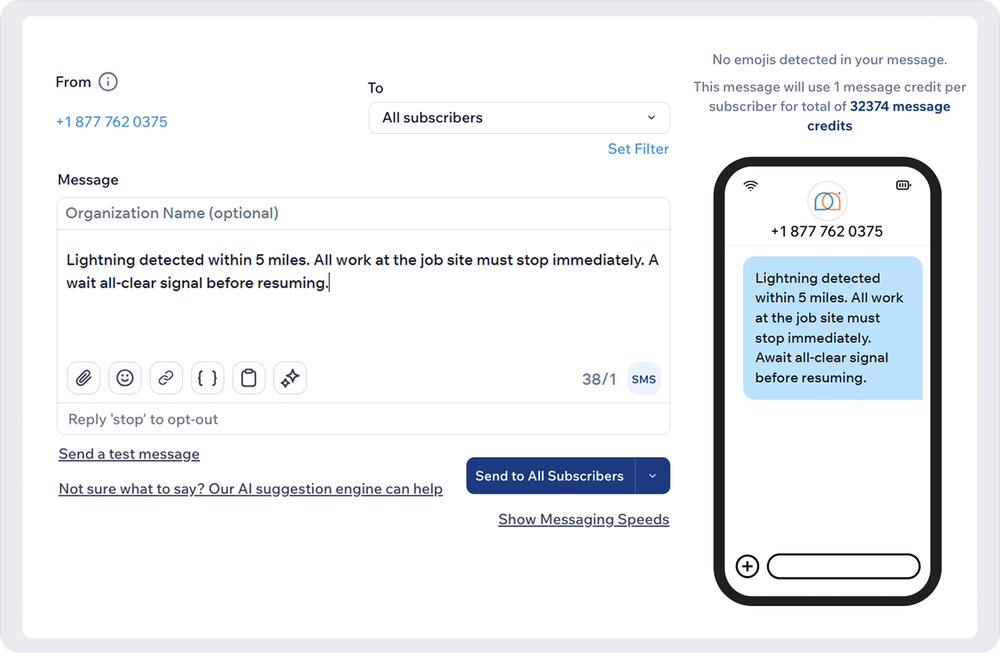
Mobile Text Alerts positions itself as the texting platform that stays dependable whether you’re a one-person local business or running enterprise-level programs. The interface is clean, onboarding is guided by reliable support, and the messaging tools stay stable even when you’re sending thousands of texts at once. Teams can build automations, run broadcasts, manage two-way chat, or plug into the API without worrying about carrier rules or complicated setup.
For referral-driven growth, MTA keeps the operation smooth: you generate shareable links or codes through your existing systems, import or sync the data, and MTA handles everything else, from the first invite text to automated follow-ups and reward notifications. It’s for teams that want predictable delivery and flexible workflows rather than a locked-down referral module.
Features
- Automated Workflows for Referral Sequences: Create structured SMS flows for referral invites, reminder nudges, or onboarding using a visual workflow builder that stays approachable for non-technical users.
- Flexible Opt-In Collection: Capture new subscribers through text-to-join keywords, QR codes, web-form embeds, banners, or spreadsheet imports, ideal for referral traffic landing across many channels.
- Two-Way Messaging Inbox: Give teams a shared space to answer questions, resolve issues, and support new referred contacts without switching platforms. Tags, custom attributes, and statuses help keep threads organized.
- API and HubSpot Sync: Build referral logic directly through the REST API or run SMS workflows inside HubSpot. Contacts sync automatically, so segments stay clean and up to date.
- Compliance and Deliverability Controls: Keep large campaigns running smoothly without worrying about blocked sends or carrier disputes with built-in opt-out handling, iMessage routing, and carrier compliance monitoring.
Pros
- Subscriber Organization: Lets teams build clean audience segments with self-selected or assigned subgroups for sharper targeting.
- Beginner-Friendly: Stays simple for small businesses that want fast communication without extra setup or training.
- Strong Support: Promises a responsive customer service team that helps you personalize campaigns and troubleshoot issues quickly.
- Scalability: Handles growing contact lists and higher message volumes without adding operational friction.
Cons
- Some premium features are available on higher plans.
Pricing
Mobile Text Alerts offers subscriptions as low as $20/month, plus custom plans as low as $.0039 per message (with discounted messaging and flexible billing options, even if you're sending millions of messages per month).
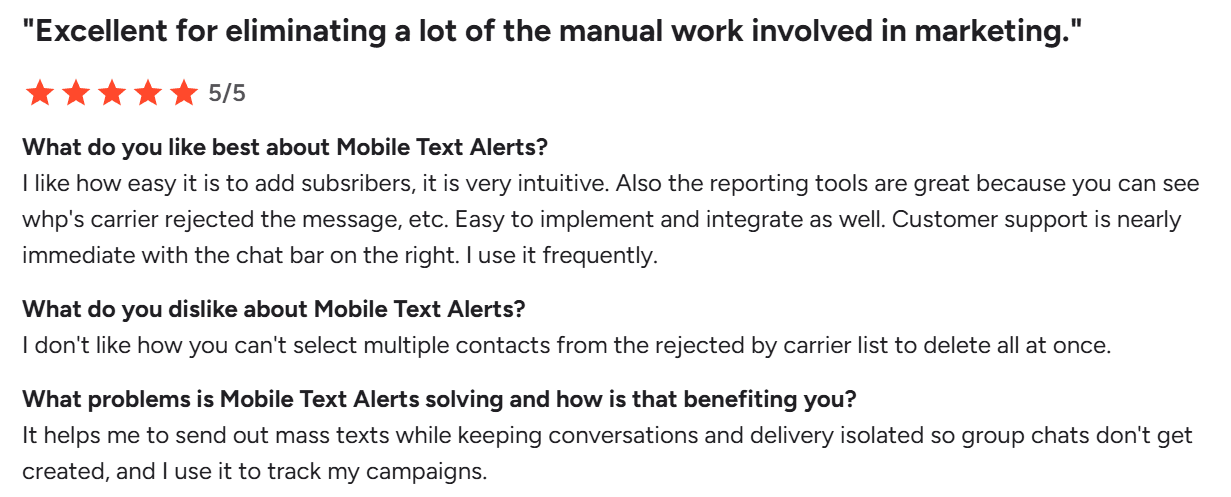
What Users Say About Mobile Text Alerts
2. Best for Lightweight Referral SMS Campaigns for Local Businesses: Textedly
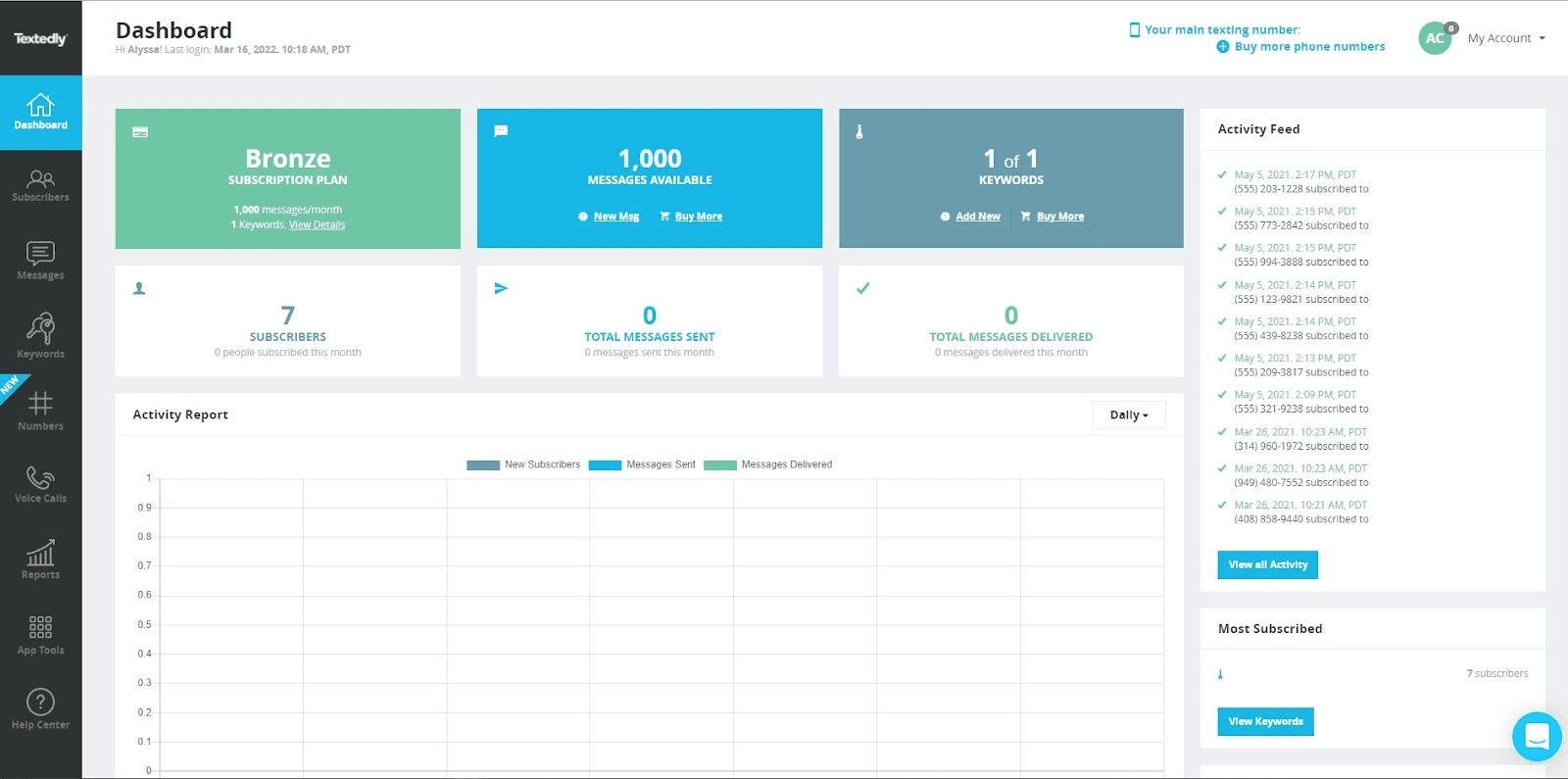
via Textedly
Textedly works well for businesses that want a simple, dashboard-based SMS tool without having to build complex logic. You get quick-send campaigns, two-way chat, and basic list growth through keywords and forms. For local business referral pushes, Textedly keeps things straightforward: customers share a keyword or link, an automated reply fires, and new contacts join the list without extra steps. It suits teams that want a fast setup rather than a multi-layered workflow.
Features
- Mass and Two-Way Messaging: Send one-off broadcasts or recurring campaigns, then manage replies with a shared inbox for your team.
- Text Keywords and Webforms: Let subscribers join by texting a keyword or filling out an on-site form, ideal for referral-style list growth and opt-in collection.
- Drip Campaigns and Scheduled Texts: Build simple SMS sequences and schedule sends so referral rewards, follow-ups, and reminders go out at the right time.
- Integrations via Zapier: Connect Textedly to CRMs and tools like Salesforce, HubSpot, Shopify, Mailchimp, Slack, and Google Sheets through Zapier-powered workflows.
Pros
- Direct Messaging: Lets teams send order updates and status notices straight to customers.
- Campaign-Friendly: Supports quick promotional sends for sales and product launches.
- MMS Support: Allows sending images in messages for more visual communication.
Cons
- Segmentation is almost nonexistent, limiting how you can target or personalize campaigns.
Pricing
Textedly’s paid plans start at $29/month for 500 texts. Higher tiers offer larger monthly message limits, with optional add-ons like dedicated short codes and upgraded support.
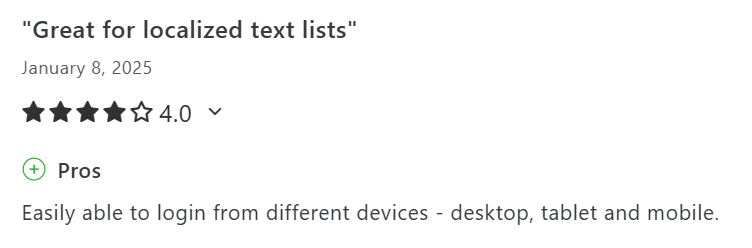
What Users Say About Textedly
Next Read: Best Automated Texting Software
3. Best for Beginner-Friendly Audience Growth: SlickText
via SlickText
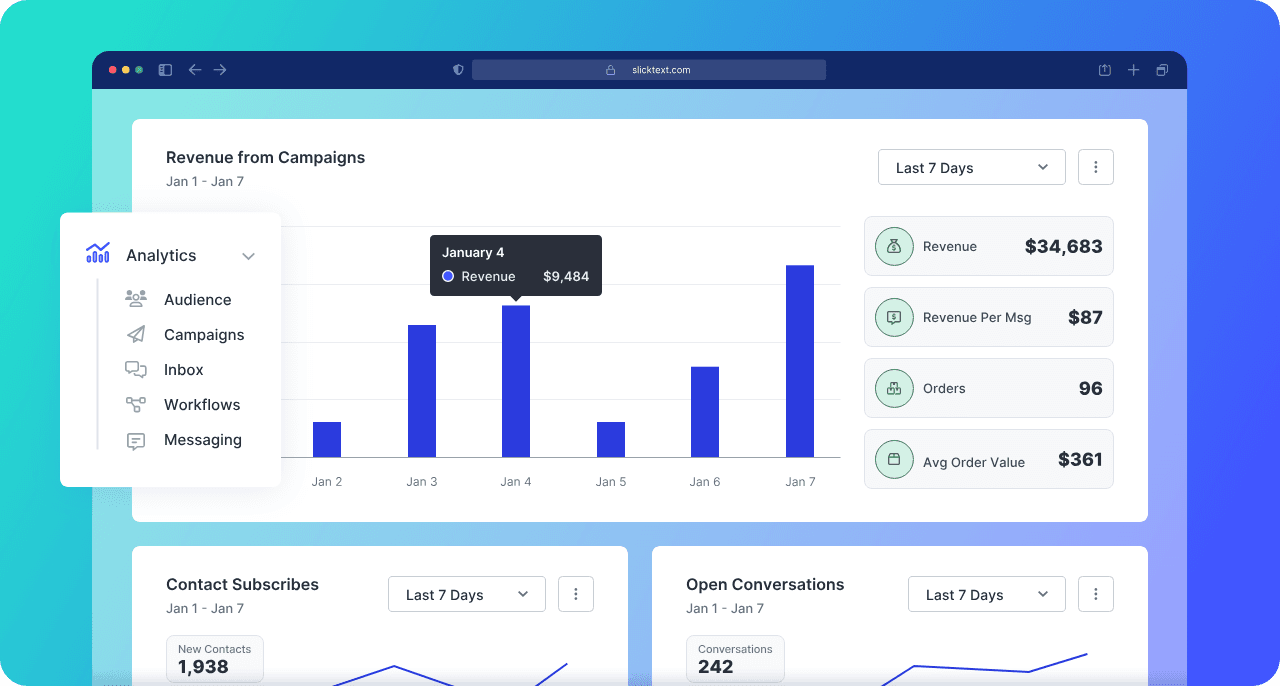
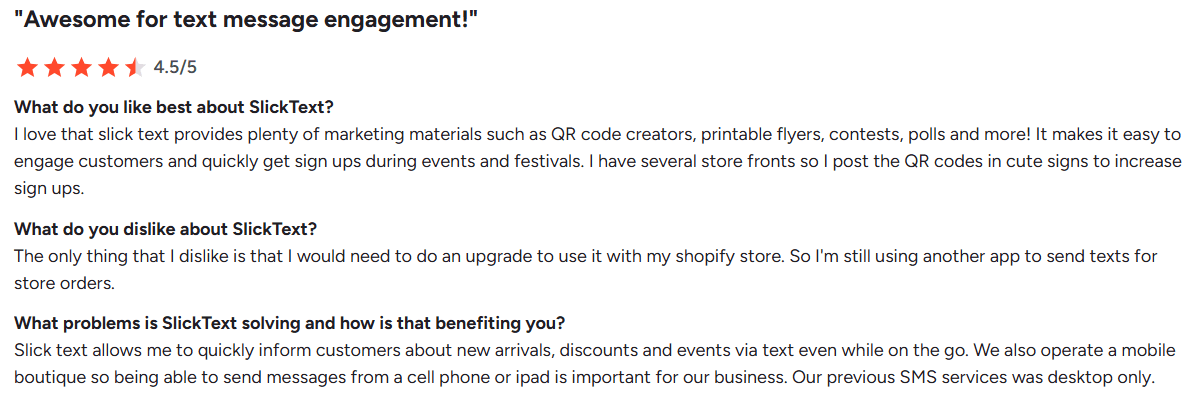
SlickText would appeal to local business teams that want strong list-building tools in a platform that’s easy to manage. Keywords, QR codes, pop-ups, and tap-to-join links make it easy to attract subscribers across multiple touchpoints. Referral-style flows fit naturally here: someone shares a join path, and SlickText’s workflows handle tagging, customer rewards, and routing. It feels more guided than advanced, which is exactly why beginners pick it.
Features
- Workflow Builder: Design structured journeys using a drag-and-drop canvas that stays accessible even for first-time SMS marketers.
- API and Integrations: Use the SlickText API and integrations to connect with your existing marketing stack and sync data with tools like CRMs or ecommerce platforms.
- Shared Inbox for Two-Way SMS: Manage replies in a team inbox to quickly answer questions from new or existing customers about referral rewards or account issues.
- Email + SMS Coordination: Pair SMS with email campaigns to follow up on referrals and confirm key actions across both channels.
- Analytics and Attribution: View detailed reports that show subscriber growth by keyword, QR code, and other tools, along with campaign performance, so you can double down on the referral flows that work.
Pros
- Custom Fields: Helps store extra details for more tailored messaging.
- Strong Segmentation: Allows you to group contacts with precision.
- Survey Texts: Links responses directly to contact profiles for richer data.
- URL Tracking: Measures click activity to understand engagement.
Cons
- Audience filters stay basic: fine for broad sends, but not enough when you need behavior-based or multi-condition targeting.
Pricing
SlickText’s plans begin at $29/month for 500 credits. Higher tiers offer up to 50,000 monthly credits, with extras like rollover messaging, premium numbers, and enhanced support included on advanced plans.
What Users Say About SlickText
4. Best for Global SMS and Email Reach: Textmagic
via Textmagic
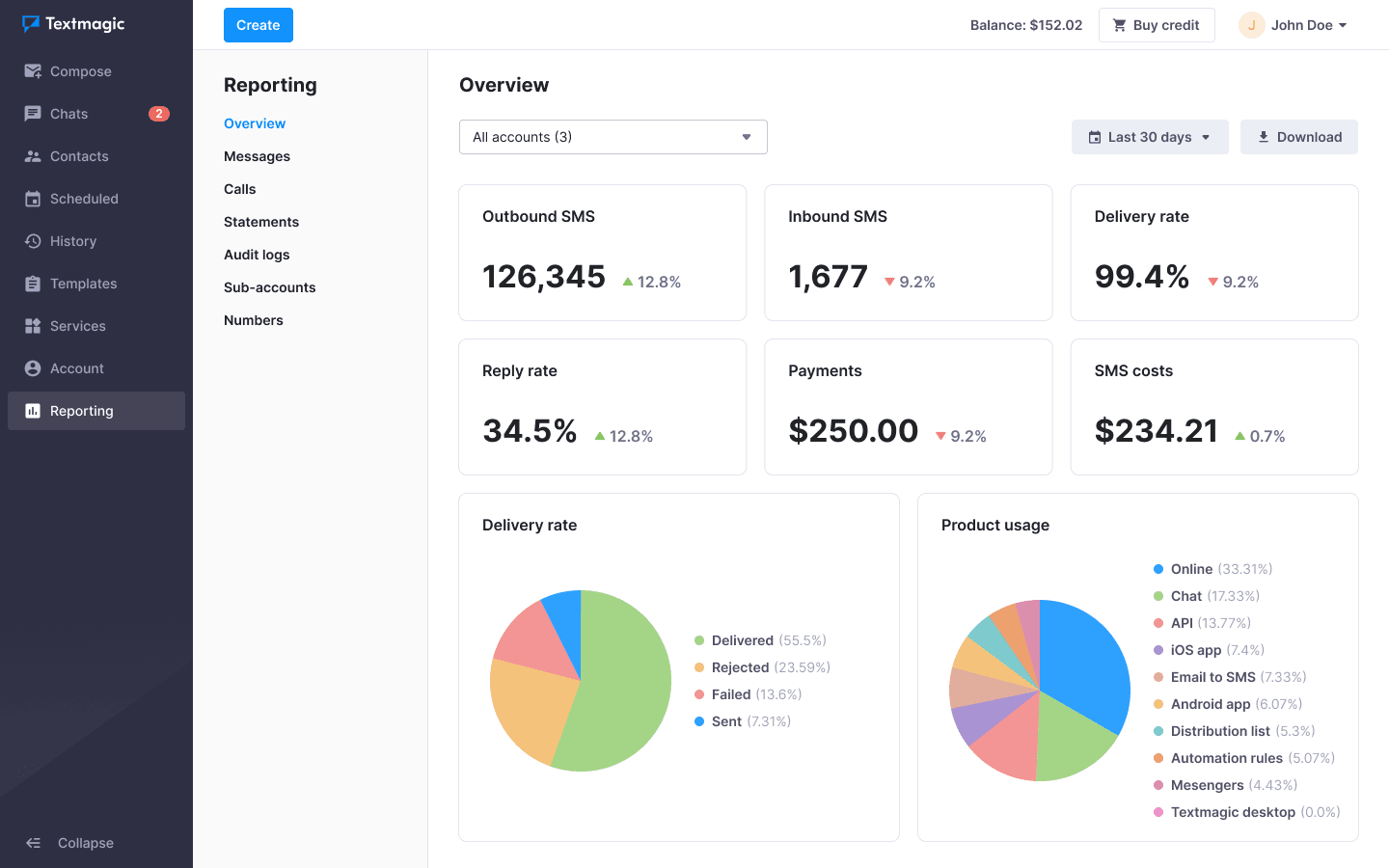
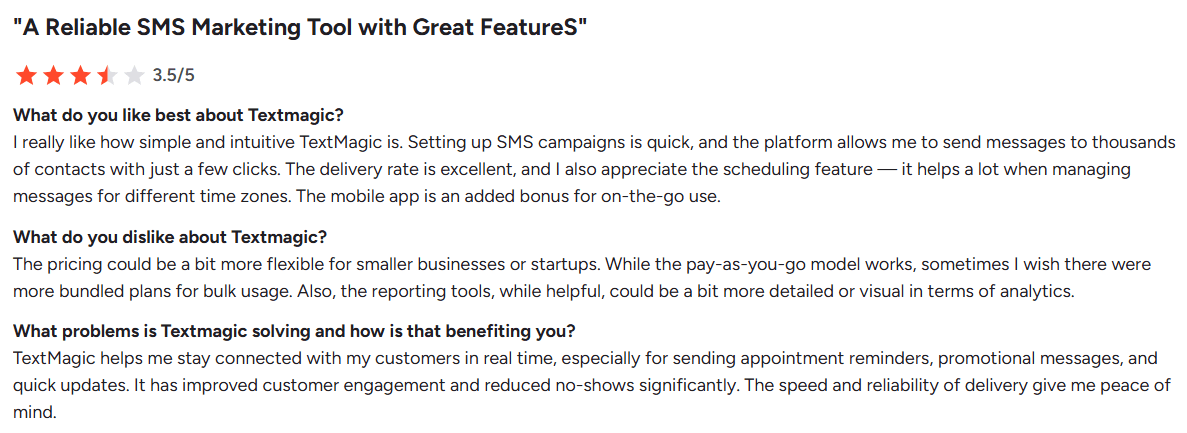
Textmagic would be great for local business teams that need steady delivery across regions and prefer a pay-as-you-go structure. SMS, email, and two-way chat all sit in one place, making it useful for international operations or distributed teams. It supports referral programs through basic building blocks, such as keywords, imports, segmentation, and API triggers, so you can plug them into your existing process, even though it lacks a dedicated referral module.
Features
- SMS Surveys and Autoresponders: Collect feedback, run simple NPS or satisfaction flows, and build rule-based autoresponders for customer checks.
- Email-to-SMS Gateway: Turn emails into SMS by sending to a special address, with replies sent to your inbox, so local business teams can work from the tools they already use.
- API and Zapier Integrations: Use the REST API or Zapier to connect with CRMs, calendars, ecommerce tools, or referral platforms, and push data in and out of Textmagic.
- Bulk SMS and MMS Messaging: Send high-volume campaigns to staff, leads, and customers with support for media attachments and long messages.
Pros
- Simple Interface: Clear layout that teams can use without confusion.
- Helpful Templates: Speeds up sending client updates and routine messages.
- Real-Time Alerts: Keeps customers informed and reduces incoming support calls.
Cons
- The desktop app has compatibility issues with older iMac models, limiting adoption among teams using legacy hardware.
Pricing
Textmagic uses a pay-as-you-go model, where you only pay for the messages and services you use without fixed monthly commitments.
What Users Say About TextMagic
Recommended Read: SMS Marketing vs Email Marketing: Pros and Cons
5. Best for High-Volume Local Business Contact Acquisition: EZ Texting
via EZ Texting
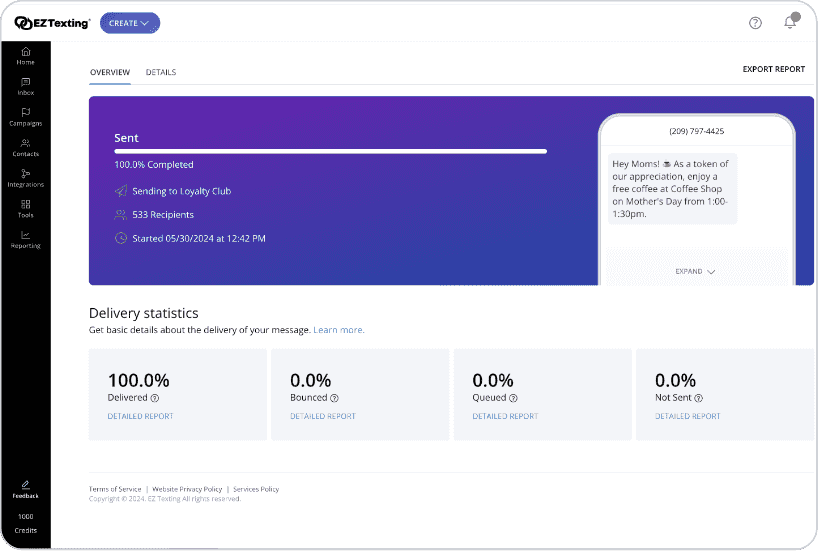
EZ Texting suits teams that want to run large campaigns quickly without setting up a complicated system. Mass texting pairs with AI drafting, simple automation, and strong opt-in tools like QR codes and hosted forms. Referral-driven list growth is easy to spin up: contacts share a keyword or scannable code, and EZ Texting handles the welcome message, follow-ups, and tracking inside a clean workflow. It would work well for local business teams that prioritize speed and scale over customization.
Features
- Link Shortener and Tracking: Add shortened URLs and track clicks to measure performance of referral invitations and campaign engagement.
- RCS and Short Codes: Use richer RCS messaging where supported and access higher throughput with dedicated short codes for large-volume programs.
- Drip Campaigns: Deliver time-based sequences to new subscribers, such as welcome offers, referral reminders, or nurture flows.
- AI Compose: Generate campaign drafts and suggested responses for faster communication with new leads and referral inquiries.
Pros
- Privacy-Friendly: Supports anonymous communication for internal and hiring needs.
- Targeted Messaging: Allows contacts to be placed in multiple groups for precise outreach.
Cons
- When messages are forwarded to an external phone number, replies show up as raw numbers, making it harder to identify who responded.
Pricing
EZ Texting starts at $25/month on the Launch plan, which includes a local textable number and a monthly credit allowance.
What Users Say About EZ Texting

6. Best for Straightforward Local Business List Building: SimpleTexting
via SimpleTexting
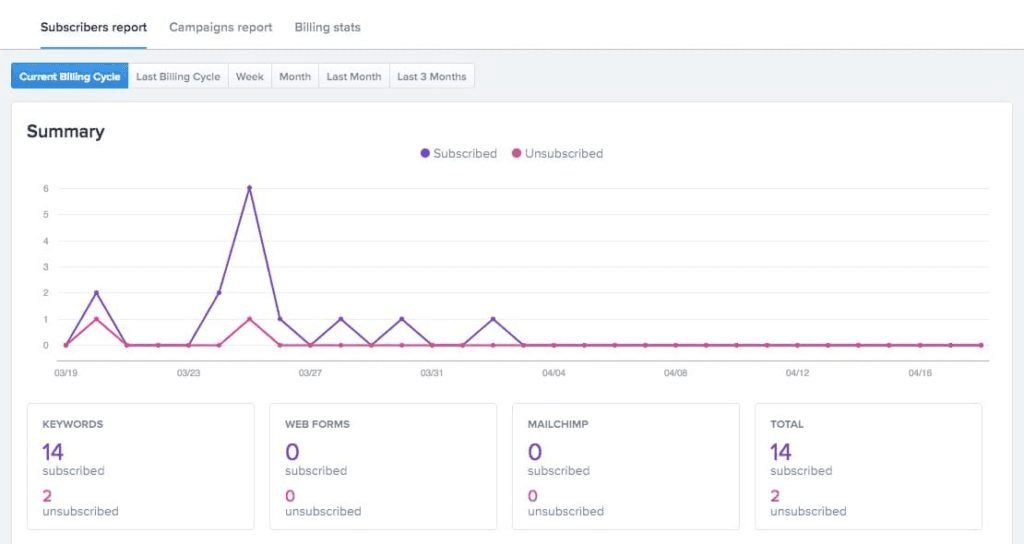
SimpleTexting positions itself as the “plug-and-play” choice for SMS: everything loads fast, the workflow feels lightweight, and nothing gets buried behind menus. You can launch broadcasts, manage replies, and keep campaigns moving, even from the mobile app, which makes it practical for small local business teams that juggle marketing and support. For basic referral campaigns, you can tag new contacts with simple custom fields and move them into pre-set drips without extra tooling. It’s a good fit for teams that want structure without complexity.
Features
- Strong Opt-In Tools: Use text-to-join, text-to-win, text-to-vote, web forms, and QR codes to grow your audience and make referral sharing easy across channels.
- Autoresponders and Drip Campaigns: Set automated replies, appointment reminders, and timed sequences to nurture referred contacts over days or weeks.
- Custom Fields for Light Referral Tracking: Add subscriber-level fields (e.g., “Referred by”) to tag and segment local business contacts based on how they joined.
- Self-Cleaning Lists: Detect inactive numbers automatically and remove them to avoid wasted credits.
Pros
- Clear API Docs: Stores easy-to-follow documentation with dashboard controls for managing webhooks.
- Fast Setup: Allows teams to launch their first campaign within minutes.
- Strong Automation: Offers multiple automation options to simplify ongoing communication.
Cons
- You can’t choose an alternate toll-free number unless you upgrade your plan, which means you don’t get to preview area-code options before paying for the month.
Pricing
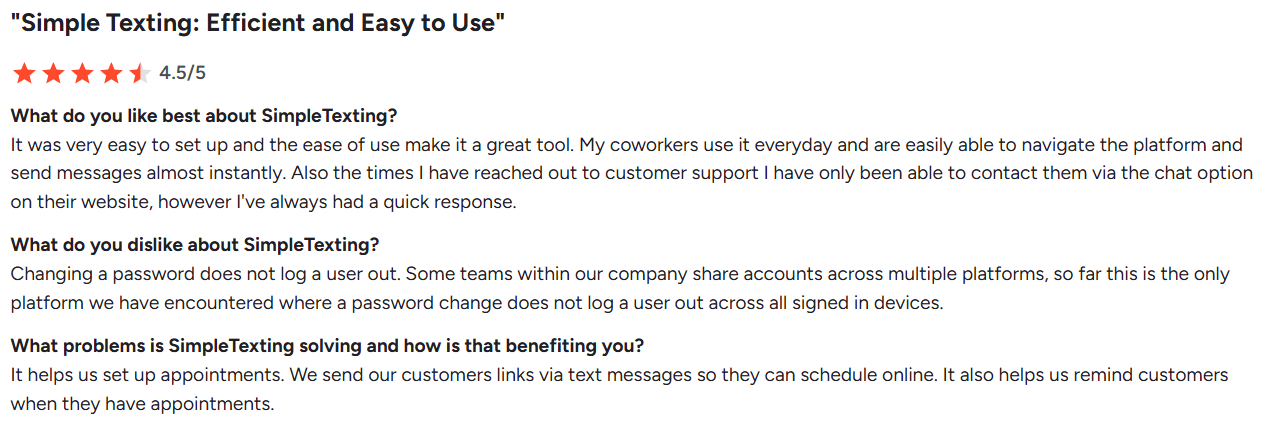
SimpleTexting uses a credit-based system where one SMS equals one credit and one MMS equals three. Plans start at about $39/month for 500 texts and include a local number. Credits roll over, and you can buy additional credits whenever needed.
What Users Say About SimpleTexting
7. Best for Fully Custom Referral Logic: Twilio
via Twilio
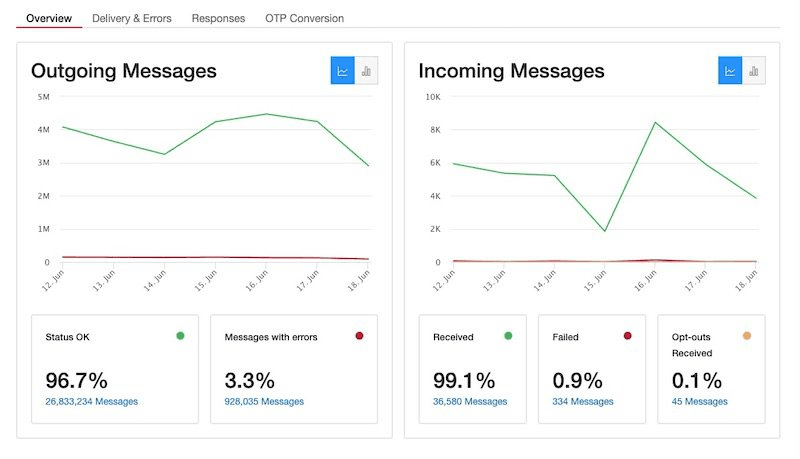
Twilio is built for engineering-led teams that want to construct messaging flows from the ground up. So if that describes your local business team, it would be a good option for you. You don’t inherit rigid templates here; the API gives you full control over event triggers, referral logging, and the sequence that follows. Therefore, you can build referral logic that mirrors your product, CRM, or backend rules.
Features
- Programmable Messaging API: Build custom SMS, MMS, WhatsApp, and RCS flows using your preferred programming language, including routing logic and personalized messaging.
- Conversations API: Power two-way conversations across SMS, chat, WhatsApp, and web interfaces with unified history and flexible assignment models.
- Twilio Studio (Low-Code Builder): Design communication flows, like referral onboarding or reward notifications through visual drag-and-drop logic.
- Lookup API: Validate numbers before sending to reduce waste and improve conversion, ideal for large referral programs.
- Deep Customization: Use webhooks and your own backend to track referrers and trigger unique sequences across channels.
Pros
- Global Delivery: Keeps send rates reliable and consistent, promising strong coverage.
- Flexible Controls: Offers a wide range of options for managing call and messaging logic.
- Automation-Friendly: Supports complex workflows built directly through APIs.
Cons
- Some of the more advanced capabilities require extra configuration time before they run smoothly.
Pricing
Twilio runs on a pure pay-as-you-go model, so your costs depend entirely on what you send, where you send it, and which channels you use.
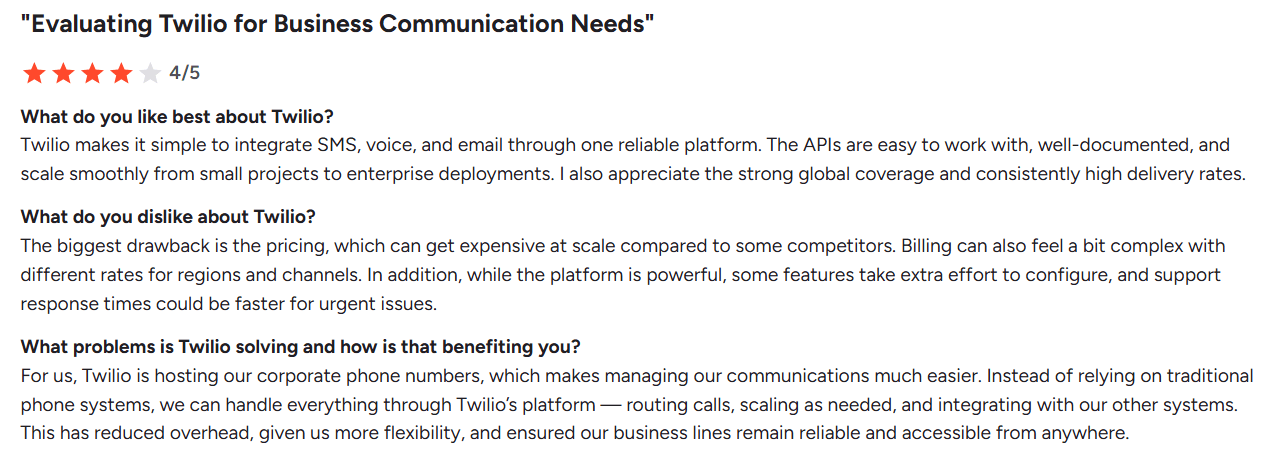
What Users Say About Twilio
8. Best for Cross-Channel Marketing With SMS: Mailchimp
via Mailchimp
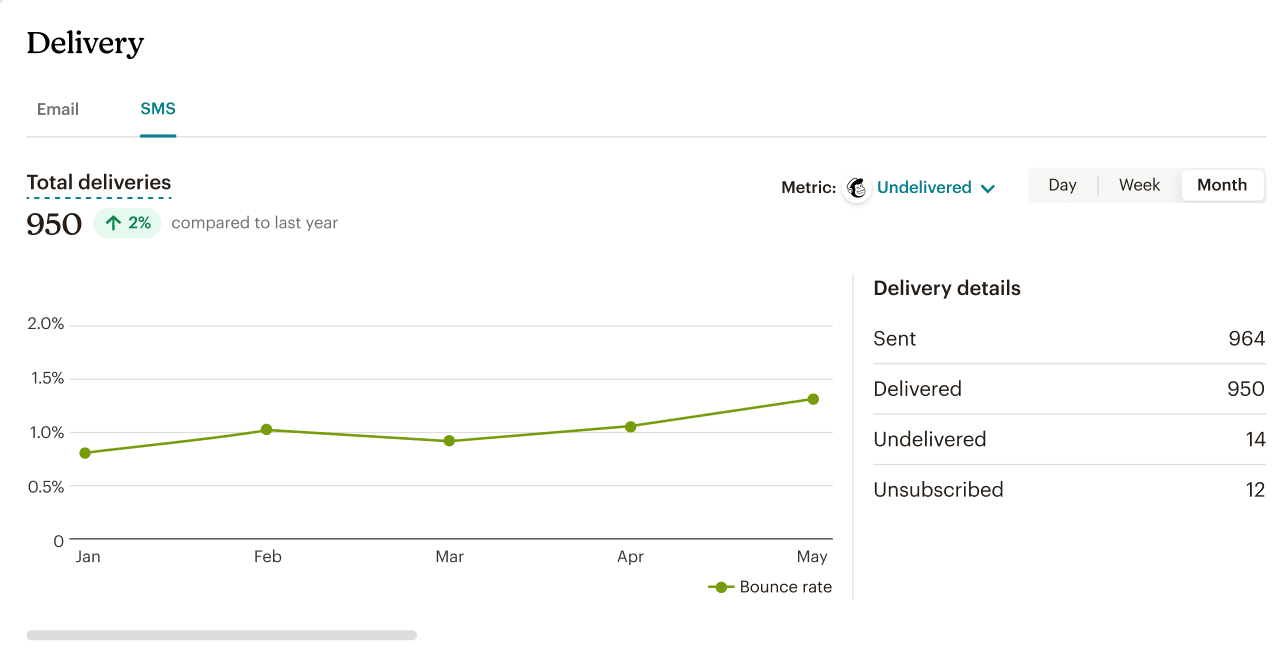
Mailchimp sits as an all-in-one marketing platform where SMS works alongside email, forms, automations, and audience management. This structure makes it easy to build journeys that move across channels rather than relying solely on SMS. Referral growth usually starts with email or landing pages, with SMS acting as the quick nudge that reinforces interest and drives conversions. It would be useful for local business teams that want one system to manage the entire funnel.
Features
- Email + SMS in One Workspace: Build coordinated campaigns that combine email blasts, segmented newsletters, and SMS reminders through a shared timeline and analytics hub.
- AI-Generated Content: Draft SMS copy with Intuit Assist and pair it with AI-powered email and journey templates to speed up campaign creation.
- Customer Journey Builder: Automate cross-channel flows, like welcome emails, follow-up texts, abandoned cart alerts, or referral reminders using a drag-and-drop journey editor.
- API and Integrations: Connect Mailchimp with ecommerce and referral tools like Shopify, WooCommerce, and Viral Loops to automate list growth and reward tracking.
- Centralized SMS Analytics: Track revenue and SMS credit usage across email and SMS in a unified dashboard for clear attribution.
Pros
- Flexible Automations: Supports condition-based drip sequences and long-running campaigns.
- Strong Reporting: Tracks performance clearly across sends and segments.
- Broad Integrations: Connects with a wide range of apps without extra setup.
- Tagging + Segments: Offers two layers of audience organization for cleaner targeting.
Cons
- SMS is a paid add-on, and costs increase with both email list size and messaging volume.
Pricing
Mailchimp’s pricing increases with your contact count across four tiers built for both small senders and larger teams. The Free plan covers up to 250 contacts and includes the essentials needed for basic campaigns, making it a practical starting point for light or occasional use.
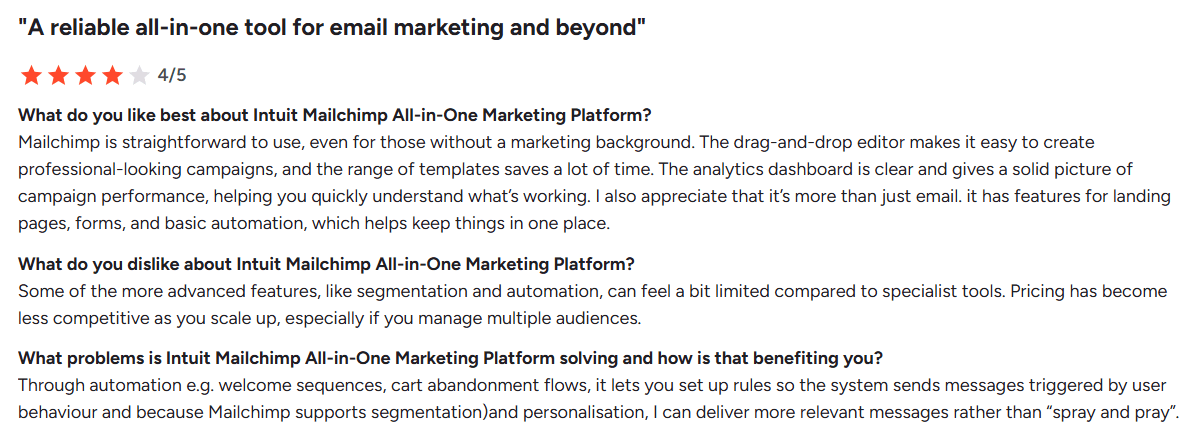
What Users Say About Mailchimp
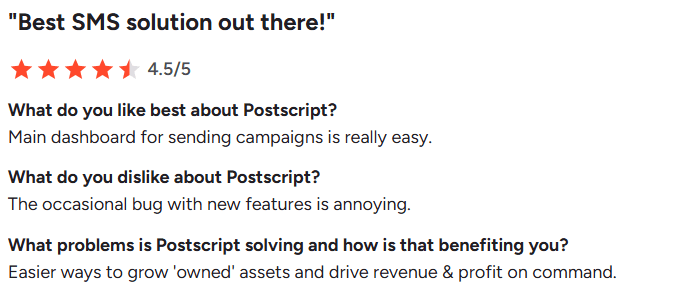
9. Best for Shopify-Integrated Revenue Flows: Postscript
via Postscript
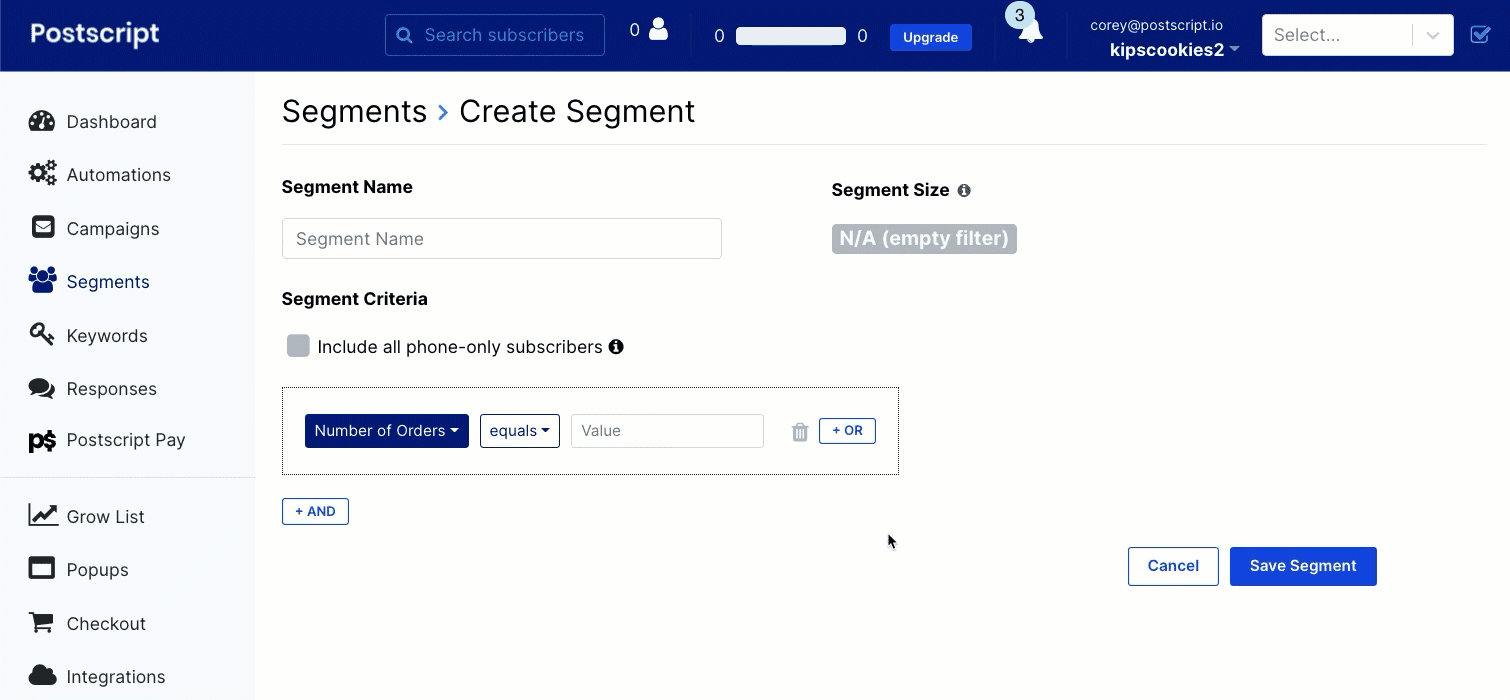
Postscript is built specifically for Shopify, syncing every purchase, view, and subscriber action into one SMS-focused platform. This lets you run referral nudges, onsite opt-ins, and follow-up messages based on live store data rather than broad segments. Instead of relying on text-only opt-ins, Postscript adds Shopify-native pop-ups and checkout collection, which gives referred visitors a direct path to join your site. It suits merchants that want SMS tied closely to revenue.
Features
- Shopify-Native Integration: Syncs purchase history, cart events, discounts, and customer profiles automatically, powering advanced segmentation and referral logic.
- Postscript AI: Generate on-brand SMS copy, automate A/B tests, optimize send times, and analyze performance to boost incremental revenue.
- Segmentation With 40+ Filters: Build precise segments using SKU-level data, order frequency, lifetime spend, browsing behavior, and past referral activity.
- Onsite Opt-In: Capture SMS subscribers directly on your website with embedded forms and pop-ups.
Pros
- Quick Setup: Gets campaigns and flows running without extra steps.
- Clear Metrics: Surfaces key performance data without manual tracking.
- Helpful Support: Keeps support accessible whenever teams need guidance.
Cons
- Global brands may need additional tools for international SMS coverage.
Pricing
Postscript’s Starter plan includes a $30 minimum monthly spend, while Growth starts at $100/month with added support and unlimited keywords.
What Users Say About Postscript
10. Best for Data-Driven Referral Automation: Klaviyo

via Klaviyo
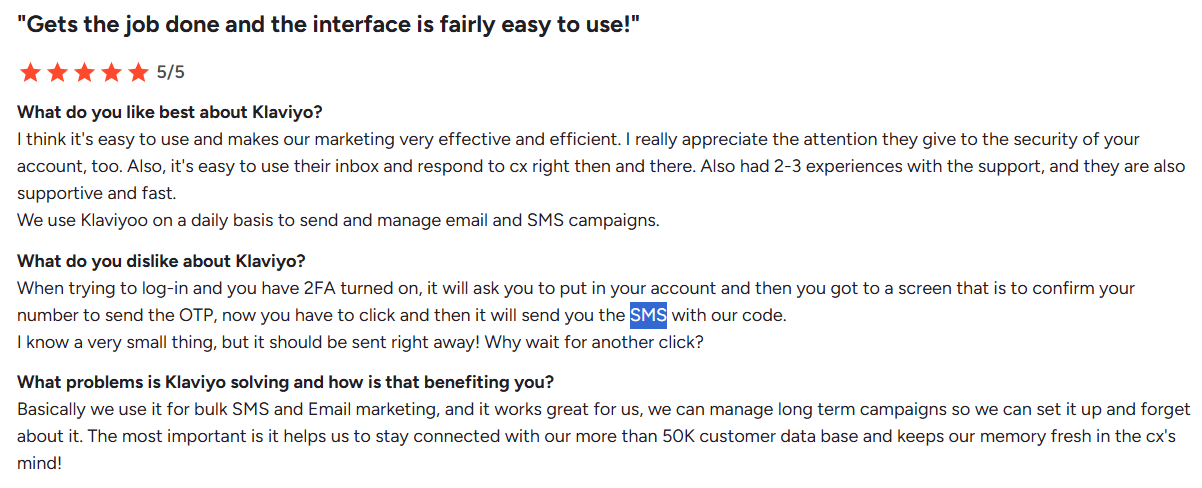
Klaviyo is built for ecommerce brands that want referral outreach tied to customer behavior across email, SMS, and on-site actions, but it could still be used for local business teams. Every interaction, including views, purchases, replies, and forms, feeds into a unified profile, making it easy to target high-intent customers and automate referral prompts inside larger, cross-channel flows. Rather than treating SMS as a separate list-building tool, Klaviyo folds it into a coordinated system that moves customers from referral trigger to conversion.
Features
- Unified Customer Data Platform: Sync real-time data from Shopify, WooCommerce, BigCommerce, and 350+ integrations to enrich every SMS and email touchpoint.
- Granular Segmentation: Build referral audiences with unlimited conditions such as purchase frequency, product affinity, churn risk, high-value shoppers, or recent browsers.
- Multi-Channel Flows: Create flows that combine email, SMS, push, and website forms with conditional branches based on customer behavior.
- Revenue Attribution: Track which referral flows or messages contributed to actual sales using last-touch, cross-channel attribution.
- Integrations with Referral Apps: Connect Viral Loops, ReferralCandy, or other referral managers to pass custom codes and automate reward fulfillment.
Pros
- Dynamic Recommendations: Adjusts product suggestions based on each shopper’s activity.
- Advanced Customization: Gives teams wide control over flows, message templates, and data mapping.
Cons
- Many third-party tools charge extra to unlock their Klaviyo API integrations, making the overall setup feel more expensive than it should when you’re already paying for both products.
Pricing
Klaviyo’s pricing scales with your active profiles and monthly SMS volume. Email-only starts around $45/month, while email + SMS begins near $60/month for small lists. You can stay on a free plan if you're under 250 profiles, with optional paid add-ons.
What Users Say About Klaviyo
Also Read: Best Klaviyo Alternatives
Your Texting-Platform Checklist for Referral-Based List Growth for Local Businesses
To qualify as a strong pick for referral-based SMS marketing for local businesses or any other industry, a platform needs to support critical steps in the funnel.
Here are the best SMS platform features for referrals you need to evaluate:
| Criteria | What to look for |
|---|---|
| Opt-in flexibility | Does it offer multiple join paths (keywords, QR codes, forms, pop-ups) with built-in instant tagging and compliance? |
| Share-ready messaging | Can customers forward messages cleanly with short links, MMS assets, and copy that stays intact across devices? |
| Tracking clarity | Does the platform support custom fields, referral codes, click tracking, and API/webhook syncing for attribution? |
| Automation depth | Can you automate referral invites, reminders, and reward notifications without relying on manual sends? |
| Reward delivery | Does it handle conditional logic, one-time codes, and triggered sends based on CRM/ecommerce actions? |
| Re-engagement tools | Are there drips, behavioral triggers, and segmentation options for nurturing high-intent referrers over time? |
| Scalability | Can the platform keep up as message volume, audiences, and workflows expand without throughput issues? |
| Integration support | Does it play well with your CRM, ecommerce platform, or referral software so data moves cleanly across systems? |
| Ease of use | Can a marketer run campaigns without learning curve friction while still giving advanced users room to customize? |
| Compliance handling | Does it manage opt-outs, brand registrations, message rules, and delivery safeguards to ensure campaigns stay compliant? |
| Extensibility | Are there APIs, Zapier connectors, or modular add-ons that let you grow into richer flows as your referral program matures? |
Most referral-based SMS marketing platforms give you enough connectors, triggers, and list controls to get a referral workflow off the ground. The real test comes later, when higher volumes and more complex journeys demand tighter data flows and cleaner coordination with your CRM or storefront.
The aim of this checklist is simple: understand the best SMS platform features for referrals and pick one that lets you make meaningful progress today while leaving room to evolve as the stakes (and audience size) rise.
Choose the Best Texting Platform for Referral‑Based List Growth (for Local Businesses) Wisely
Picking the right tool comes down to one thing: understanding how to choose SMS marketing software for referrals based on the way the funnel works in your local business. Every platform on this list can send texts, but not all can necessarily keep up as referrals scale.
You now have a clear breakdown of how each tool handles those pieces for your local business, plus a checklist you can use to compare options without second-guessing the basics.
If you want something dependable enough for enterprise workflows but simple enough for day one, Mobile Text Alerts gives you a clean setup, flexible automations, and support that doesn’t disappear when things get busy.
You can test everything yourself: start a free trial and see how your referral list grows inside a texting platform built to keep up.
FAQs
Why should businesses prioritize referral-based list growth (for local businesses) over paid acquisition?
Referrals bring in warmer, higher-intent contacts at a lower cost than paid channels. People convert faster when a recommendation comes from someone they trust, and the long-term value of referred subscribers tends to be higher. As acquisition costs keep rising, referral-driven growth gives businesses a more sustainable, compounding pipeline.
How do texting platforms enable referral-based list growth for local businesses?
A texting platform gives you the infrastructure to collect opt-ins, share links or codes, automate follow-ups, and track who came from where. Once a client shares their referral link, the platform handles invites, reminders, segmentation, and reward notifications, keeping the entire flow consistent without manual intervention.
What are the key compliance considerations when running SMS-based referral campaigns for local businesses?
Every contact must give explicit consent before receiving texts, even if they were referred by someone else. Businesses also need to honor opt-out requests immediately, use approved sender numbers, follow carrier rules, and avoid misleading language. Staying compliant keeps campaigns running smoothly.
What's the difference between SMS-only platforms and multi-channel platforms for referral campaigns?
SMS-only tools focus on simple broadcasts and lightweight workflows, making them practical for teams that want minimal setup. Multi-channel platforms add email, forms, and on-site triggers, enabling referrals to flow across multiple touchpoints. The choice depends on whether you want pure texting efficiency or a complete communication system.