For HubSpot Sales, Marketing & Operations teams

SMS Inside HubSpot. No Dev Work.

Install once, get 10 free credits per HubSpot contact, and start texting from prebuilt workflows

Join the 20,000 Companies Who Love Mobile Text Alerts

Roblox logo

Yeti logo

Yamaha logo

Toyota logo

Stop leaving money on the table every time a lead goes cold.

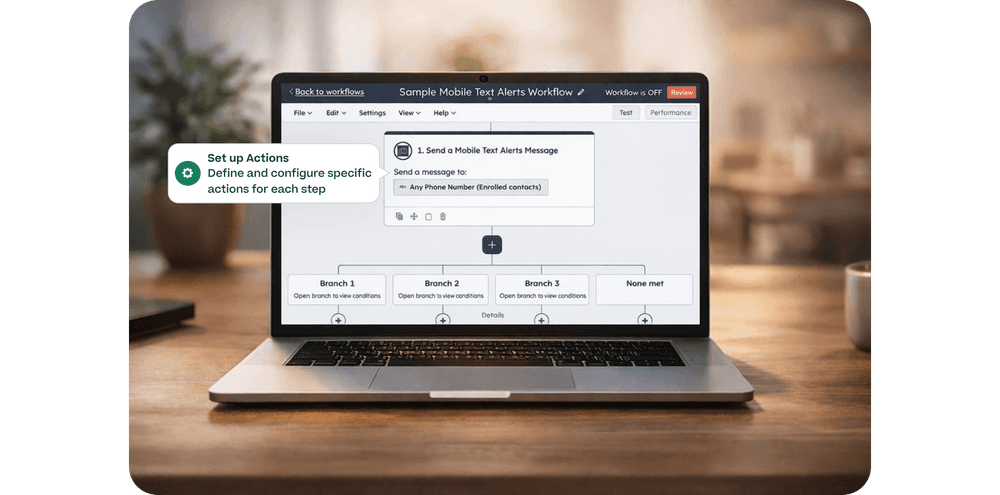
Screenshot of a HubSpot workflow builder showing a Mobile Text Alerts sales follow-up flow with branching logic and action configuration

Create audience engagement automatically

with customized segments and automated workflows

Feature Image
Checkmark

Add SMS to existing HubSpot Workflows

Checkmark

Trigger new workflows when contacts send SMS to your business

Checkmark

Send or receive messages based on Hubspot tickets, deals, and other data points

How the free-messages offer works

1

Install

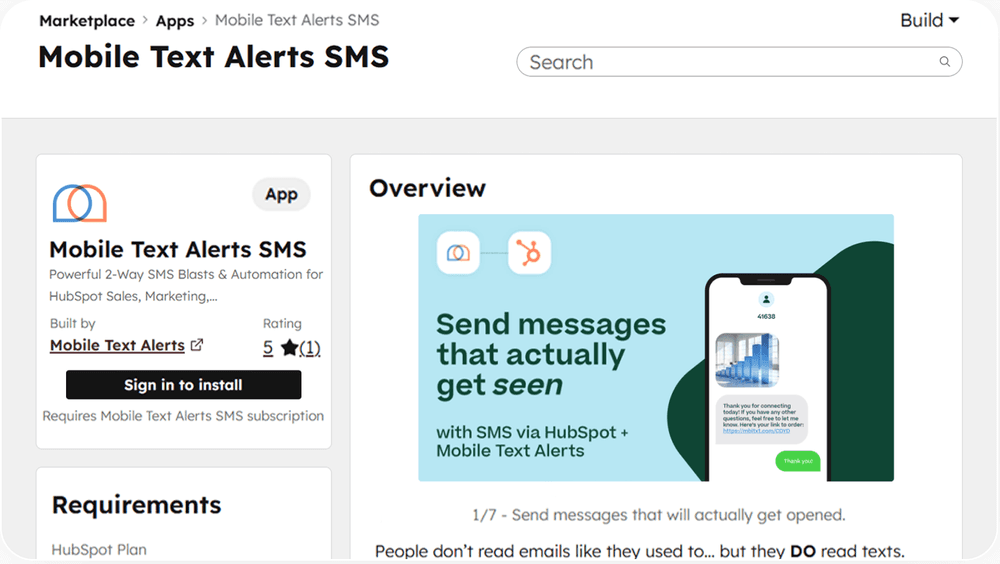
Install the Mobile Text Alerts app from the HubSpot Marketplace.
2

Connect & configure (fast)

Map key fields, choose sending defaults, and set up your first templates/workflows.
3

Send texts in HubSpot for 30 days

For the first 30 days after install, all messages sent via HubSpot are free. (One-to-one messages and workflow-triggered messages sent from HubSpot.)

Built for HubSpot teams who want results before they spend a dime.

Mobile Text Alerts SMS icon

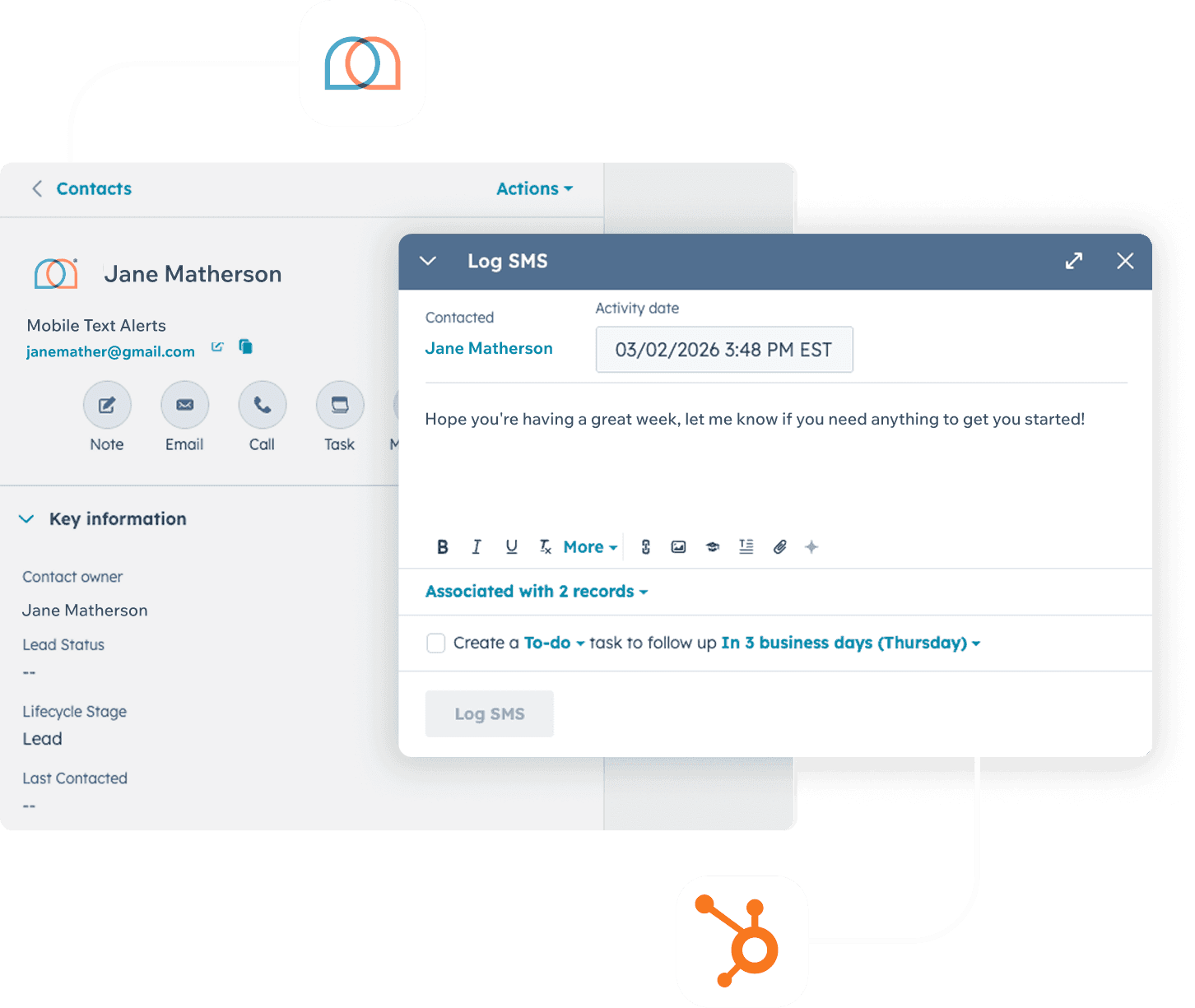
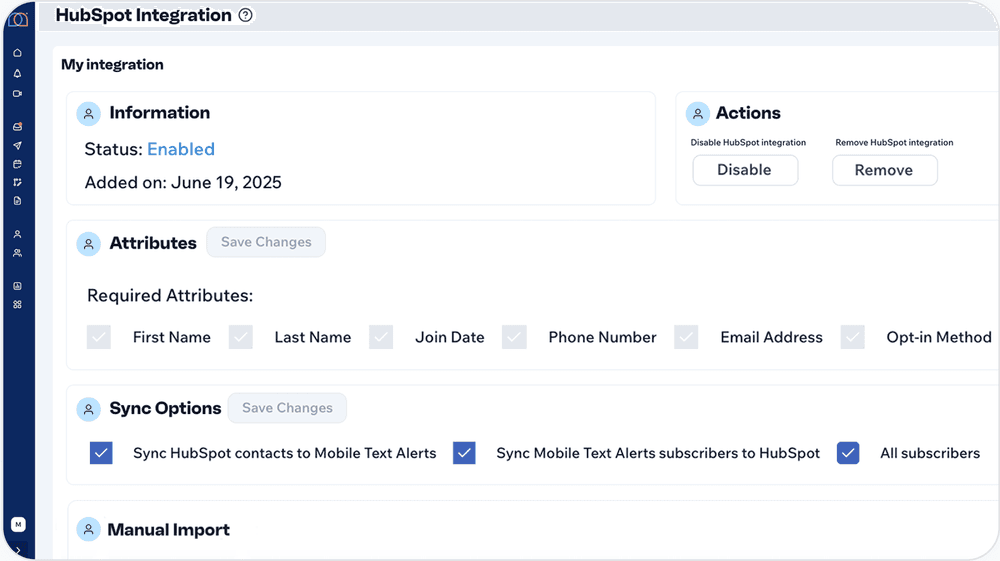
SMS inside HubSpot records

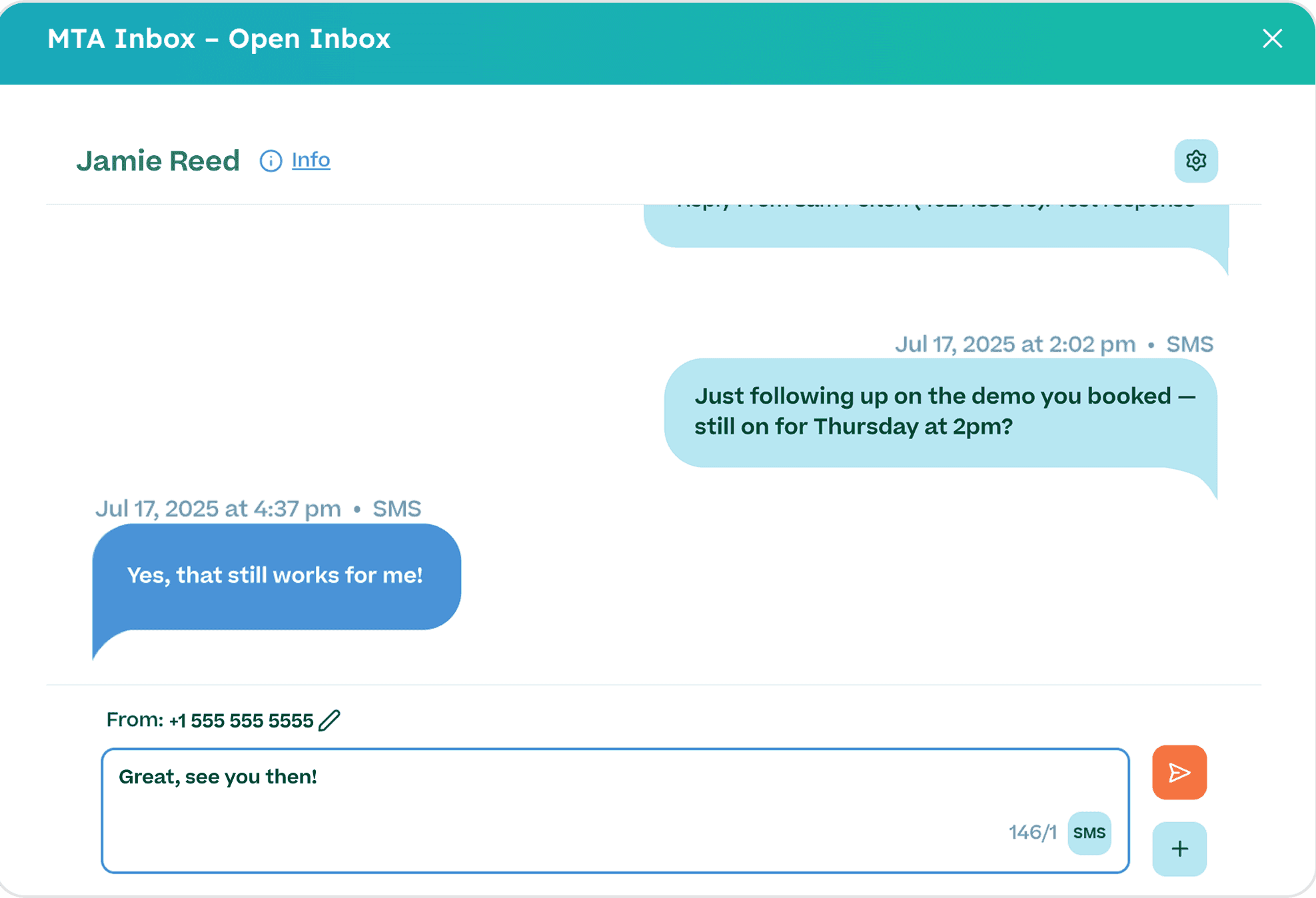
No tab-switching. Reach contacts and log every conversation right where your team already works.

Mobile Text Alerts Workflow Builder icon

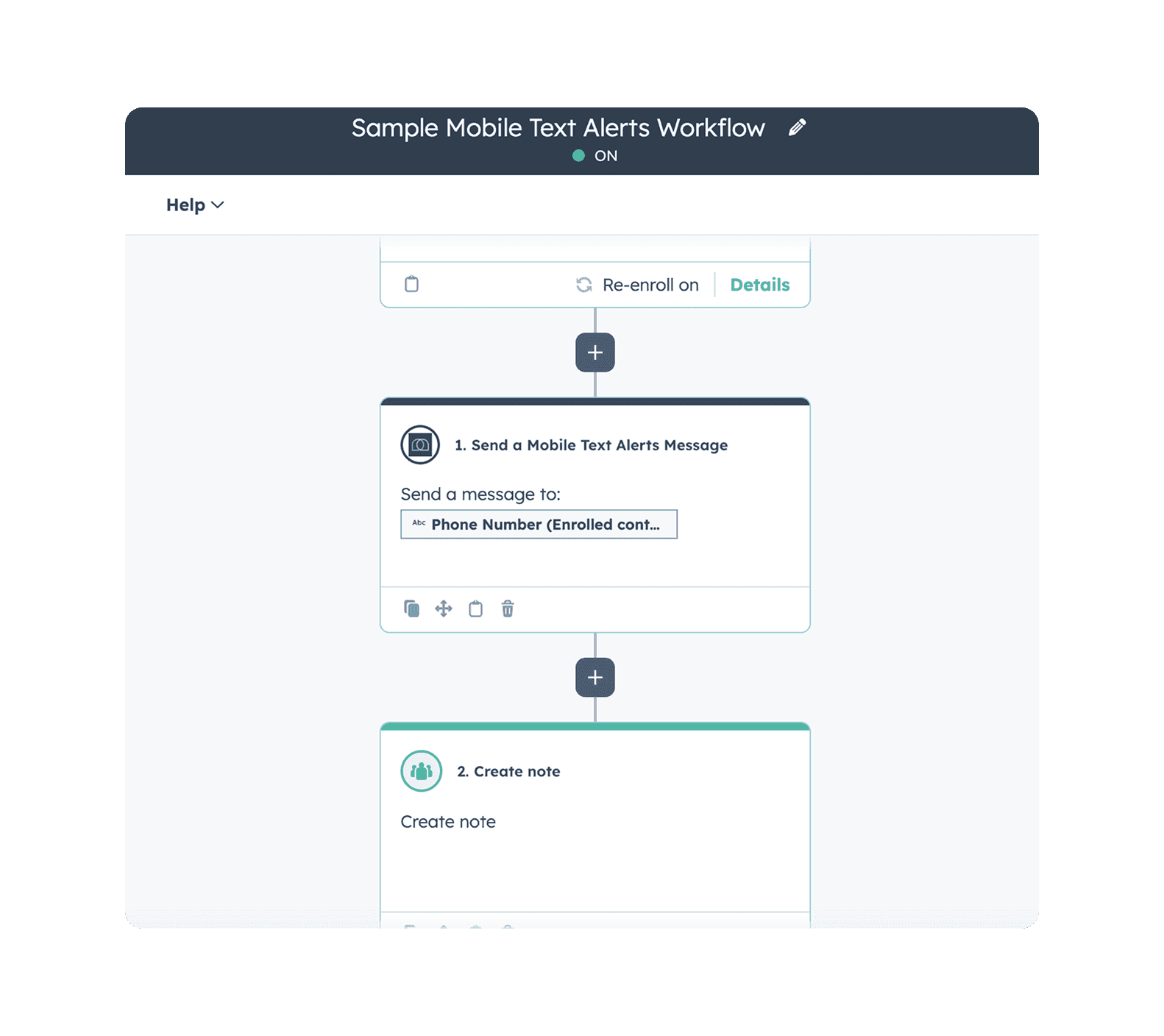
Workflow Builder automation

Send personalized, segmented messages automatically — so the right contact gets the right text at the right time, without manual effort.

Mobile Text Alerts Message Logging icon

Full Message Logging

Every text is recorded back into HubSpot, giving your whole team a complete communication history for every contact.

Mobile Text Alerts Opt-In Forms icon

Opt-in forms

Grow a compliant subscriber list from your existing website and campaigns — no extra tools needed.

Mobile Text Alerts Customer Support icon

White Glove Customer Support

Hands-on help from real experts who know HubSpot and SMS inside and out.

Teams use Mobile Text Alerts to move deals faster (and miss fewer follow-ups)

What to launch in your first 30 days

feature icon

Speed-to-lead follow-ups

Text new inbound leads instantly so reps reach them while intent is high.

feature icon

Meeting confirmations + reminders

Reduce no-shows with automatic reminders from HubSpot activity.

feature icon

Deal stage nudges

Trigger the right message when a deal moves stages (or stalls).

feature icon

No-response sequences

Automatically follow up if a lead doesn’t reply after X hours/days.

feature icon

Renewal & payment reminders

Keep accounts on track with polite, timed texts tied to lifecycle stages.

feature icon

CSAT / review requests

Send post-resolution texts and route responses back to the team.

Camille S.
quote
I love how easy it is for people to opt in and how fast I can send a text alert out. Mobile Text Alerts helped me give my customers an immediate message that I know they'll see faster than an email (if they even check their email). It helped me connect with them and offer deals to help me generate income quickly.
Camille S.
Frank V.
quote
I love using Mobile Text Alerts because it creates efficiencies for my business. I can create vast amounts of clients and have people opt in and communicate in a way that’s really impossible to do any other way... I’ve seen sales go up exponentially.
Frank V.
Rachel R.
quote
Easy to use and can communicate quickly… We use it for relaying important information to 60 tenants in my apartment building. This was a big struggle in the last 3 years. This is a HUGE time saver.
Rachel R.
Decorative circle background

Ready to text from HubSpot on us?

Install the app and get 10 free credits for every HubSpot contact. No commitment, no credit card required to start.

FAQs