



As we become more connected than ever before, government organizations are turning to SMS services as a way to communicate with their teams and with people who use public services.
SMS (AKA text messaging) has become an effective way to send out important alerts, reminders, and updates—and the benefits are countless.
Here we’ll look at how government SMS services work, who uses them, and how to use them to get the most out of this simple but powerful technology.
Why Use Government SMS Services?
Whether you’re a leader in a public library, a municipality, a public park, or anything in between, you need to be able to reach people.
Texting is a simple way to reach people quickly.
Who Uses Government SMS Services?
SMS services are used across a wide variety of government entities.
Here’s a sample.
In General
In general, government-run entities can use SMS to keep all their team up to date on what’s going on. Some of these types of updates include…
- Reminders
- Office closures
- HR updates
- IT issues
- Overtime notices
Examples:
City hall staff: System is currently experiencing connectivity issues. Please standby while IT works on the problem.
Overtime opportunity: tomorrow (Tue 6/8) from 1600-1800. First come, first serve. Reply INTERESTED if interested.
Municipalities
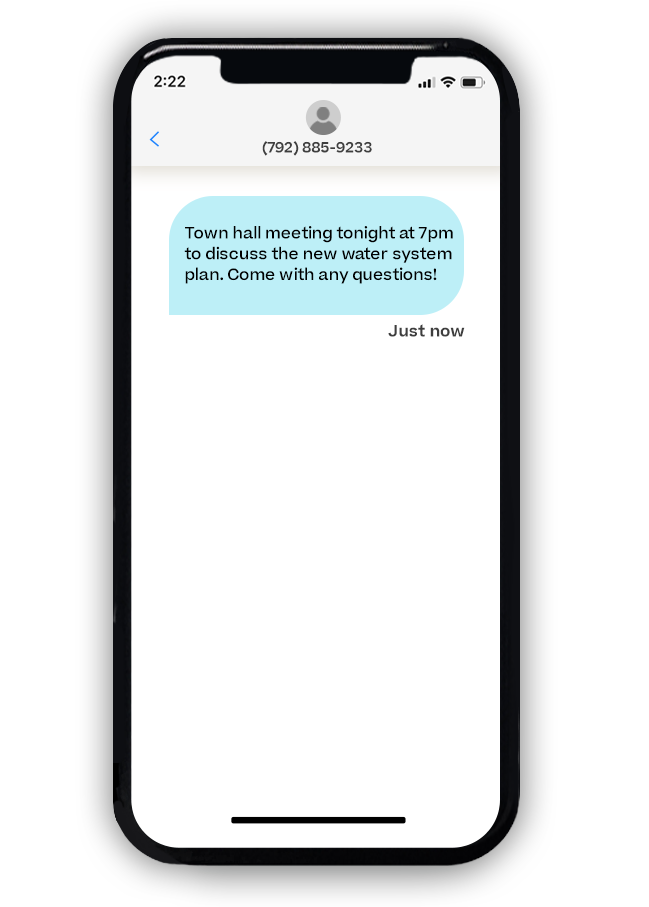
Municipalities can use SMS to let their citizens know about important issues—such as…
- Utility updates
- Public meetings
- Any other public awareness issues
Examples:
A boil water notice is required by the State Water Board over the next two to three weeks (14-21 days) as repairs and upgrades are made to the water plant filtration system. Click here for more information: http://mbltxt.com/xjX
Citywide Spring Cleanup Day - Saturday, April 24th. Please have all items to be picked up at the curb before 7:00 a.m.
Public Libraries
Public libraries can use SMS to connect with patrons about all the events going on in the library—that way, you can drive more awareness to everything that’s going on:
- Event updates
- Reminders
- Team notices
Examples:
Don’t miss the used book sale this weekend at the public! All kinds of books sold by the pound.
The mayor is hosting a storytime hour this Saturday from 10-11am! Register here: http://mbltxt.com/wCJ
Public Transportation
Public transportation can use SMS to let people know about changes in schedule or routes—so that people aren’t left scrambling at the unexpected:
- Schedule changes
- Route changes
- Delays
- Technical malfunctions
Examples:
No service this evening (Wednesday, August 5). A service update for Thursday will be provided by 6 AM Thursday, August 6.
Expect delays this morning, September 29, due to construction along 48th and A St.
Military Recruitment
Military branch representatives can use SMS to help engage recruiters.
Examples:
You’ve been assigned to compete against 4 other recruiters to see who can get the most leads in the month of July! See details here: http://mbltxt.com/wCI
Recruiting contest starts TODAY! Check out all the contest rules here: http://mbltxt.com/wCG
Public Parks
Public parks can use SMS to let potential campers know about whether camping sites are available or full.
Examples:
The Elm and Cedarwood sections are now open for camping!
Cedarwood area has reached capacity. Sorry for any inconvenience!
Health Service Organizations
Health service organizations can use SMS to notify program participants about events and updates, so that you can make sure everyone’s in the know:
- Participant notifications
- Event updates
- Reminders
- Team notices
Examples:
Cancer Treatment Support Group TODAY @ 4:30pm - join us in person or via Zoom. Zoom link: http://mbltxt.com/wmO
Please click the link below to let us know how we’re doing! You’ll be entered into a drawing for a $100 Target gift card for your participation: http://mbltxt.com/wmK
Police Departments
Police departments can use SMS to get in touch with potential recruits about application deadlines.
Examples:
Your application deadline is May 11th at 11:59pm. View application form here: http://mbltxt.com/wmJ
Congratulations on your application being approved! As a reminder, your physical agility test and written exam will be on May 23rd.
How to Use Government SMS Services
The concept of using government SMS services is simple enough, but does involve a few steps.
1. Determine Your Messaging Goals
Figure out what kinds of messages you’d like to send.
Will you be sending solely team updates among your staff? Will you be notifying patrons or citizens about updates and events? Will you be using texts for a combination of different reasons?
Your purposes for your messages will make a difference in how you go about your messaging efforts.
2. Choose an SMS Provider
You can select an SMS platform that will work for your situation and will help you accomplish your goals. (Mobile Text Alerts offers an online platform, a mobile app, and a programmable API, so you can use whichever tool works best for you—or use a combination of tools.)
3. Build Your SMS List
Start building your list of contacts by promoting your SMS program through appropriate means.
If you’re only sending texts to your team, you can simply import your employee list.
If you’re opening up your text list to the general public, you can promote opt-in methods such as text-to-join, QR codes, or a web form on your website, social media, or other marketing channels.
4. Make a Plan for Your Messages
Determine who will be in charge of sending out your messages, how often your messages will be sent, and under what conditions your messages will be sent.
If conducive to your situation and purposes, you can set up pre-filled message templates or drip campaign workflows ahead of time, or you can schedule one-off messages whenever needed.
5. Monitor Your Messages
After your messages send out, you can check on some analytics for those messages to see data points such as:
- Whether each recipient successfully received the message
- What percentage of recipients responded to the message
- What percentage of recipients opted out
How Long Does It Take to Register Your Number for Government SMS Services?
Although I don’t have data on government SMS services specifically, we did run an analysis of 2,997 toll-free number registrations and received insights from a customer support specialist indicating that registrations in general take about 2-10 days.
You can most likely expect your timeframe to be the same.
Try out an SMS platform for free to see how it might work for your organization.
FAQ
Can a government agency text residents who didn't sign up?
Does a government texting number have to be registered?
How much does a government SMS service cost?
What’s the difference between a government SMS service and a mass notification system?
Author bio

Sam Pelton is the content director for Mobile Text Alerts, an SMS service that gives businesses an easier way to reach customers and audiences. He has 12 years of experience working with the texting platform in the areas of customer support, quality assurance testing, content creation, copywriting, and marketing strategy. He’s also a father of 6 and loves a good (bad) dad joke. Connect with him on LinkedIn.