



Explore this content with AI:
“Not yet another article that ranks SMS platforms without telling you which one actually fits your team.”
That’s how an education admin, let’s call her Chloe, might feel after searching for “best platform for internal company SMS alerts” on Google.
These days, having a platform for internal SMS alerts to reach your employees instantly is essential, not optional.
Think about it…
Your education employees are already drowning in notifications from Slack, email, Teams, and a dozen other apps. Even urgent messages get buried. But SMS cuts through the noise. It’s direct, urgent, and is actually read within 3 minutes 90% of the time, according to Validity.
Today, I’ll cover the top 7 platforms for internal team SMS alerts for education (and beyond) in 2026. Each has its own strengths depending on your needs — whether it’s operational updates or time-sensitive communications. And I’ll walk you through what each platform offers and its key features, so you can select the best one for your retail business without the headache Chloe has to go through.
Best Platforms for Internal Team SMS Alerts for Education and Beyond (at a Glance)
| Platform | Best for | Starting Price | Key Strength | Technical Level | Standout Feature |
|---|---|---|---|---|---|
| Mobile Text Alerts | Teams wanting setup support | $20/month | Done-for-you onboarding | Beginner-friendly | White-glove coaching |
| Twilio | Enterprises with strong developer resources | ~$0.0083/SMS | Pay-per-use and API customization | Advanced | Global reach (180+ countries) |
| Textmagic | Pay-as-you-go users | No monthly fee | Flexible pricing | Beginner-friendly | No monthly commitment |
| SimpleTexting | Small business SMS marketing | $29/month | User-friendly interface | Beginner-friendly | Strong integration library |
| Sakari | HubSpot users | $25/month | Seamless CRM integration | Intermediate | Native HubSpot sync |
| Udext | Frontline/deskless workers | Custom pricing | Emergency alerts focus | Beginner-friendly | Two-way crisis communication |
| EZ Texting | Marketing-heavy campaigns | $20/month | AI custom tools | Beginner-friendly | Shutterstock integration |
1. Mobile Text Alerts
Best for: Businesses or nonprofits that want an easy-to-use, fast-deploy SMS platform with reliable internal and external communications.
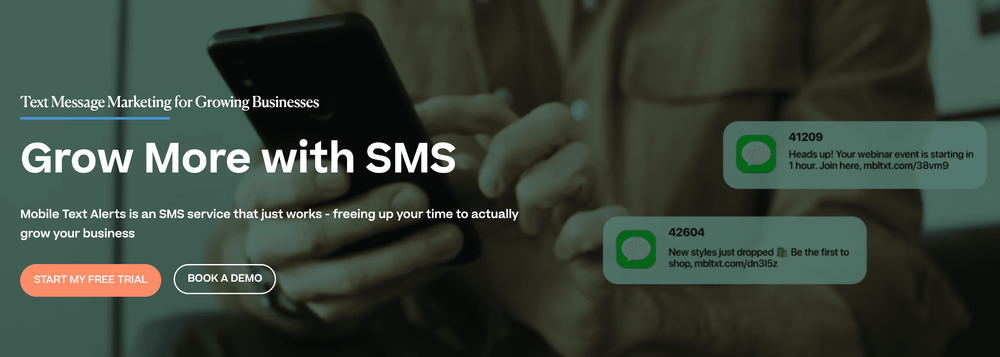
One of the many things users repeatedly complain about with internal SMS platforms is complexity: complaints like complex dashboards, time-consuming learning curves, limited time, and technical requirements that require a developer to navigate.
Mobile Text Alerts helps eliminate that. It has a quick setup, transparent pricing, and robust features tailored to urgent internal alerts, such as multi-user controls and message scheduling.
What stands out about Mobile Text Alerts is their “white glove” treatment - walking prospects and customers through their account to understand its full capability and features, so you’re not left guessing through the setup. It is perfect for an education team, or any other team, with limited IT resources.
Pros
- Done-for-you onboarding with coaching (rare in this space)
- 5-minute onboarding setup
- Unlimited users with no per-seat pricing
- No-code workflow builder for easy automation
- Mass iMessage capability alongside SMS
- AI tools for faster message suggestions and image creation
Cons
- Fewer third-party integrations compared to other platforms like Twilio (though HubSpot, Zoom, and GoToWebinar integrations are available, and you can integrate via Zapier or API)
Key features
- Message scheduling: Plan and send alerts in advance so messages go out at the right time without manual work
- Rollover credits: Unused message credits from the previous month carry over, so you never lose what you’ve paid for
- Ready-made templates: Save time with pre-built message templates for common internal announcements in seconds
- Multi-user admin controls: Manage multiple team members with permission levels for better accountability and compliance.
- Key integrations: Integrates with HubSpot, Zoom, GoToWebinar, and Procore, plus can integrate with thousands of others via Zapier or API.
- Workflow builder: lets you create elaborate, customized SMS workflows tailored to your needs
- Group SMS: Send mass texts from your phone
- Email campaigns: Run SMS and email from one dashboard
- Two-way chat: Respond to customer messages in real-time
- Keyword opt-ins: Let customers join your list via keyword
- Campaign reports: Track performance and subscriber growth
- Contact groups: Enable audience segmentation
- Subscriber management: Make quick contact updates
- Keyword management: Easily edit opt-in keywords and replies
Pricing
- Core Plans:
- 500 messages/month: $20/month
- 1,000 messages/month: $36/month
- 2,000 messages/month: $58/month
- 5,000 messages/month: $119/month
- 10,000 messages/month: $219/month
- 20,000 messages/month: $389/month
- Professional Plan: Up to 1 million messages/month: starts at $500/month
- Enterprise Plan: custom pricing, 1 million+ messages/month
- All prices include carrier fees to avoid hidden charges
Start a 14-day free trial on Mobile Text Alerts Today—no credit card required.
2. Twilio
Best for: Enterprises with developer resources needing extensive API customization and multi-channel communications.
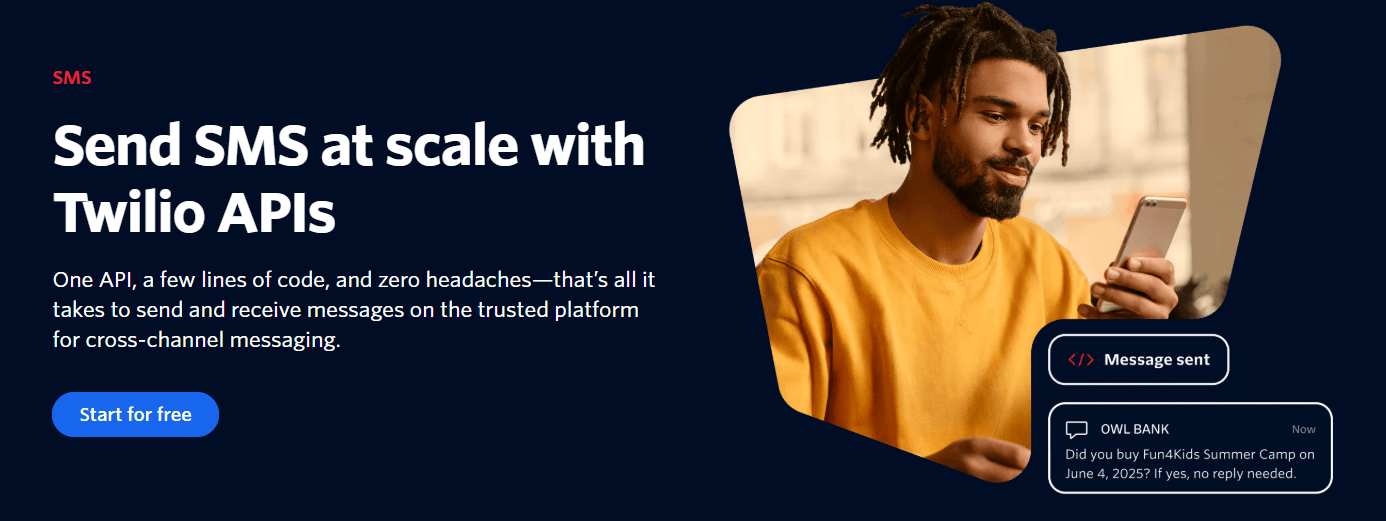
Twilio isn’t your typical drag-and-drop employee texting platform — it’s API first. That means you need developers to integrate it into existing workflows through code.
Twilio gives you greater control if your team runs on custom software or needs an employee texting platform triggered by specific events in your internal tools.
This means you have complete control over building exactly what you need. Set up automated routing based on employee roles or create custom notifications that trigger alerts when conditions occur.
Pros
- Unrivaled customization courtesy of its intense API and developer tools
- Cuts across 180+ countries
- Pay-as-you-go pricing (around $0.0083/SMS plus carrier fees)
- Seamlessly handles high-volume messaging without performance issues
- Multi-channel support (SMS, voice, email, WhatsApp) all on a single platform
Cons
- Requires technical expertise, not suitable for non-technical teams
- Setup and configuration take significant development time
- Pricing can get complex and expensive at scale with add-ons
Key features
- Programmable SMS API: Customize SMS workflows that integrate directly with your existing systems. You can also set alerts to trigger automatically when specific conditions happen.
- Global reach: Twilio operates in over 180 countries, which makes sense if your business spans multiple countries.
- Webhooks and callbacks: Receive delivery receipts and status updates in real time so you know precisely when messages are delivered, read, failed and trigger follow-up immediately depending on your setup
- Event-driven automation: Create different messages to different employee groups based on role, location, shift or real-time conditions. Great for companies with complex internal communication needs.
Pricing
- Pay as you go starting at $0.0083 per SMS
- MMS: starting at $0.02 per message.
- No monthly minimums, but enterprise features require higher-tier plans.
3. Textmagic
Best for: Small- to mid-sized businesses wanting pay-as-you-go pricing with no monthly commitments.
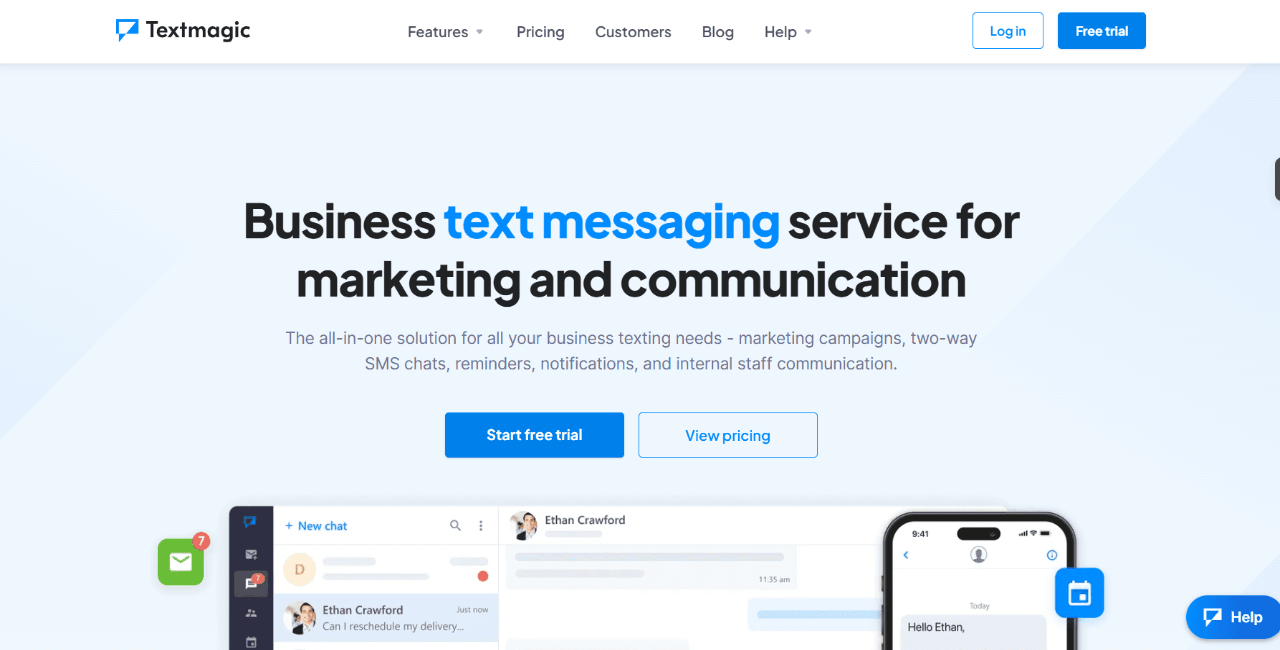
Sometimes, people just want something they pay for only when they use it. It might be due to finance, a small team structure, or another reason. That is what Textmagic does so well.
Textmagic focuses on a mass pay-as-you-go texting platform, making it ideal for nonprofits or businesses that want to pay only when they use the platform, with no monthly commitment.
It also has a simple-to-use dashboard that accommodates both small and large businesses with no technical complexity.
Pros
- Pay-as-you-go pricing
- Easy-to-use dashboard for teams of any size
- Reliable bulk SMS delivery of employee alerts
- No monthly subscription commitment
Cons
- Has limited advanced automation compared to some enterprise platforms
- Sometimes, high-volume messaging may require a dedicated number for best performance
- Fewer integrations than platforms like Twilio
Key features
- Mass Texting: Send messages to large groups of employees at a fast pace
- Pay-Per-Message: Has a flexible and transparent pricing starting at $0.049 per SMS
- Optional dedicated virtual numbers: In case you want numbers for a consistent sender ID ($10/month)
- Simple web dashboard: User-friendly interface for creating and managing internal SMS alerts
- Low-volume friendly: Great for steady, occasional internal notifications with no fear of wasting SMS credits
- List building and subscribe forms: Grow your text list with custom opt-in forms
- Mail merge SMS and templates: Send bulk personalized messages using custom fields
- Two-way SMS chat: Supports real-time replies during or after group sends
- SMS surveys: Get valuable insights instantly from your team
- Reporting and analytics: View delivery stats, response rates, and cost breakdowns
Pricing
- Pay-per-message: $0.049/SMS
- Optional dedicated virtual numbers from $10/month
- No monthly commitment
4. SimpleTexting
Best for: Small businesses prioritizing user-friendly SMS marketing with strong integration options.
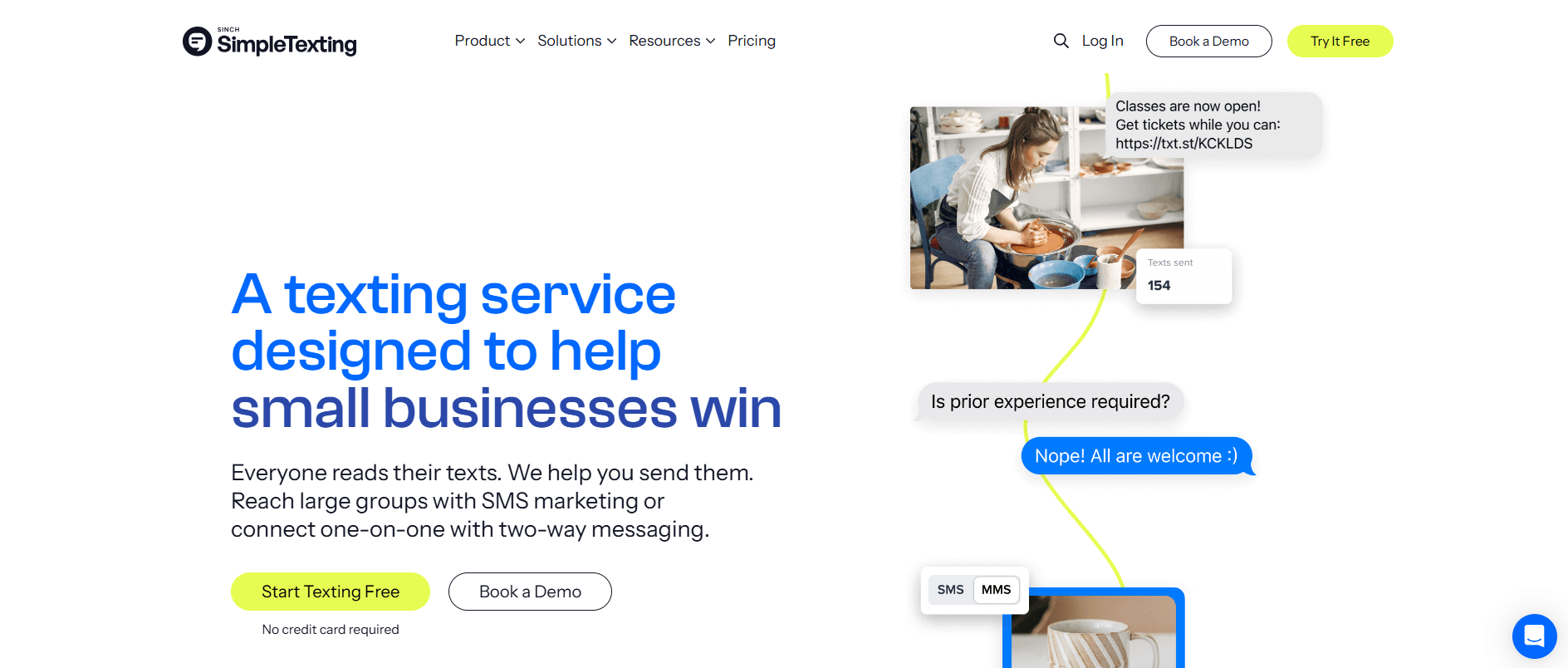
As its “simple” name implies, SimpleTexting is that tool you go to when you need a straightforward way to send routine employee alerts without the stress. It’s ideal for education nonprofits/businesses, or any other types of businesses, that want reliable internal messaging without spending hours onboarding.
People love it for its clean, simple, user-friendly interface, which makes it easy to set up scheduled messages or any alert you wish to create without touching a line of code.
Pros
- Clean, intuitive dashboard that’s easy to use
- Two-way messaging for feedback and responses
- Solid SMS scheduling tools
- A template library you can choose from
- Built-in automation for recurring internal messages
- MMS support when you need to send visual announcements
Cons
- The more the contact, the more your price increases
- Limited advanced workflow capabilities compared to other enterprise text alert platforms
Key features
- Message scheduling: Queue up your internal announcements days or weeks ahead so communications go out on time, even when you’re in back-to-back meetings.
- Inbox management: Gives teams a shared space to manage replies.
- Template library: Save frequently used messages and choose from the templates available
- Contact segmentation: Organize your team by department, shift, location, or role to ensure you get the right people.
- Two-way conversations: Allow employees to respond to check-ins, confirm receipt, or ask follow-up questions
- Automated workflows: Create triggers for recurring messages, such as birthday wishes, anniversary reminders, holidays, or monthly policy updates, so you don’t have to do them manually each time.
- Mass text messaging: Send bulk messages fast.
- MMS support: Send images and long-form messages.
Pricing
- 500 messages: $39/month
- 1,000 messages: $59/month
- 2,000 messages: $89/month
- 3,000 messages: $119/month
- 7,500 messages: $239/month
- 15,000 messages: $409/month
- 25,000 messages: $559/month
- 50,000 messages: $909/month
Additional costs
- $20/month per extra user
- $10/month per additional number
5. Sakari
Best for: Teams using HubSpot who want seamless CRM integration at competitive pricing.
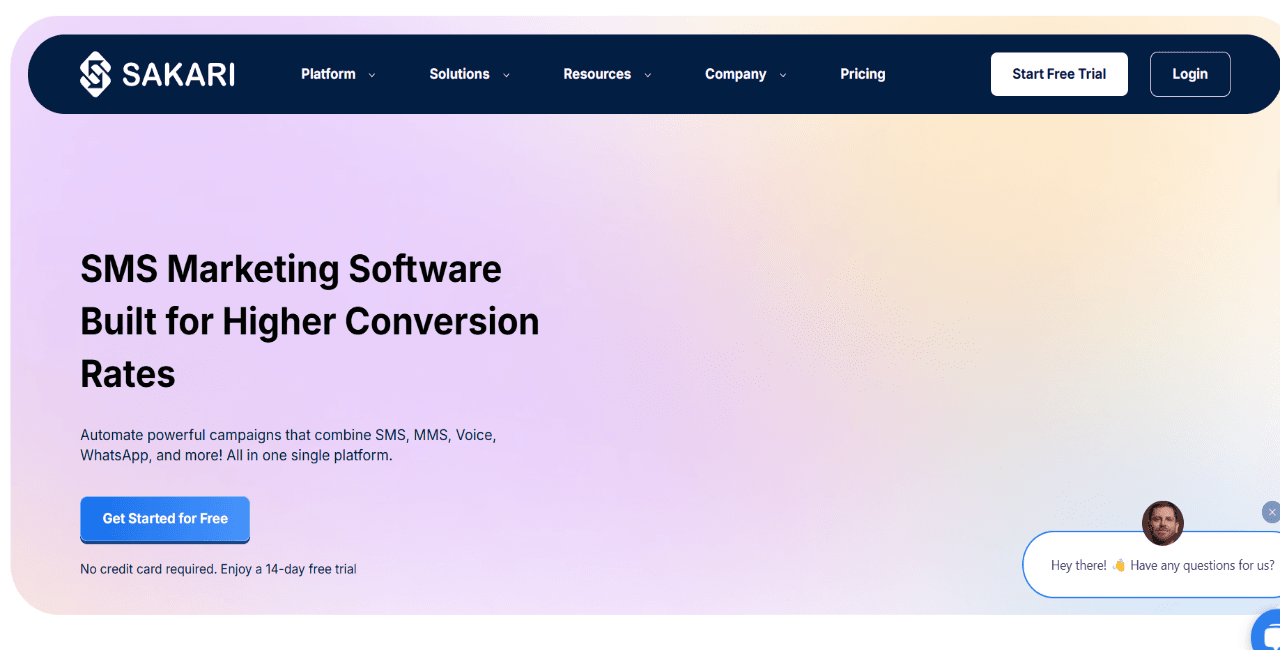
Most internal SMS alert platforms let you send messages. Sakari does more than that. Sakari lets your systems send messages for you automatically, based on what’s actually happening in your business.
What does that mean? Let’s say you’re managing a team that’s spread across several locations or departments, for instance. Instead of you manually checking dashboards and setting up internal SMS alerts, Sakari integrates directly into the tools you’re already using — say, HubSpot, Salesforce, Zapier, and more — so notifications go out the moment they happen.
The platform’s integration strength is what separates it from simpler SMS tools. You can trigger alerts when an employee completes onboarding in your HRIS or push operational updates tied to project milestones.
Sakari isn’t a tool for teams who just want to blast a quick company-wide text. It’s for organizations that need their internal communications integrated with their workflows — where automation isn’t a nice-to-have; it’s essential.
Pros
- Deep integration capabilities with CRM and business tools
- API access for custom workflows and advanced automation
- Supports both one-way alerts and two-way conversations
- Scalable for growing teams without significant platform changes
- Detailed delivery reporting and analytics
- Multi-user account management with role permissions
Cons
- Deeper learning curve if you’re not a technical person familiar with integrations or APIs
- Pricing can get complex as you add features and scale
- It may be too much to handle if you only need a basic, standalone texting platform
Key features
- Contact tagging and segmentation: Organize employees into categories so the message goes only to those you want it to reach.
- Scheduling: Deliver message at times that increases engagement
- Autoresponders: Automatically replies to anyone who completes a specific action — like texting a keyword.
- Native CRM integration: Integrate directly with platforms like HubSpot and Salesforce to trigger messages based on contact updates, deal stages, or custom events.
Pricing
- $25/month for 823 messages
- Unused credits roll over for up to 90 days
- Add-ons available
- Custom plans available for higher volumes and enterprise needs
6. Udext
Best for: Organizations with frontline, deskless employees needing instant emergency alerts and two-way communication.
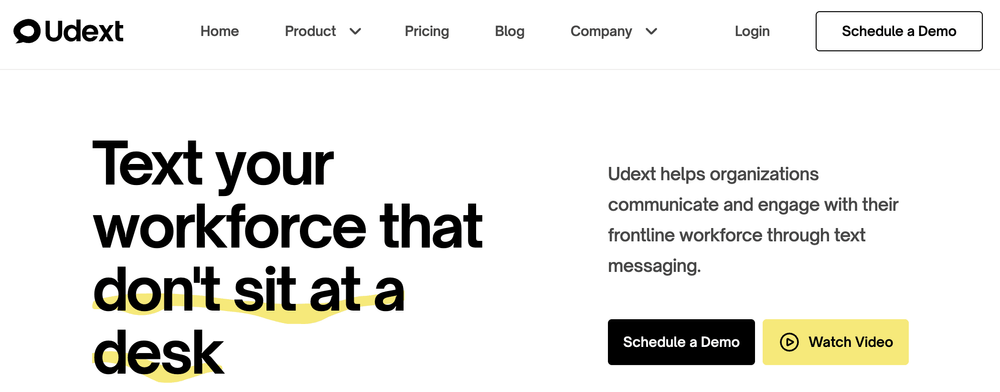
Udext takes a different approach. The platform targets deskless workers, such as those in hospitality, logistics, construction, etc. Workers who, for instance, are on job sites, driving routes, servicing customers or even in a warehouse.
One thing I like about Udext is its different approach. It prioritizes internal SMS alerts for mobile-first employees, with features designed around how deskless teams actually work.
For example, I only stay at my desk when there is a need to, let’s say, edit or write long-form content. I have everything integrated on my phone, down to my clipboard.
So, let’s say I work for a company that uses an employee texting platform that sends internal alerts on desktops, which means I won’t receive the notification until I get back to my system. Meaning dispersed employees like me need a tool built separately, not for office workers. And Udext does this well.
With Udext, you can create an announcement to your employees wherever they are and whenever you want. You don’t have to wait for them to get back to their desks.
Pros
- Purpose-built for deskless and mobile-first workforces
- Scheduling features
- Bulk messaging capabilities for large employee bases
- Scheduling features
- Template library to speed up alerts
- API access to connect other tools used in your existing workflows
- A two-way messaging for quick feedback and follow-ups
Cons
- Less suited for office-based or knowledge worker communications
- Limited third-party integrations when compared to bigger internal SMS alert platforms
Key features
- Bulk contact management: Makes it easy to import and organize large employee lists by different categories.
- Safety alert distribution: Send urgent notifications about hazards, incidents, or protocol changes that reach workers instantly, even in the field.
- Schedule coordination: Schedule messages to send in advance.
- Employee feedback surveys: Send quick surveys via text to employees to gather real-time insights from teams who are not always in front of computers.
- Real-time analytics: Track messaging performance
Pricing
- Custom price depending on your workforce size
7. EZ Texting
Best for: Businesses seeking advanced SMS marketing features, such as AI compose and AI reply integration, across all pricing tiers.
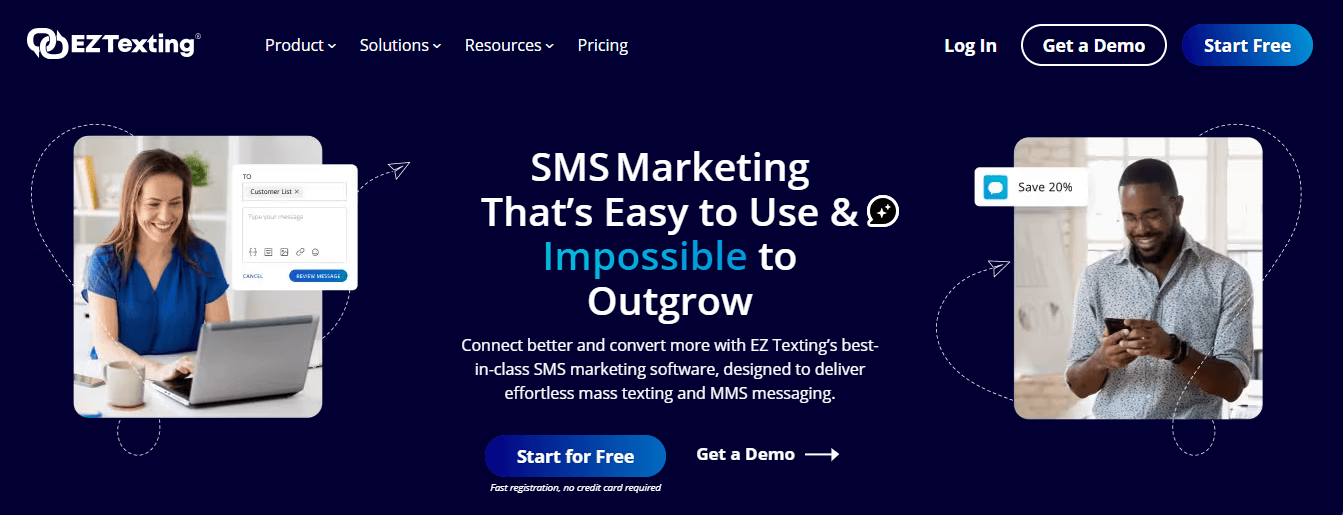
Some employee texting platforms are built purely for alerts.
Others prioritize campaigns.
But with EZ Texting, as with others such as Mobile Text Alerts and SimpleTexting, you have the luxury of both on a single platform. This freedom is what makes it easier for companies to juggle different messaging needs.
Another thing about the internal SMS alert platform is the team inbox setup. Instead of having responses scatter across individual phones, where messages sometimes get lost or forgotten, all messages land in a single shared space. And from there, admins can jump in, reply, and keep track of conversations without disrupting other admins’ work.
EZ Texting is ideal for businesses that want more than just broadcast messaging and don’t need enterprise-grade complexity.
For instance, HR teams can be running periodic check-ins alongside urgent updates. At the same time, operations managers are planning routine shift alerts.
Pros
- A unified team inbox for managing employee responses
- Scheduling capability
- Template library to choose from
- MMS support for visual messaging
- Keywords and auto-replies for common questions
- Detailed analytics on message performance
Cons
- Dashboard can be overwhelming
- Some features need higher-tier plans
- It can get expensive as the contact list increases
Key features
- Team inbox: Centralize all employee messages in a shared inbox so multiple team members can easily reply and track conversations.
- Message scheduling: Send alerts in advance.
- Campaign builder: Create alert campaigns easily.
- Contact segmentation: Categorize teams into segments so that only those who need an alert receive one.
- Keyword management: Set up text-to-join keywords for opt-ins or auto-replies for frequently asked questions, such as “What’s the WiFi password?” or “Where do I submit timesheets?”
Pricing
- Launch: $25/month, for up to 500 contacts
- Boost: $75/month, for 500–2,000 contacts
- Scale: $125/month, for 2,000–50,000 contacts
- Enterprise: $3,000/month, for 50,000+ contacts, 200K messages
- MMS capabilities are available as an add-on
- Volume discounts for larger teams
How to Choose the Best Internal SMS Alert Platform for Education
The difference between a good SMS alert platform for education organizations, or for any business, and a waste of resources often comes down to fit.
I chatted with team heads who use employee alert platforms so that you can make an informed decision. And one recurring pattern I noticed is: “You need something that handles your company’s reality.”
That might be you needing a deskless platform, multi-location coordination, or just getting quick updates out fast without a monthly fee commitment or even a simple setup that requires no technical know-how.
Here are five major factors to consider when choosing the best internal SMS alert platform for education.
1. Look at the key features of its internal company alerts
Although not all SMS alert platforms are created equal, the right tool should have the features you need to handle the basics without hassle.
“One of the mistakes some leaders make is relying on their general knowledge of technical specifications to choose an internal SMS platform, and at the end of the day, it leads to a waste of resources.” — Sara Cemin, the head of customer relations at Helio Cure.
Here are some must-have features in the table below, and why each is essential.
| Must-have feature | Why it matters | Best for |
|---|---|---|
| Scheduling | Send messages at optimal times without manual intervention. | Shift-based teams, multi-timezone operations |
| Templates | Speed up repetitive announcements. | HR updates, safety alerts, recurring notices |
| Contact Import | Quickly onboard large employee lists | Companies with 50+ employees |
| Segmentation | Target specific departments or roles | Multi-location, multi-department organizations |
| Audit Logs | Track compliance and message delivery | Regulated industries (healthcare, finance) |
| Two-Way Messaging | Enable responses and confirmations. | Emergency coordination, feedback collection |
| Analytics | Monitor engagement and delivery success. | Teams optimizing communication |
2. See how it integrates with HR and operations tools
An SMS platform that sits alone, disconnected from your other systems, only solves half the problem.
Even John, the CTO of Helium SEO, backs this up, telling me, “When an SMS alert platform doesn’t integrate with your existing systems, you’ll end up doing things manually, which makes the tool useless.”
The real value comes when your internal alerts can evaluate and act on what is happening with your team in real time. That means integration with plenty of HR and operations tools, like Zapier and others, is a must.
For instance, you want a platform that, when you add a new update to your HRIS, sends an alert immediately. Or when you record a shift change, it notifies those affected.
3. Platform reliability and message deliverability
SMS has a whopping reported 55% open rate and 100% “view rate,” with 90% of messages read within 3 minutes. Yes, that’s why it works for urgent communications. But those numbers are only relevant if the message you sent gets through. Imagine the pain of creating an email campaign, for instance, and more than half of them end up in recipients’ spam folders.
Hugo Dixon said, “Don’t ever be in a rush to purchase an SMS platform and ignore the speed of delivery, especially when they are under pressure to get the job done.” Hugo Dixon is a Marketing Manager for PSS International Removals.
So you want to get this right.
The primary things you should take note of when choosing an internal SMS alert platform are:
- Direct-to-carrier connections and
- A dedicated phone number. (In most cases, shared numbers often get flagged. So you need a dedicated number to have more control.)
4. Check if the pricing models and cost considerations match yours
A typical SMS alert platform has 3 major pricing models:
A. Monthly subscription: gives you a flat rate with set message credits, often between $25 and $39/month for basic plans.
Best for regular, predictable internal SMS alerts. You know what you’re paying upfront.
B. Pay-as-you-go: It charges per message, around $0.049 per SMS.
Best for organizations seeking an employee texting platform for low-volume or occasional use.
Note: The cost in this model accumulates when you send alerts regularly.
C. Per-message billing: It offers flexibility but incurs variable costs. Some platforms charge differently for SMS vs. MMS, or add fees for delivery reports.
Best for businesses with fluctuating volume, but harder to budget.
Some other things you should keep in mind as far as pricing is concerned:
- Carrier fees that aren’t included in the advertised price. Some platforms bundle them in, others add them later as surprise charges. Platforms also require businesses to complete 10DLC or toll-free number verification to improve deliverability and comply with carrier regulations, and may charge extra for phone numbers.
- Tiered features, where the entry price only gets you basic sending. Segmentation, scheduling, or analytics require upgrading.
- Unused credits on monthly plans if your volume is inconsistent.
- Match your pricing to your usage. Regular alerts? Go monthly. Occasional emergencies? Pay-as-you-go makes more sense.
5. Ease of use and administration
The truth about SMS alert platforms for education or any other type of business is that if your team needs a developer to send a simple alert, the platform is too complicated.
Internal SMS tools should be easy to use for everyone, not just IT.
The best platforms are easy to use and have a simple dashboard that lets you send your SMS alert in a few minutes: upload contacts, pick a template, and hit send. Done.
The other thing to look out for in this step is the admin setup. Multi-admin roles matter if multiple people manage communications.
You don’t want everyone having full system access. Role-based permissions keep things secure and allow team members to access only what they need. It’s similar to the way a paper writer service operates behind the scenes—clear structure, defined access, and a focus on delivering exactly what’s needed without overcomplicating the process.
Ease-of-use checklist
- Intuitive dashboard that doesn’t require training
- Template library for common alerts
- Bulk contact import from CSV
- Drag-and-drop message builder
- Multi-admin roles with permissions
- Step-by-step onboarding support
Start Sending Smarter Internal SMS Alerts
All employee texting platforms that made the list in this guide can prove invaluable in their own ways. The best part of these easily accessible platforms is choosing the one that aligns with your goal.
Whether the goal is to get something with developer-level customization, or something simple that doesn’t require any technical prowess, the key is to choose what actually works — not the one with a long list of features.
Most of these platforms offer free trials for new customers. Start with one that matches your goal and test with a small team first. If you want hands-on support from day one, Mobile Text Alerts offers a 14-day trial with no card required.
Frequently Asked Questions
What makes an SMS platform ideal for internal company alerts?
How do internal SMS alerts differ from marketing messages?
Are these platforms secure for sensitive employee communications?
What types of integrations should companies look for?
How can companies ensure high delivery rates for urgent alerts?
Author Bio
Afolabi Joseph Jacob is a freelance B2B SaaS writer for clients like Insider, Podchaser, and Cirrus Insights, as well as several ghost clients. Joe focuses on clarity and simplicity to write value-packed content for B2B SaaS brands. Find him on LinkedIn here.