



When searching for an email marketing service, you’ll see messages like “level up your email marketing game” or “streamline your workflow.” Some will also promise all-in-one tools for multi-channel engagement at an affordable price.
It may sound appealing in theory, but it’s not enough to make an informed decision. Think about a tool that promises to be simple and budget-friendly. You decide to buy it only to find out that you spend all day setting up a campaign. Or that you have to pay more to get important features.
As a small business owner or marketer with so much on your plate and many tools available, finding the best solution for the job isn’t exactly a no-brainer. But I did the research for you, and handpicked the best email marketing services to choose from.
I narrowed them down by going through user reviews and email tool guides, exploring their features, and checking their pricing. And that’s exactly what I’ll share to help you through the selection process.
Let’s dive in.
Best Email Marketing Solutions for Small Businesses
Here’s a detailed review of the best email services, their pros and cons, and pricing to help you select the right one for your small business.
1. Moosend - Best for affordability and ease of use
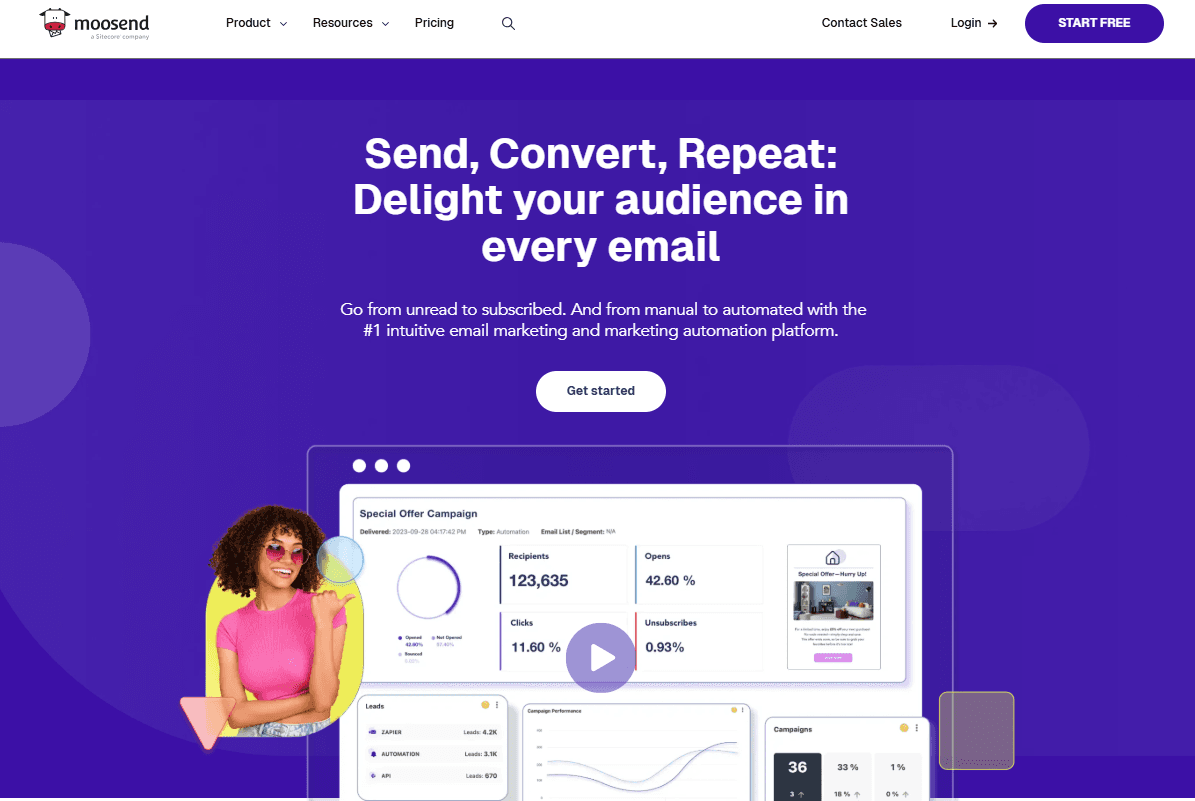
Moosend is a popular email tool that focuses on simplicity. It combines intuitive navigation, a modern interface, and easy-to-implement features.
With an affordable price tag, Moosend becomes a great email service for small businesses, startups, and bloggers that may want to start small. But since it comes with all core email marketing features, it also serves SMBs when they’re ready to scale or larger companies that are already there.
A library of 130+ built-in email templates and a fast drag-and-drop email editor help you craft beautiful campaigns without changing between tabs or requiring design skills. You can choose from a range of content blocks to customize your email, like videos and countdown timers.
Before hitting “send,” you can preview how your email looks across devices and run spam tests to ensure it lands in inboxes as it should. Want to send your campaign later? Just use the email scheduling option and reach your recipients at a time that suits both of you.
Moosend allows you to track audience actions on your website and use them to trigger campaigns through a visual automation builder. There’s also the option of tweaking a pre-made workflow, like a follow-up survey to evaluate the customer’s experience, and then letting it run on autopilot.
What makes Moosend stand out:
- Visually attractive and intuitive interface
- More than 130 responsive, fully customizable email newsletter templates
- Conditional content blocks to personalize email sections based on subscriber behavior and characteristics
- Advanced automation allowing you to set up workflows with 25+ triggers
- Sophisticated audience management and segmentation using tags and custom fields
- Drag-and-drop functionality for quick email, landing page, and form creation
- Real-time email analytics that go beyond opens and clicks to click maps, device and email client breakdowns, etc.
- 98% delivery rate to reach inboxes every time
- Unlimited email sends on all tiers (free trial, too)
Where it falls short:
- Limited native integrations (though you get more through Zapier)
- No dedicated CRM tool
Moosend pricing:
- Low-tier: Pro plans start at $9/month (or $7/month if billed annually) for 500 contacts and most of the software’s tools, including their SMTP server
- Credit option for occasional sending: Yes
- Free trial/plan: 30-days free trial with most features in, plus email and chat support
2. Constant Contact - Best for straightforward list management
Constant Contact has built a reputation as a reliable email solution. Small and mid-sized businesses turn to it because it offers a clean interface and robust features that anyone can easily grasp, even with no technical skills or a large budget. But it’s also popular with event marketers, agencies, and nonprofit organizations.
The beginner-friendly email builder makes email creation and customization a breeze. All you need to do is browse through the hundreds of professionally designed email templates, find the one that suits your needs, and tweak it as you like.
For instance, you may change colors and fonts so they match your company’s branding. If you want to save time, just save the layout as a template to reuse in future emails.
Do you want to extend your reach on more channels? You can share your email on social media and schedule your posts directly through the platform. And there’s more since Constant Contact allows you to combine SMS and email, offering a handy editor to create text messages.
Event promotion and management features are another advantage of Constant Contact, letting marketers accept online payments or donations without leaving the software.
What makes Constant Contact stand out:
- Simple and user-friendly navigation through functions
- 200+ email templates with mobile-friendly design
- Ready-to-use list segments and all the tools to build your own with a few clicks
- Option to create polls and surveys and embed them in your email
- AI Content Generator to create multi-channel campaigns even when out of inspiration
- Dedicated mobile app to perform tasks like creating emails or managing contacts on the go
- Lead generation tools, such as forms, landing pages, and social media ads (Facebook, Instagram)
- Top-notch phone and chat customer support on all plans (plus priority on Premium)
- Hundreds of integrations with popular platforms
Where it falls short:
- Limited design flexibility according to user reviews
- More advanced automation available only in high-priced plans
Constant Contact pricing:
- Low-tier: Lite plans start at $12/month for 500 contacts, including most email features, 1:1 onboarding, and social media marketing
- Credit option for occasional sending: No
- Free trial/plan: 14-days free trial, including all email templates and integrations
3. Brevo - Best for omnichannel campaigns
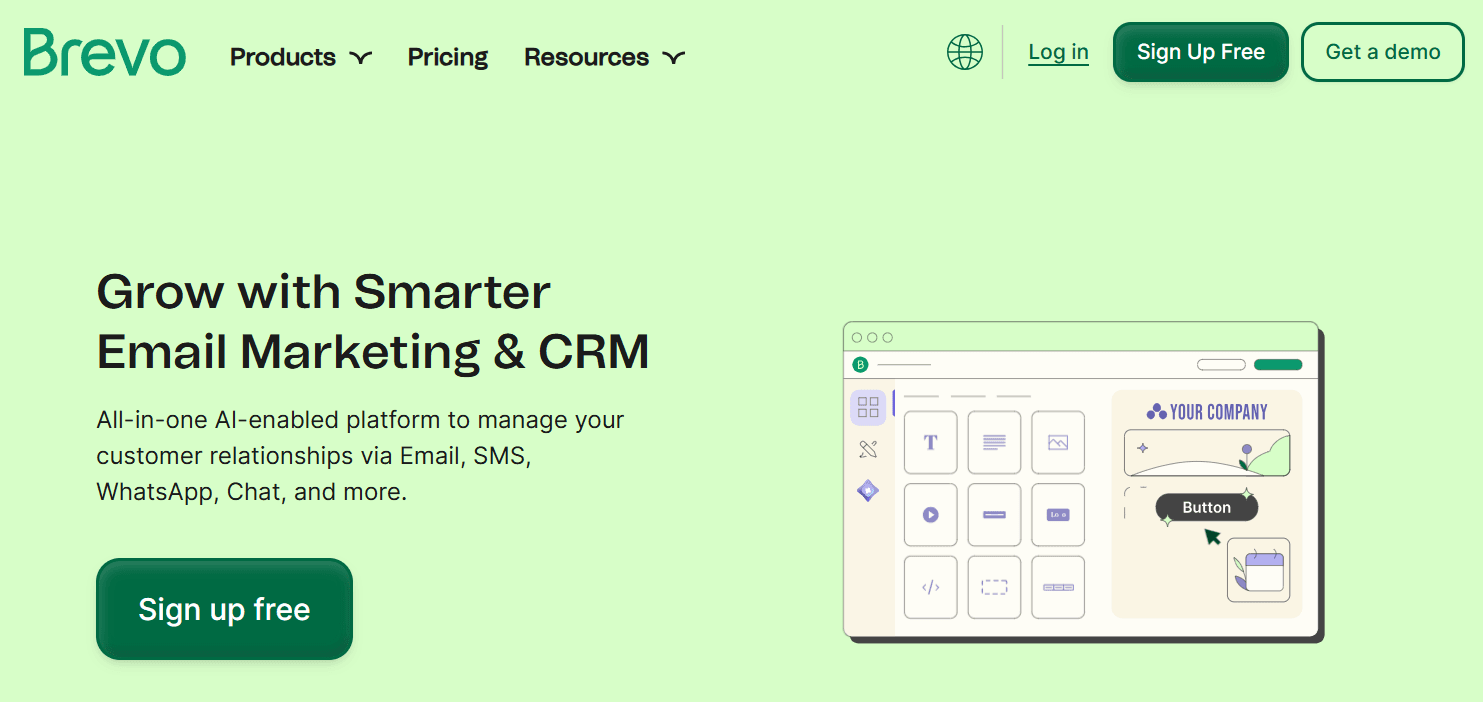
Brevo has grown from an email-focused tool to an all-in-one solution that helps small and medium-sized businesses manage different marketing parts. Starting with email, you’ll find a handy email builder to tweak a pre-designed layout by rearranging components as you see fit.
If you’re comfortable with coding, there’s an HTML editor where you can paste your email design, or you can use the import option to upload an existing template. Once you do, consider saving it so it’s ready for future campaigns.
Besides newsletters and promotional campaigns, you can use Brevo to send transactional emails. This email service excels in omnichannel marketing, too. With a single tool, you can create effective campaigns across channels like SMS and WhatsApp.
It also comes with a built-in CRM, allowing you to store, manage, and track all customer data. List segmentation becomes seamless since you have flexible options like importing contacts, organizing them into folders, and duplicating lists.
What makes Brevo stand out:
- Several email creation options, choosing between a drag-and-drop builder, a simple text editor, and an HTML one
- SMTP server to automate marketing and transactional emails
- AI-powered predictive sending to reach each subscriber at the optimal time
- Ability to manage channels like email, SMS, WhatsApp, and social media ads in one place
- Powerful automation with conditional split rules and many triggers ranging from website behavior to loyalty program activity
- Flexible pricing with unlimited contacts in most plans (not the free trial and low-tier)
- Free plan with 300 daily emails, up to 2,000 subscribers, and basic features
- Excellent deliverability rate (99%)
Where it falls short:
- Limited email template selection (40+) and customization options
- Only email support in free and low-priced plans
Brevo pricing:
- Low-tier: Starter plans start at $9/month for up to 2,000 contacts and 100,000 email sends (but you must pay to remove Brevo branding)
- Credit option for occasional sending: No
- Free trial/plan: Free plan with 2,000 subscribers and 300 emails, plus features like email templates, AI content generator, and retargeting ads
4. EmailOctopus - Best for simple email needs
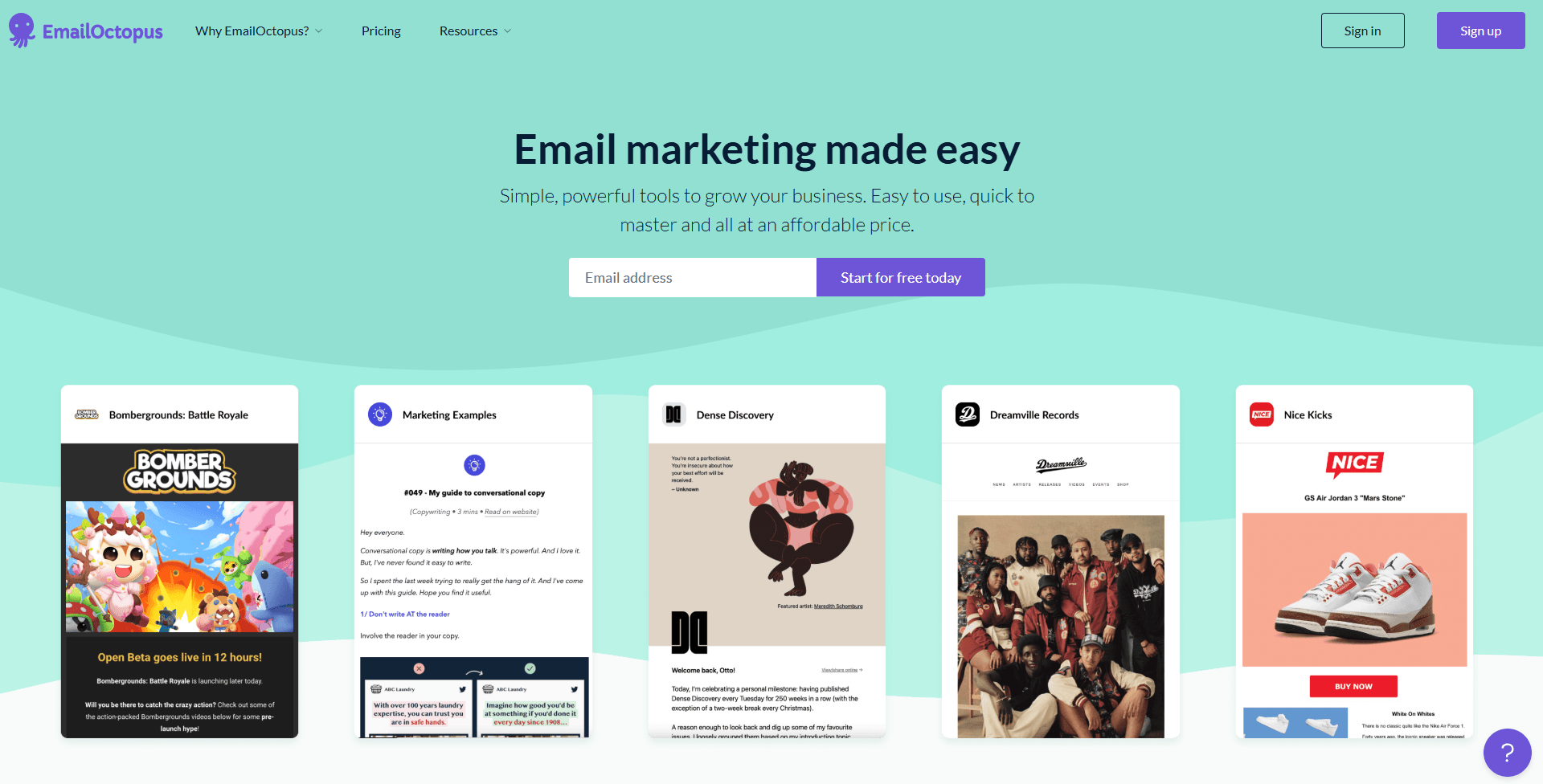
EmailOctopus has established its presence as an effective tool for SMBs or any company with relatively simple needs. It’s also popular among creators and freelancers who need a cost-effective (or even free) tool to communicate with their audiences.
Using its drag-and-drop email creator and more than 30 pre-built email templates, you can design professionally-looking emails. As for how to tweak them, you just have to add blocks like videos, social follow buttons, or their logo, and edit elements like the colors or buttons.
Apart from using the drag-and-drop functionality, there’s also the option of coding your own email, saving it as a template, and selecting it for any new campaign.
What about email automation? EmailOctopus offers ready-to-implement workflows to welcome, onboard, and re-engage subscribers (and other common cases). There’s also a variety of triggers to choose from, including when a specific date (like the recipient’s birthday) is reached.
What makes EmailOctopus stand out:
- Simple set up with minimal learning curve
- Option to re-send a campaign to non-openers
- Straightforward segmentation with options to tag subscribers based on their location, preferences, or lifetime value (e.g. VIP customers)
- Built-in email authentication method, plus clear instructions to guide you
- List-building tools like signup forms and landing pages
- More than 80 integrations with survey tools, appointment platforms, CRM, and more
- Comprehensive and affordable pricing scheme
- Generous free plan with 2,500 contacts and 10,000 emails/month
Where it falls short:
- Small template library and limited design customization
- No SMTP connection for transactional email sending
- Poor customer support based on user reviews
EmailOctopus pricing:
- Low-tier: Pro plans start at $9/month for 500 recipients, 10,000 monthly emails, plus unlimited users, landing pages, and forms
- Credit option for occasional sending: No
- Free trial/plan: Free plan with up to 2,500 subscribers, all email templates, and list segmentation (but email reports only available for 30 days)
5. SendPulse - Best for all-in-one marketing
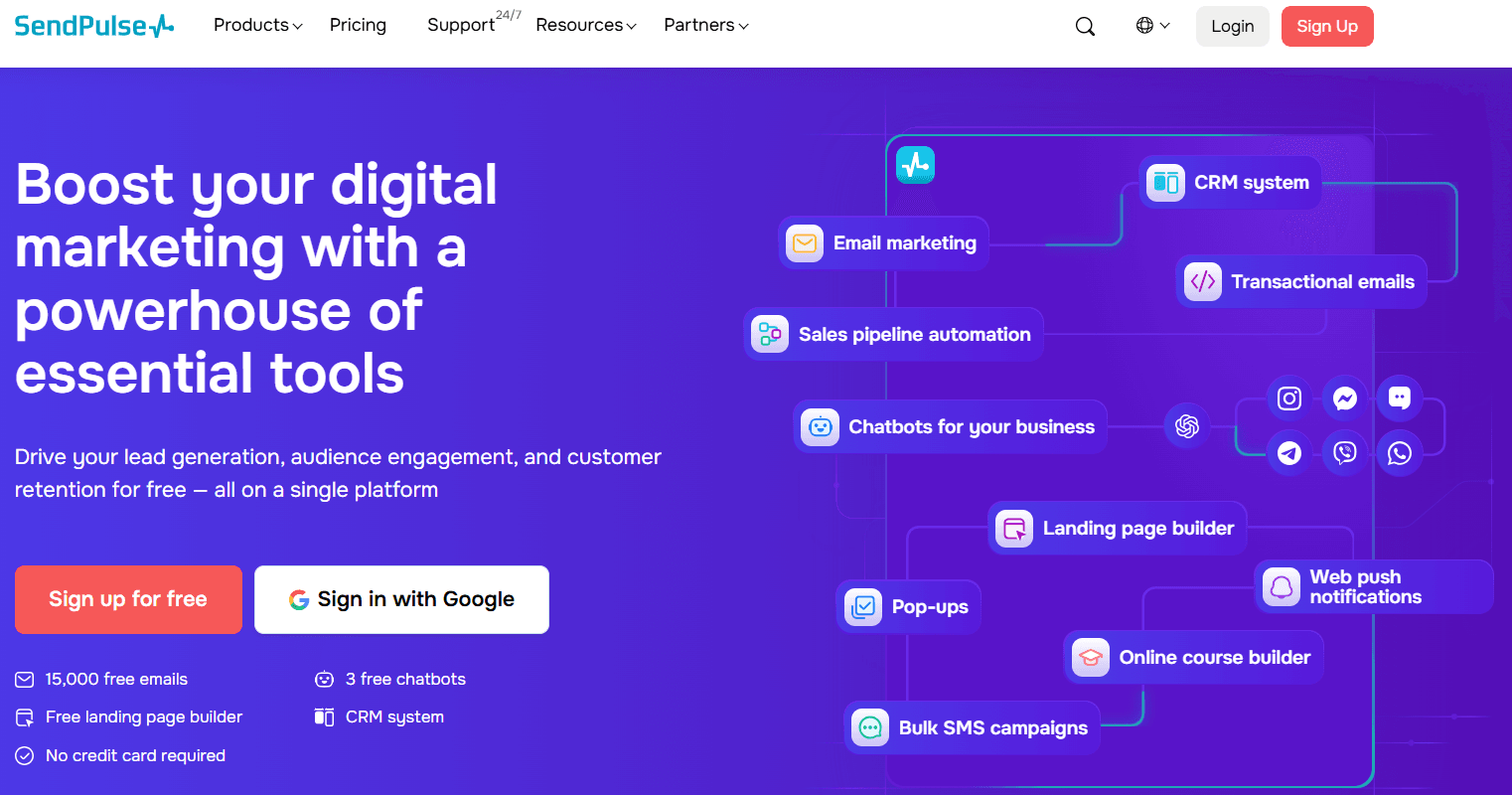
SendPulse is an email automation service that offers helpful features at a low price or for free. An easy-to-use interface, unlimited emails, and 24/7 live support are just some of the reasons why agencies, online stores, and creators turn to it.
But where SendPulse excels is in deliverability, despite the fact that you may use it to send bulk emails.
The wide variety of templates offered ensures you’ll find a design for any purpose. The drag-and-drop editor lets you change the fonts, colors, and backgrounds to match them with your unique identity. You’ll even find ready-made components like footers and unsubscribe links so you can tweak and save them for future use.
Another strong point of this email marketing service is its dynamic segmentation, which automatically tracks audience behavior and groups recipients in real-time based on certain conditions. SendPulse also offers additional functionalities like CRM, SMS, chatbots, and push notifications if you don’t want to juggle multiple tools.
What makes SendPulse stand out:
- Flexible email editor and more than 130 responsive templates for different industries
- Smart personalization to tailor your email content based on criteria like recipient gender, location, or age
- Email verifier to check a single email address or entire lists
- Embedded anti-spam checker with deliverability recommendations
- AI-based tools for multiple functions, such as creating and improving email copy or translate it into 10 languages to better engage international audiences
- Impressive toolset combining chatbots, SMS, transactional emails, and push notifications
- Wide range of resources to get you started, including a SendPulse Academy with online courses
- 24/7 live chat support for all users
Where it falls short:
- Lacks flexibility during campaign customization
- Inconsistent deliverability
- Email verification tool blocking even legitimate customer addresses, according to users
SendPulse pricing:
- Low-tier: Standard plans start at $9/month for 500 recipients and unlimited emails (only 10 flows and segments, though)
- Credit option for occasional sending: Yes
- Free version/plan: Free plan with 500 subscribers, 15,000 emails, and basic features
What to Consider Before the Final Choice
Still confused about which aspects to prioritize? Here’s a list of key things to look for in an email marketing service:
- Email templates and customization options: This is a core feature that helps you save time. Most services provide users with a template library for different occasions and industries. Make sure they’re fully customizable so you can easily tweak every section and asset as needed (for example, adding your logo).
- Flexible drag-and-drop email editor: An invaluable tool for building emails with no code, even as a beginner. At a minimum, it should let you rearrange and tweak elements like images, videos, and buttons. But extra widgets like product blocks, social media icons, surveys, and countdown timers are necessary, too. Also, check for email preview options to see how emails render across devices and ESPs.
- List management and segmentation: Proper list management is a key ingredient of effective personalization. You should be able to build custom segments based on shared characteristics like subscriber preferences and past behavior. Some platforms use tags and custom fields to help you categorize recipients. Easy contact import and export are also essential to streamline the process.
- User-friendly email automation: Reaching each recipient at the right time with targeted promotions maximizes effectiveness. But the right platform will also offer easy to set up automation with visual automation builders and customizable built-in workflows. With these features, you’ll create more advanced journeys, selecting from various triggers and conditional steps.
- Excellent email deliverability: A platform with great deliverability ensures your emails get into inboxes, which is even more important when you’re sending bulk campaigns. It provides you with a good sender reputation and proper infrastructure to reach your audience. Then, all you have to worry about is maintaining that reputation by following email marketing best practices.
- Efficient customer support: As a small business owner, you may need guidance as to how to achieve full potential. Although resources like Help Centers, webinars, and blogs are useful, you also want to contact human representatives through at least two channels. Make sure you get that regardless of the plan instead of falling for a free version with no customer support options.
- Extended list of integrations: Your email software isn’t the only tool you need. So, it should seamlessly integrate with other apps in your marketing arsenal, like your CRM, SMS solution, and ecommerce platform. That way, it will be easier to organize different aspects of your digital marketing without spending too much time on it.
Select the Best Email Service for Your Small Business
I’ve shared my top picks that offer essential features to get the most out of your email marketing efforts. While most of them are ideal for SMBs, they’re also scalable so you can add more capabilities without breaking the bank.
The best part is that all of them offer free trials or plans, making it easy to test their functionality before committing to a paid plan. After that, it all comes down to deciding on which features you absolutely need.
This doesn’t mean compromising value just to save money. You should make sure that your tool of choice offers key features at a reasonable price. Even if you’re not planning to use every tool just yet, it’s important to consider future growth and whether your software will follow through.
Lastly, look through user reviews for the full picture. Watch for hidden fees or features reserved for expensive tiers. At the end of the day, it’s a matter of balance. So, research tools, sign up for their free trial or version, and see what suits both your current and future needs to find the perfect match.
Author Bio

Maria Fintanidou works as a copywriter for email marketing automation software Moosend, having created the Help Articles (FAQs) and overseen the platform’s translations in Greek and Spanish. She loves exploring new cultures and ways of thinking through traveling, reading, and language learning.