


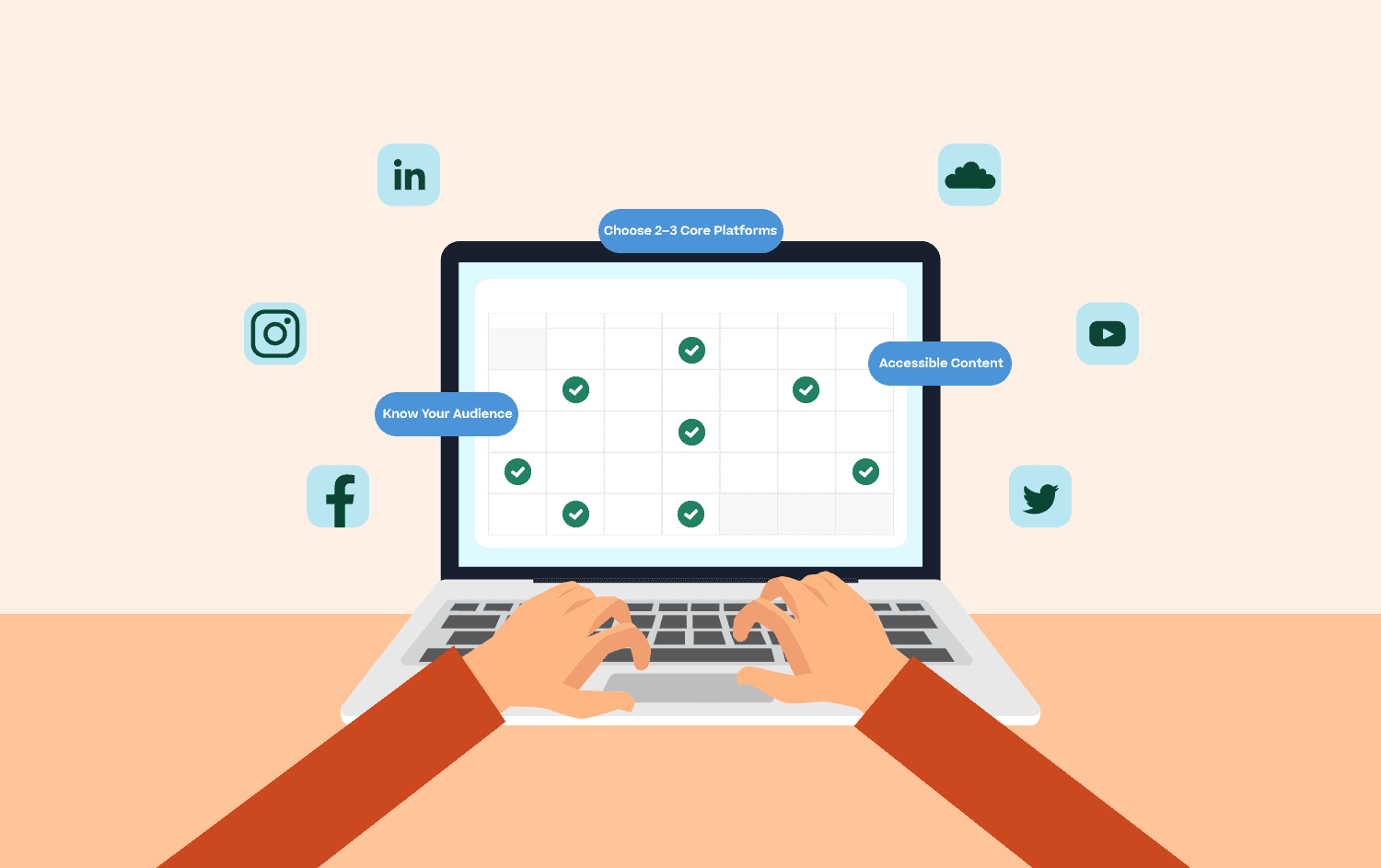
Social media will open you up to the world and keep you visible in your followers’ eyes.
87% of online shoppers think that social media can help with making purchase decisions, so it is really worth putting your time and effort into your social media appearance.
So if you haven’t developed a solid social plan (or are looking to expand your current one), how do you get started?
Here’s my advice, based on 14 years of marketing experience and 7 years of experience as a social media marketing entrepreneur.
Plus, I’ll give you some advice for the realm of accessibility in particular.
First consider: where are your customers hanging out?
Here are some things to think about:
- Are you B2B or B2C? If the former, definitely make sure you have a LinkedIn company page - you won’t need to constantly update this, but your personal LinkedIn profile should share stuff from it.
- Is your product ‘imagey’ or ‘wordy’? This will help you decide whether to concentrate more on Instagram (more geared toward images) or Facebook (better for text-oriented content). There are many social platforms in existence today, but these are still the 2 big ones.
- For longer videos, you may want to look at posting on YouTube, and then using the link to that on your copy for other platforms. This is a great way to explain how products work, and you can also build a community on YouTube if you have lots of videos.
- If you have been discouraged by X, you may want to look at transferring your content for it to a decentralized social platform like Bluesky, which follows the same format but doesn’t yet have all the negativity associated with X. It is very popular with the 3rd sector, so it’s a great place to reach a new audience.
- You’ve identified some platforms where you will find your ideal customers, but don’t invest your time in too many; it is better to use 2 really well than spread yourself too thinly among several.
- Register your handles! If possible, you should keep the same name on all of your social media platforms, and ideally it will be your company name so you are recognizable.
Content! What will your followers be expecting to see on their feed from your social media page?
More people will react with your posts than specifically go to your page so don’t worry about repetition (too much - Facebook will deprioritize posts it deems are the same, yet at the same time, they only release new posts to a very low percentage of your followers initially, and then increase those who can see it depending on reactions, so even if you do repeat, you can almost guarantee it won’t be seen twice!).
Don’t forget business-related notices like company news, reviews and corporate social responsibility, as well as time-pressured notices such as event announcements and special sales.
It’s important not to panic if you feel your posts aren’t doing as well as you think they should be doing. Facebook, in particular, wants to prioritize individuals over business pages, and this means that repetition is not something you should be afraid of.
When to post?
Don’t worry too much about strictly following ‘best time to post’ advice, as the algorithm will ensure your followers will see your post when they are online. Lunchtime is always a good bet if you are unsure, and we are finding with some clients that reactions don’t start until the post has been up for 24 hours. If you’re new to a social platform, use your first few months to see how it goes with organic posts before even thinking about budgeting for an ad spend. If you can, share your posts to groups, as these will then be classed by the algorithm as conversations.
Facebook and Instagram show you analytics regarding how your posts are performing - and using these, you can work out when the majority of your followers are online, and then schedule your content to appear at those times. For X (formerly Twitter)/Bluesky/Threads and LinkedIn, it is best to open an account with a scheduler like Buffer or Nuelink whose software can analyze your followers and calculate when the optimal times to post are.
Corporate social responsibility
Did you know that 70% of consumers will consider the ‘niceness’ of a brand before buying? It’s really worth thinking about doing things that will have a positive impact on the world and society to tell your followers about, and it helps you stand out in a crowded marketplace. If you are not sure about something you can physically ‘do,’ why not set up a donation to charity via organizations such as Work for Good?
Make your content accessible
Accessibility is one element of social media that businesses often don’t think about.
Make sure people who can’t hear, those in noisy environments, and those who use screen readers can also understand your brand messages with these tips:
- Capitalize the beginning of each word in a hashtag to make them screen reader friendly - screen readers will recognize that a capital letter indicates a new word and will read accordingly. #ScreenReaderFriendly
- Ensure accuracy on subtitles by manually adding them yourself on YouTube or by using a website like Rev. If your budget is low, Google Docs has an audio writer - open a new doc, hold your video to a microphone, and the software will recognize your words as text. You can also edit subtitles in YouTube or Kapwing.
- Screen readers only recognize abbreviations when there are periods (full stops) between each letter. Seeing Social mentions corporate social responsibility a lot, and to save letters, we use ‘C.S.R.’ on image descriptions.
- Make sure every image you upload has its description added to it so screen readers have something to read that isn’t programming gobbledegook. I’ve added some specifics on how to do this in the checklist for each platform below.
Finding followers
Your first action, after setting up a first post and devising your strategy, should be to invite all your friends to like/follow - these people love you and will want to support you.
But many of them may not be that interested in your product/service, and the best way to up the follower count on Facebook and Instagram (for example) is through paid advertising.
You’ll need to set up an ad account on Meta to do this, and you should think about a minimum spend of around $400 a month - you can target profiles that meet your ideal customer demographic and choose whether you want them to like your page or go to your website. You can also do this on LinkedIn separately - a higher ad spend is recommended for LinkedIn.
Checklist for organic posts on each platform
Using the platform specific guidelines below (with a particular emphasis on accessibility), I suggest that every post have the following…
- A short description from the article you are linking to, with a strong call to action so followers know what to do (click through to read, book, watch).
- Ensure all abbreviations are punctuated (i.e. B.B.C.) and #PascalCase (capitalizing the first letter of each word) is used for any hashtags in the main text so they are recognized as separate letters and words by screen readers.
- Attach an image or photo to make your post stand out. Ensure alt text is included in the image description tool and in the main post, as below:
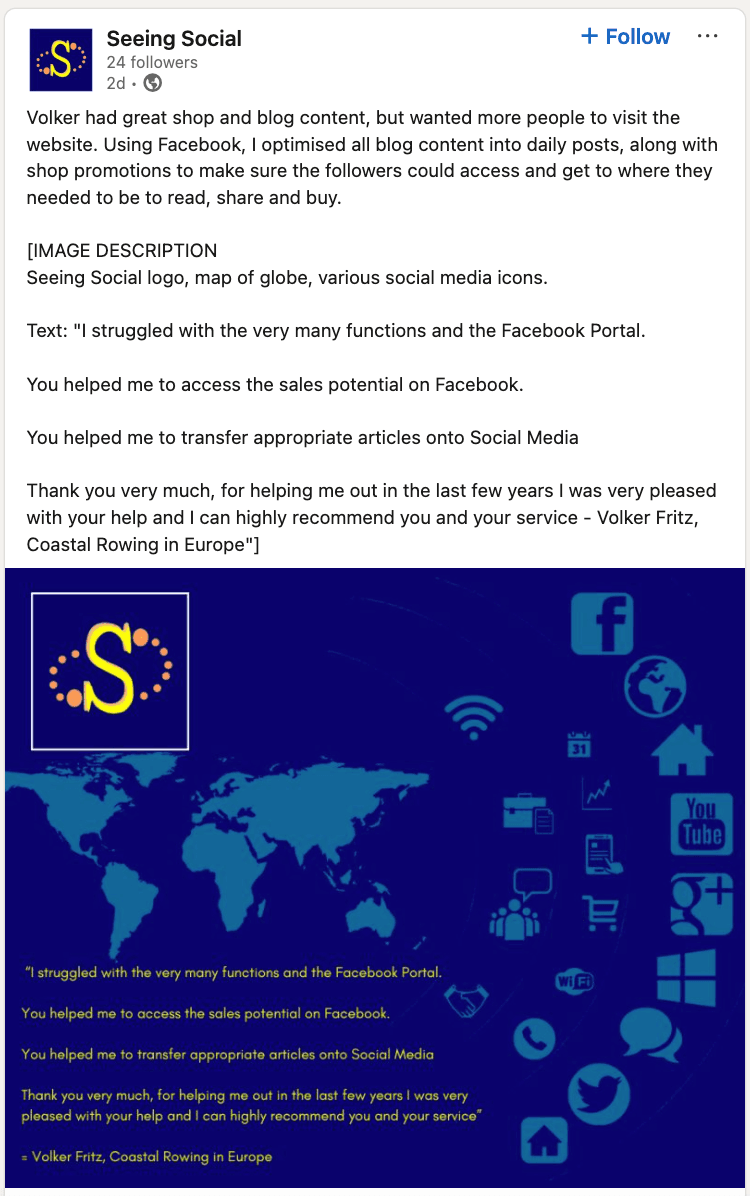
- Image description (say what you see!) should be formatted as follows so it is ‘readable’ by screen readers - this is the standard that you can use on Instagram posts:
- IMAGE
- [IMAGE DESCRIPTION: description]
- TEXT
- TEXT=”text”
- The quotation marks will be recognized by the screen reader as text rather than an image
- IMAGE
- If using a video, make sure captions are included.
With 3.07 billion monthly active users active monthly users, you can guarantee that most of your customers exist on Facebook. The most common age group who use this platform are 25-34 and about 1 in 5 users fall within the 35 to 44-year age range, highlighting strong engagement among this demographic as well. Remember to feature valuable updates like news, views, and opinions in your posts - people on Facebook don’t want to be sold to all the time.
- Text - you can use a paragraph’s worth of words on Facebook, and use hashtags to highlight words that you would embolden. (Don’t go overboard - this isn’t Instagram!)
- Image - a good picture showing what your post is about will make your post stand out on your follower’s feeds and might even inspire them to share.
- Image Description - hover over your image preview and select ‘edit.’ On the next screen, hit ‘alt text’ and input your image description. Press save on the bottom right and then post! RNIB guidance says to also put this in the main text for people who don’t have screen readers.
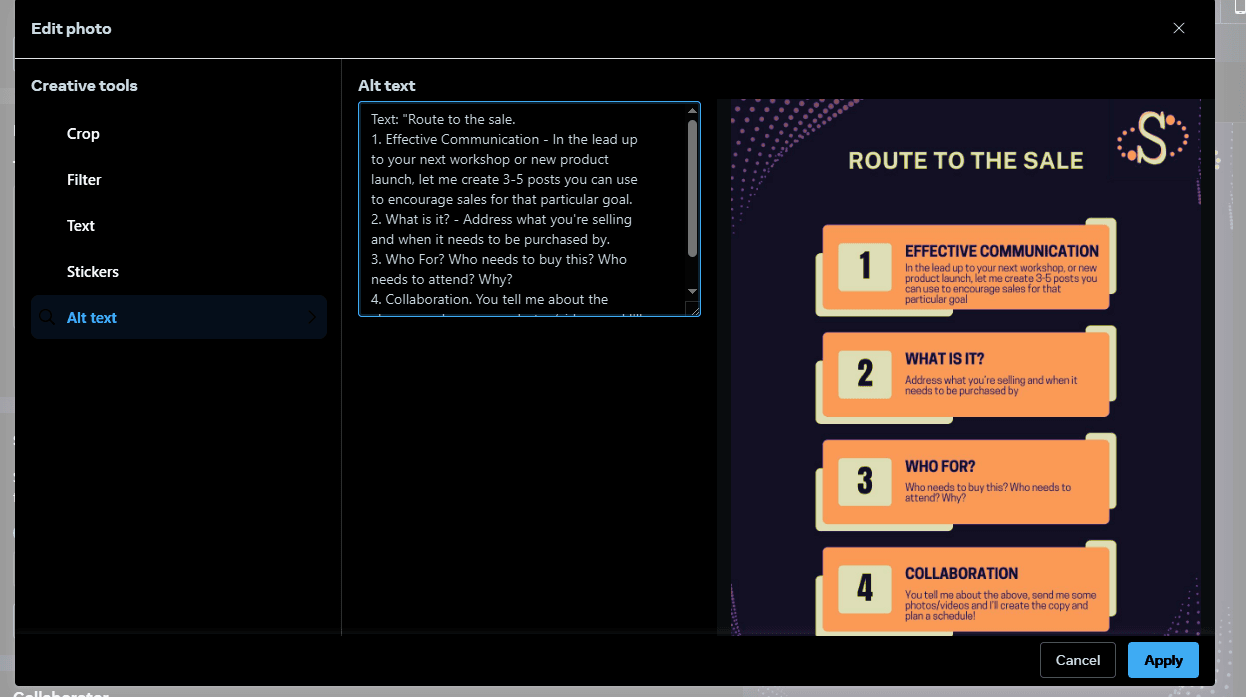
- Link - if you have a link, make sure there’s an image on the website it goes through that will pull through to your Facebook post so you can remove the hyperlink address! However, it is always advised to upload the photo so you can then share the post in your Stories where they will be seen by more people.
X/Bluesky/Threads
The popularity of X (formerly known as Twitter) has been waning in 2025, and so many users have migrated to Threads or Bluesky for the ‘nicer audience experience.’ Although these do not yet have analytics tools, they are very much in the same format as X and so you can use the same user methods. Short posts leading to web pages work well here - the feed moves so fast, people will be looking for things to click on, and often aren’t interested in long articles.
- Text - keep it short and sweet - X/Bluesky/Threads are fast-moving and you’ll want to get your followers’ attention quickly! Using hashtags for findability was pioneered by Twitter but don’t go overboard; 3 or 4 is quite enough, and as with Facebook posts, you can use these to highlight text.
- Image - these platforms are mostly viewed on mobile so images need to be especially distinct and not detailed (so they can be seen on small devices).
- Image Description - make sure you have selected ‘Compose image description’ in your settings. Twitter explains how to do this. Then as with Facebook, click on your image thumbnail then enter a description.
There are 1.2 billion monthly active users on here. Like Facebook, it’s best to avoid the selling posts here - give your business connections a reason to look more into what you offer!
- Text - like Facebook, you can use a paragraph’s worth of words on LinkedIn and hashtags to embolden.
- Image - a good picture will enable you to stand out in a follower’s feed and also will inspire shares.
- Image Description - click on ‘Add Description’ once you have uploaded an image. RNIB guidance says also to include the description in the main text space for those who do not have screen readers.
- Link - LinkedIn will automatically shorten links for you and pull through images if they are there.
Instagram boasts two billion monthly active users worldwide as of early 2025, giving Facebook and YouTube some much-needed competition. People between the ages of 25 and 34 are the platform's most avid users, making up over 31 percent of its total user base, showing this is a social media platform with which Millennials and older Generation Z connect. As a primarily visual platform make sure you have some great photos that explain what you’re about!
- Text - Sometimes long text works, sometimes short does, but what is really important for Instagram is hashtags! These are no longer as important for search as they used to be, but using them to mark out keywords in your text will make it very clear to viewers what your post is about.
- Image - the most important part of your Instagram strategy! You should be trying not to repeat too many of these if you can (although color variations of logos can make grids look nice), and if you can use video, that does perform really well on the platform. If you use several images for one post, that will ensure it gets repeated by the algorithm to reach people who haven’t seen the 2nd, 3rd or 4th images, even if they have seen the first.
- Image Description - there is a tool on Instagram to do this (click on ‘Accessibility’ when creating a post) and as per Facebook, also put the description in the main text so people without screen readers can benefit from it.
- Link - Links will not hyperlink in individual Instagram posts, so you need to make sure that the link in your bio is the one you want people to go to and then tell them in the post to visit the #LinkInBio
Some final words
As your business grows, the more content you will develop, and so your posts will become more varied over time.
Make sure your content is in the right places for the demographic you are targeting (but don’t overdo it - if you only have the energy for one or two platforms, that’s totally OK) and make sure that everyone can understand your message by using the accessibility guides in this article. Save your image descriptions as the image is created, so you can copy and paste it in instead of having to type it out every time.
And if it all gets too much, get in touch - I’d be more than happy to help.
Try out a free dependable business texting service that just works by getting a free trial here.
The views and advice presented this article are the author’s own.
Jo is an award winning social media strategist and manager working with positive impact brands to keep them visible on social as customers are more likely to be there than on their website! She looks after regular posting, content creation, handling reactions and comments/D.M.'s, as well as offering one-off post creation for events and workshops and audits for your social media profiles. Jo specializes in making sure content is readable by screen readers and that captions are included in videos, so your followers with visual and hearing impairments are not excluded. 10% of all retainer invoices are donated to ShelterBox via Work For Good, ensuring that C.S.R. features in your brand. Check out Jo's website and her LinkedIn.