



Explore this content with AI
One major concern brands have with sending SMS is…
“How do we make sure we aren’t spammy? What tool can I use to send* non-spammy texts* to customers?”
This guide will walk you through some of the top SMS tools you can use for non-spammy texting – based on research and on years of helping thousands of brands send texts to their customers.
Vendors were included based on our analysis of Mobile Text Alerts demos from the past 12 months, analyzing which marketing-related SMS brand names showed up the most in people’s conversations with us as brands they were looking to switch from.
What are effective tools to send non-spammy texts to customers? Summary
Mobile Text Alerts is a great option for teams looking to send non-spammy text to customers, because it (1) guides you through brand registration which helps make sure you’re in compliance with carrier standards, (2) gives you a two-way SMS inbox so you can have personal one-on-one conversations with customers, and (3) is easy to set up, with live human support.
Some other solid non-spammy tools include:
- Mobile Text Alerts
- Project Broadcast
- EZ Texting
- Twilio
- HighLevel
- SimpleTexting
- Textline
| Provider | Best for | Setup | Compliance & registration | Two-way inbox | Free trial | Starting price | Ratings (G2 / Capterra) |
|---|---|---|---|---|---|---|---|
| Mobile Text Alerts | SMS-focused teams wanting easy implementation | Easy; guided onboarding, live human support | Guided registration + automatic opt-out tracking | Yes — intuitive | 50 messages / 14 days | $20/mo annual ($25 monthly), 500–20k msgs | 4.5 / 4.5 |
| Project Broadcast | Independent small business owners | Mostly easy; some report a learning curve | Quick 10DLC approval | Yes (not personally tested) | None | $6.67/mo annual ($8 monthly) + $.05/msg | — / 4.9 |
| EZ Texting | Businesses with smaller audiences | Very easy initial setup | Auto opt-out language; clear carrier-registration prompts | Yes — works well, slightly clunky | 120 messages (to own number) | $20/mo annual ($25 monthly) | 4.5 / 4.5 |
| Twilio | Teams with developers wanting a robust SMS API | More complex; built for API users, no easy non-technical UI | Not specified in testing | No user-friendly non-technical interface | 100 templated messages | $.0083/msg + carrier, number & feature fees | 4.1 / 4.4 |
| HighLevel | Agencies wanting CRM + SMS for clients in one platform | Some friction (card + ID required); AI guidance helps | Phone-number registration is a hassle | Within broader CRM | 14 days + $2 credits | $97/mo + messaging costs | 4.6 / 4.2 |
| SimpleTexting | Non-technical teams needing an easy SMS solution | Reported intuitive (not freshly tested) | Not specified in testing | Yes (per advertised features) | 14 days | $23.20/mo annual ($29 monthly), 500 msgs | 4.7 / 4.7 |
| Textline | Teams wanting a collaborative inbox for support/sales | Some initial confusion; registration required to send | Brand registration required upfront | Yes — shared/collaborative, team-focused | 14 days | $149/mo, 600 msgs, 3 agents | 4.7 / 4.9 |
Setup and inbox notes reflect hands-on testing on each platform's free trial where available; Project Broadcast and SimpleTexting are based on advertised features and reviews. Pricing as of June, 2026 — see each vendor's site for current figures.
Methodology and considerations
In reality, non-spammy texting isn’t actually about the tool but rather how you use the tool.
You can use a solid tool in spammy ways, and most (or perhaps all) major SMS tools follow basic compliance standards to help prevent genuine spam.
That being said, if you want to send non-spammy texts you’ll want to select a tool that is easy to set up, makes it simple to follow compliance standards, and has user-friendly ways to engage in one-on-one conversations with your subscribers.
I thought it would be interesting to analyze some of our Mobile Text Alerts demos from the past 12 months to see which marketing-related SMS brands showed up the most often as brands people were previously/currently using (and possibly looking to switch from) – and then compare these against each other (and against our own product) on these criteria and others.
Then you can see if there’s anything that sets these platforms apart as you make your decisions on tools to text your customers.
The breakdown of mentions was as follows (note that this is a small sample drawn from our own sales conversations, so treat it as a snapshot of what prospects compare us to, not a market-share ranking):
| Brand | Demo transcripts analyzed | % of mentions | |
|---|---|---|---|
Mobile Text Alerts* | - | - | |
Project Broadcast | 3 | 20.0% | |
EZ Texting | 3 | 20.0% | |
Twilio | 2 | 13.3% | |
HighLevel | 2 | 13.3% | |
SimpleTexting | 2 | 13.3% | |
Textline | 2 | 13.3% |
*Not applicable — these are our own demos, so Mobile Text Alerts appears by definition
After determining which brands to compare, I checked reviews and gave each tool a personal test (except for Project Broadcast and EZ Texting, since I wasn’t able to access a trial, as my notes indicate below) to see how each one fared.
Mobile Text Alerts
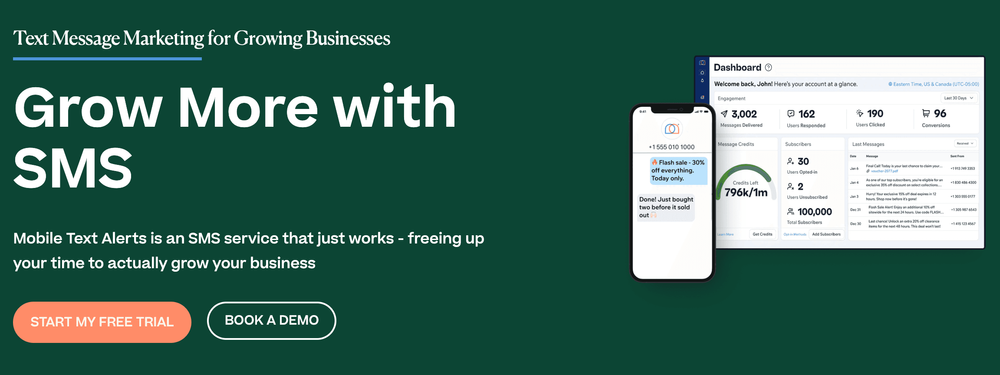
Mobile Text Alerts is an SMS service that just works – freeing up your time to actually grow your business.
You get live human support so you can get up and running in no time, and you can get support for registering your brand information (which helps make sure your messages aren’t flagged as spam by carriers).
You also get a one-on-one SMS inbox you can use to have back-and-forth conversations with your customers. And you can create automated workflows triggered by specific events to make your messages more interactive and less “spammy.”
Key features:
Some features that we promote at Mobile Text Alerts include…
- Workflow builder – easily build out automated workflows triggered by specific events that you designate
- Simple compliance registration – submit your initial compliance registration with an easy guided form
- Guided onboarding – get all the help you need for setup
- Easy two-way SMS inbox – have interactive one-on-one convos with customers for a personal touch
- Analytics dashboard – see delivery data, engagement data, and opt-out data all at a glance
- REST API with robust documentation & MCPs – if you have a dev team, you can implement the API fast with clean docs and MCP servers
- Ongoing compliance tools – remove and track opt-out’s automatically
- Personalization tokens – include personalized info, such as first name, in text blasts
- AI tools – use the AI tools within the platform to help you write, shorten, and generate images for your messages
Pros:
- Easy implementation
- Dedicated customer support with “white glove” onboarding (no bots)
- Intuitive interface, including two-way SMS inbox
- Solid message deliverability
- Unused messages roll over to the next month
- iMessage option
- Built-in AI tools
Cons:
- Not as many native integrations
- Primarily focused on SMS (limited multichannel options)
Reviews:
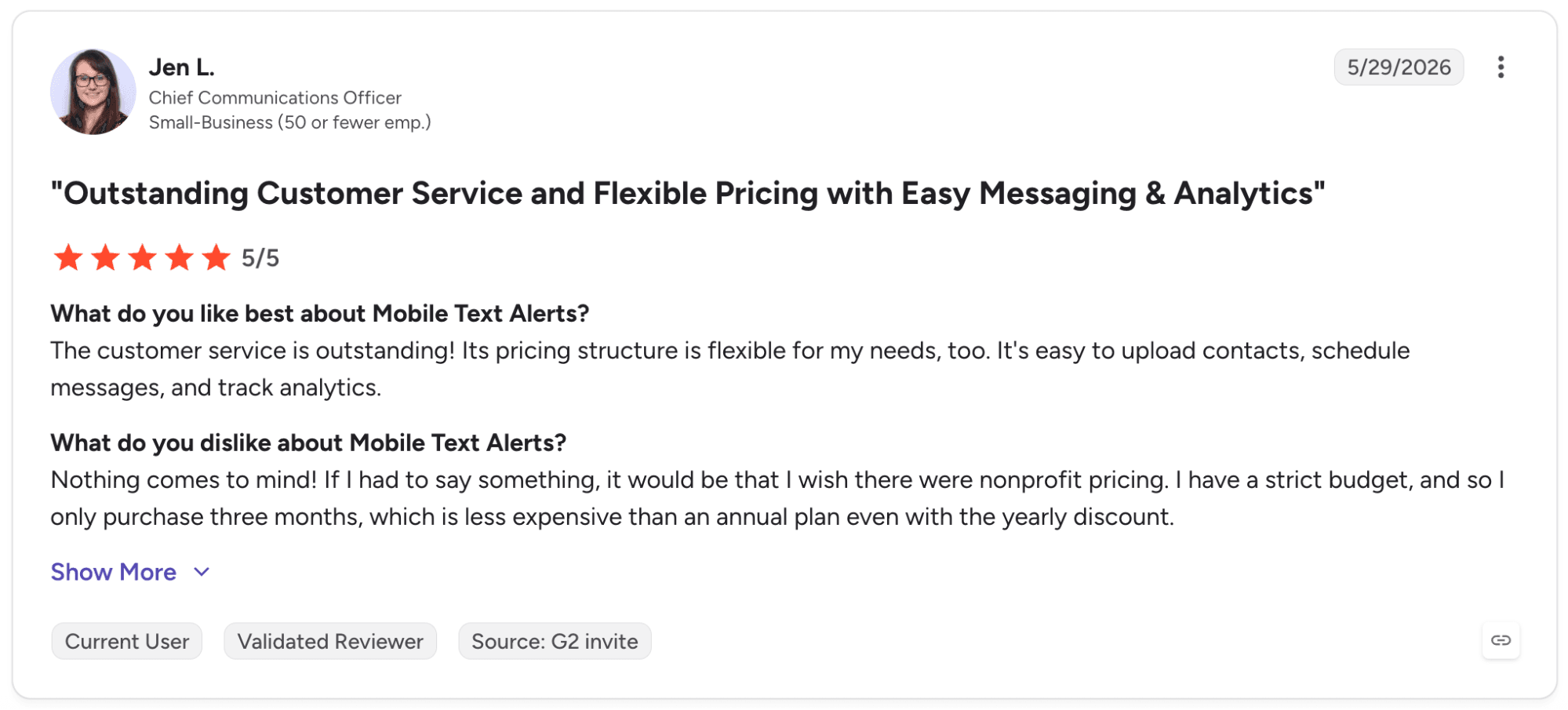
“The customer service is outstanding! Its pricing structure is flexible for my needs, too. It's easy to upload contacts, schedule messages, and track analytics.” – Jen L., CCO
Pricing:
- Free Trial: 50 messages, 14 days
- Core: starts at $20/month annually or $25 monthly for 500–20,000 messages/month
- Professional: starts at $500 for over 20,000–1 million messages/month
- Enterprise: per-quote basis
Best for:
Mobile Text Alerts is best for businesses looking for a robust SMS-focused system that’s easy to implement.
Project Broadcast
Note: no free trial was available for Project Broadcast so I was not able to do personal testing.
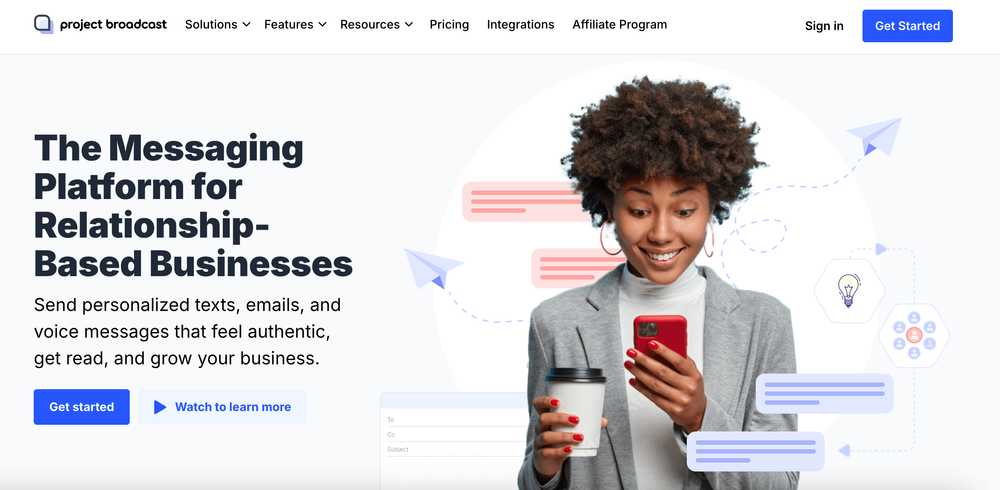
Project Broadcast markets itself as “SMS for small business,” now also offering email and ringless voicemail as well.
They emphasize quick 10DLC approval and multi-channel messaging. They particularly emphasize their email management capabilities.
Automation is another key emphasis they promote, via methods such as drip campaigns and automated responses / follow-ups.
Key features:
Some features that Project Broadcast promotes include…
- Email campaign management – engage in multi-channel messaging with email alongside SMS
- Quick 10DLC approval – get approved quickly so you can start messaging ASAP
- Automated workflows – create automated responses and follow-ups for email and SMS
- Ringless voicemail – leave voice messages directly on people’s phones without bothering them with a phone call
- Team communication hub – streamline team communication into a single hub with Project Broadcast’s Spaces feature
- Contests – select random winners from an unlimited number of contests
- Bundles – package and share your assets and content for easy collaboration
Pros:
- Time-saving, particularly for small business use cases (according to several reviews)
- Many users report it to be easy to set up and use
- Multichannel offerings (email, SMS, and ringless voicemail)
Cons:
- Geared more toward small businesses (possible concerns with scaling)
- Although many reported it was easy to set up and use, others commented on difficulty learning the platform
- No free trial
Reviews:
“I like how they have many options to make sending out bulk messages to my customers easier. I like how I can create templates for common used messages instead of having to constantly copy and past. I also love how it can be scheduled so it dont matter what time I'm working I can get things done. When I've had issues I contacted them and they were adament on helping me out and trying to resolve the issue.” – Sabrina N., Director
Pricing:
- Pay as You Go: $6.67 per month annually or $8 monthly and $.05 per message
- Standard Plans: start at $20.83/month annually or $25 monthly for 500–3,000 messages/month
- Enterprise Plans: start at $133.33/month annually or $160 monthly for 6,000–50,000 messages/month
Best for:
Project Broadcast is best for independent small business owners.
EZ Texting
EZ Texting is a platform that’s been around the block for over 20 years. It focuses on being a scalable SMS marketing platform “that’s impossible to outgrow.”
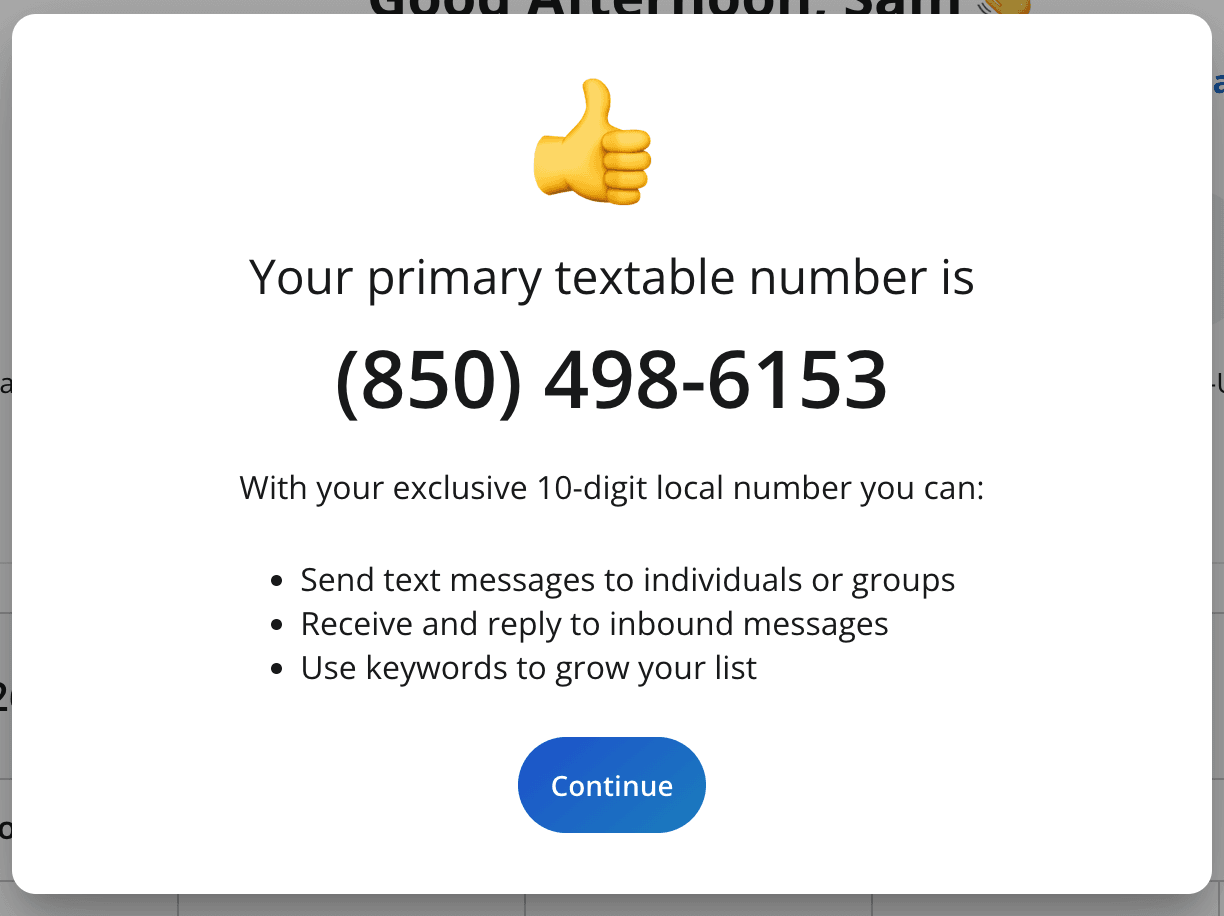
When I was testing, initial setup was very easy – after signing up, I was assigned a “textable number” right away:
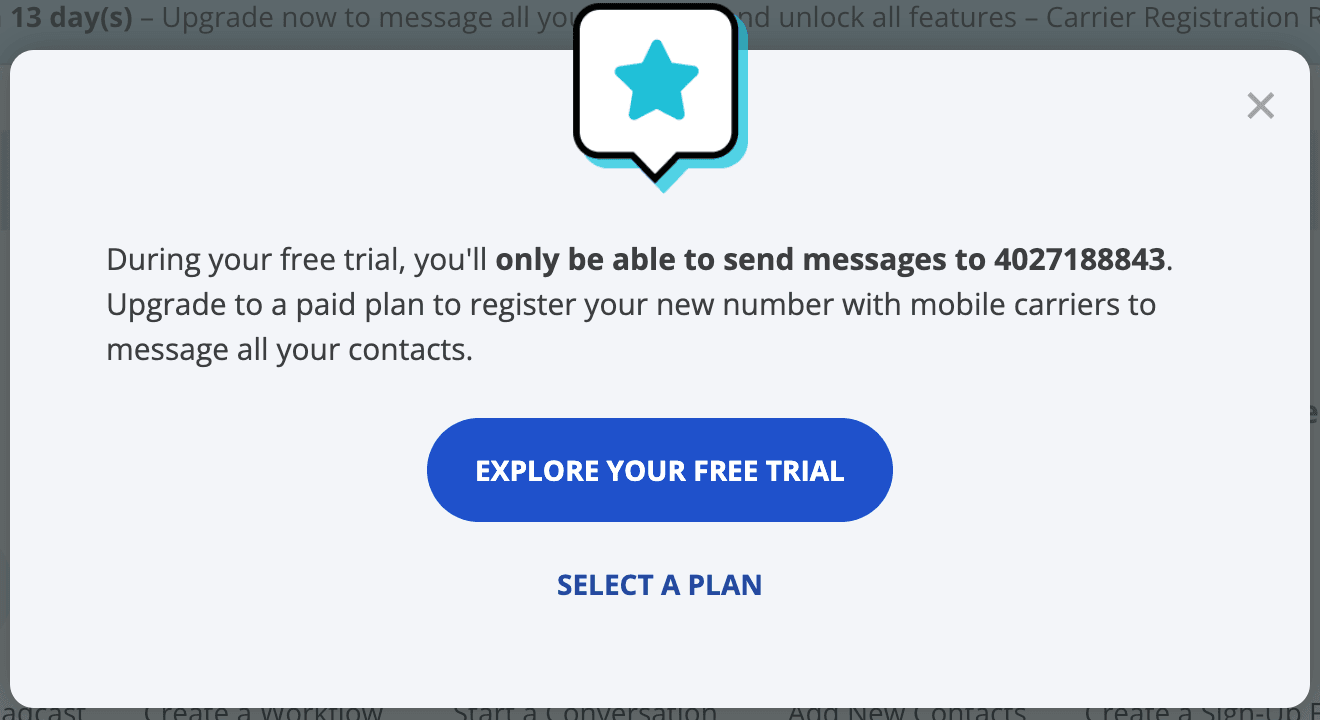
However...
I did get a notice soon afterward that the free trial only allows me to text my own personal number:
Sending a test message was pretty easy. It did include the “reply STOP to opt out” language on the first message automatically, which is good for compliance. It also notified me clearly with a banner on the top of the screen that I needed to complete carrier registration as a part of upgrading and accessing all features.
I tested their inbox feature which worked well for having easy two-way conversations with users, although it felt slightly clunky (kind of like an iPhone user trying to use an Android – no offense, Android users 😉).
Key features:
- Text-to-pay – give customers a convenient way to pay via text
- Automated workflows – create and customize automated workflows triggered by specific actions, with templates to help you get started
- Multilingual texting – send SMS in English, French, Spanish, Hebrew, Arabic, or Korean
- AI reply – train AI on your content to generate SMS replies your team can use to respond to customer questions
- AI compose – let AI generate a suggested SMS based on a prompt you provide within the platform
- RCS – expand your messaging possibilities to include rich content
- Shutterstock database – choose from thousands of free Shutterstock images directly within the platform
Pros:
- Overall straightforward (“It is in fact EZ,” as one reviewer, Matt, put it)
- One of the longest-running SMS services out there
- Can send small video files
Cons:
- Some advertised features (text-to-pay, AI reply, RCS) were difficult to locate or test (perhaps they are not available in the free trial?)
- Interface feels outdated and, while not difficult, does feel slightly clunky
- Mobile app is unable to send mass texts (according to Kelly Key from EZ Texting)
- Plans only include 1 user
Reviews:
“I love that EZ Texting is cost-effective and allows me to save time in my day. One of the most valuable tools for me is the mass texting feature. I'm able to customize messages with just a click of a button, inserting names or other specific details, which personalizes each text for the recipient. The process of sending out messages is streamlined, letting me import a list of contacts and send messages to each one with ease. EZ Texting makes the setup easy peasy, lemon squeezy.” – Rachel B.
Pricing:
- Free Trial: 120 messages to your own number
- Basic Plans: start at $20/month annually or $25 monthly for 1–50,000 contacts and 500 messages/month (additional messages available at $.03–$.04 per message)
- Enterprise Plans: start at $3,000/month for 200,000 messages (additional messages available at $.01 per message)
Best for:
EZ Texting is best for businesses with smaller audiences (it’s a solid option but larger audiences will have more complicated billing).
Twilio
Twilio is probably the “king of SMS” as far as reputation goes – it is one of the most well-known services out there.
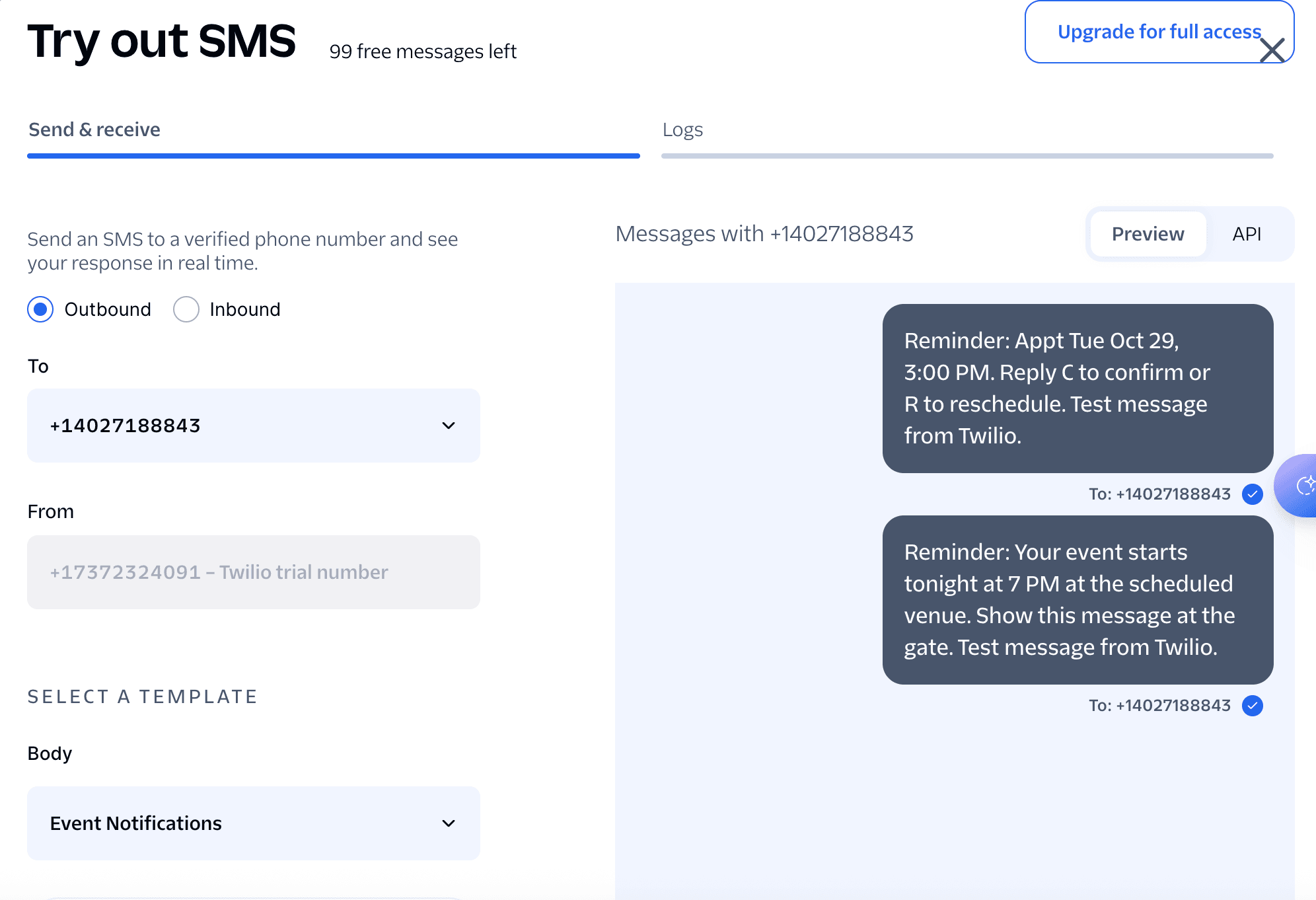
Setting up for initial testing wasn’t too bad, just slightly more complicated than other platforms (for a non-API user). In the free trial, I was only able to send out templates to my personal number, without being able to add any of my own content:
Twilio is known for being a communications API service rather than a user-friendly interface for non-technical users. Since I myself am non-technical, my testing is being done on the non-technical side of things and indeed, there isn’t an easy platform for sending messages or going back and forth with customers like there is for other services on this list.
However, I don’t doubt that their API is robust for devs and technical teams to implement their own SMS solutions (and beyond SMS as well, since Twilio also offers several other communications solutions).
Key features:
Some features Twilio highlights that stand out to me are...
- Multichannel communications APIs – devs can implement SMS and other communication solutions (email, voice, etc.) via robust APIs
- Clear documentation – devs have clear documentation to work from
- AI coordination across channels – use AI agents to coordinate customer interactions across multiple channels (i.e., chat or text)
- WhatsApp support – implement WhatsApp alongside SMS for broader reach
- Global reach – connect with customers across the world
Pros:
- Full communication suite
- Strong brand credibility
- Users report the there are solid APIs and documentation for developers
Cons:
- Could be overkill if all you need is SMS
- Dev team may be required in order to implement properly
- Some users report slow or unresponsive support
- Some also report high pricing
Reviews:
“Overall, the experience has been good for handling messaging and communication features without building everything from scratch. It saved development time and was flexible enough for different requirements. Once we got familiar with the platform, managing things became much easier.” – Capterra Reviewer
Pricing:
- Free Trial: 100 templated messages
- Per-Message Pricing: starts at $.0083 per message + carrier fees + phone number fees + additional optional features
Best for:
Twilio is best for businesses with a solid developer team who want a robust SMS API solution that can integrate with other communication solutions.
HighLevel, aka GoHighLevel
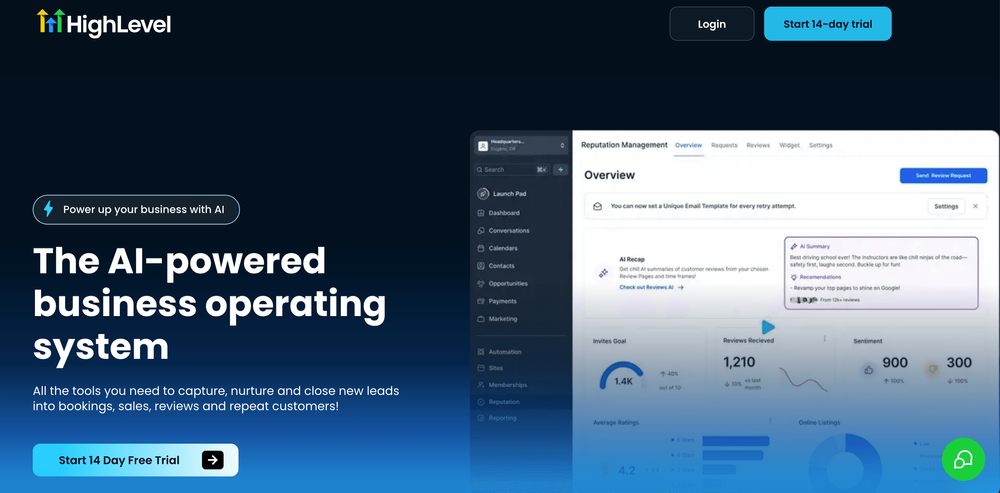
HighLevel is an all-in-one operating system, primarily known as a CRM but also offering features such as forms, landing pages, and SMS.
Signing up for a free trial had a slight bit of (intentional) friction since I had to enter in credit card info and select a desired plan. They did offer a free Zoom onboarding call when you sign up (in fact, they credit $25 to your account for showing up), which is a nice touch.
There wasn’t a straightforward SMS section within the dashboard but they had a handy AI agent that I was able to ask how to send an SMS and it gave a helpful explanation:
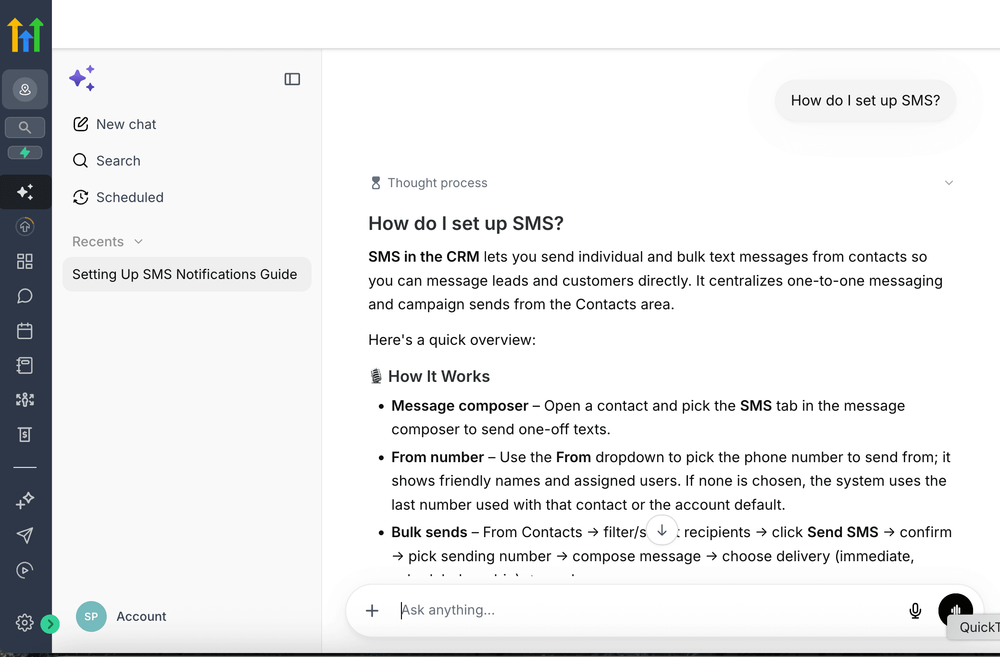
It appears that I need to purchase a phone number in order to send SMS. I tried to do this but it appears to be a bit of a rigmarole, requiring a photo ID.
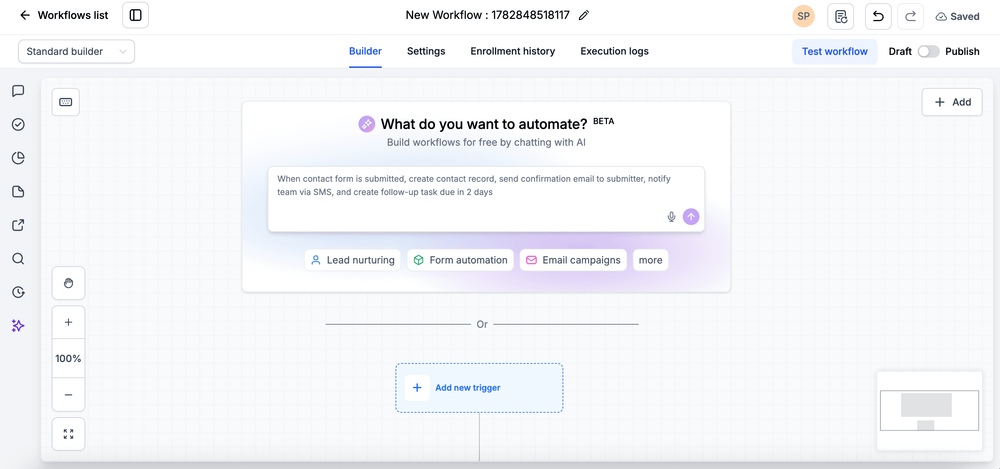
So I wasn’t able to test actually sending a message, but sending one-off blasts appears easy enough. I tested the workflow option too. Building a workflow from scratch seemed slightly buggy (sometimes the options to add workflow elements didn’t seem to be appearing). But there was an AI tool that allows you to tell it the kind of workflow you’re wanting to build and it helps create it for you:
Key features:
Here are some key features I’m noticing as it relates to SMS:
- Full CRM capabilities – manage your customer database (or your clients’ databases if you’re an agency), forms, and landing pages through the same platform that you send SMS
- AI workflow builder – tell AI what kind of workflow you’re trying to create and it will build the flow for your automatically
- AI guidance for onboarding – let AI walk you through any onboarding confusion as you get to know the tool
- Communication flexibility – manage your SMS right alongside email and call tracking
- Agency-friendly dashboard – if you’re an agency, enjoy a dashboard set up to handle multiple subaccounts/clients
Pros:
- Huge range of features, options, and flexibility (CRM, email, SMS, form-building, landing page-building, etc.)
- Convenient to manage multiple services within one product
- Agency-friendly
- AI agents help make the experience more user-friendly
Cons:
- Overkill for those not needing a full suite of operating services
- Phone number registration is more of a hassle than some other services
- The platform could be a bit overwhelming (although the AI chatbots help guide users through the dashboard)
- Some users reported poor or unknowledgeable customer support
- Pricing seems a bit confusing
Reviews:
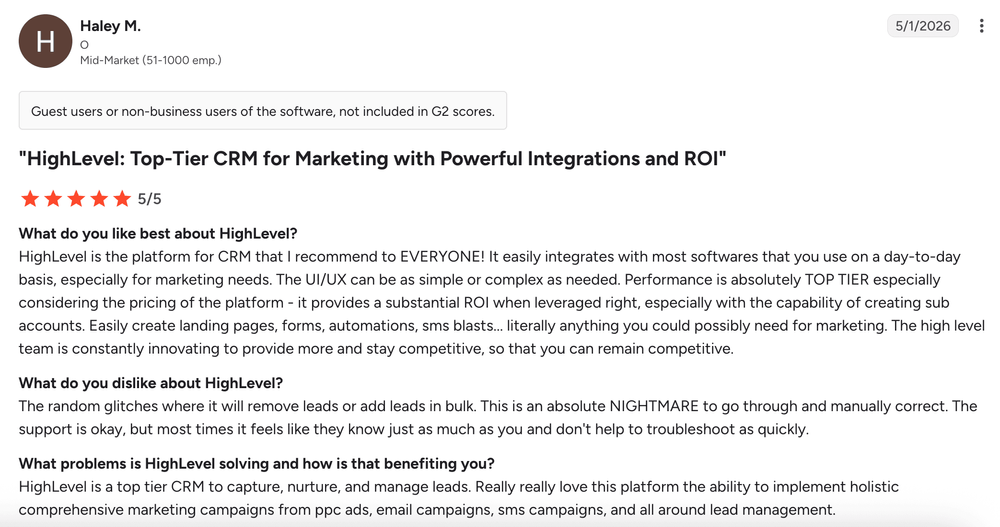
“HighLevel is the platform for CRM that I recommend to EVERYONE! It easily integrates with most softwares that you use on a day-to-day basis, especially for marketing needs. The UI/UX can be as simple or complex as needed. Performance is absolutely TOP TIER especially considering the pricing of the platform - it provides a substantial ROI when leveraged right, especially with the capability of creating sub accounts. Easily create landing pages, forms, automations, sms blasts... literally anything you could possibly need for marketing. The high level team is constantly innovating to provide more and stay competitive, so that you can remain competitive.” - Haley M.
Pricing:
- Free Trial: 14 days of access + $2.00 of credits
- Starter: $97/month + messaging costs starting at $0.00747 per message + carrier fees + phone number fees (limited sub-accounts)
- Unlimited: $297/month + messaging costs starting at $0.00747 per message + carrier fees + phone number fees (unlimited sub-accounts)
Best for:
HighLevel is best for agencies that want a way to provide a CRM + other services (including SMS) to clients and manage those clients from a single platform.
SimpleTexting
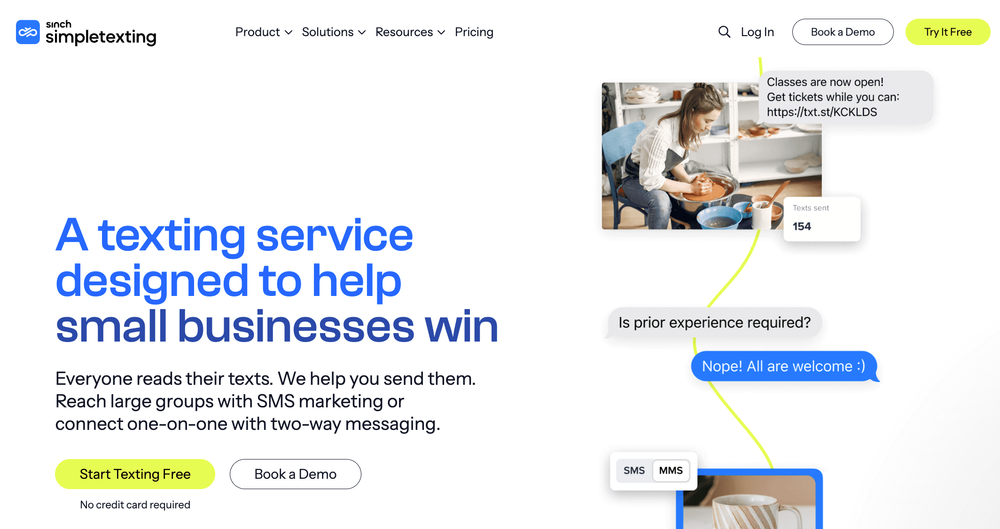
SimpleTexting is an SMS service focused on small businesses, and is owned by the parent communications brand Sinch.
I’ve already set up a trial account with SimpleTexting in the past but when I tried to log in it required me to fill out a registration form before accessing the dashboard:
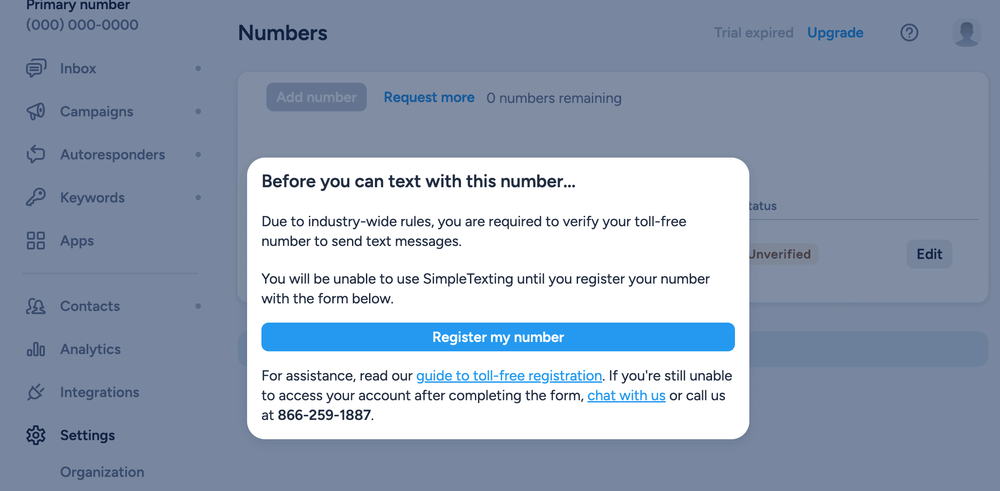
I tried creating a new free trial but it kept saying the phone number I was entering was already in use. So I unfortunately was not able to freshly test the platform for myself.
So, like Project Broadcast above, this evaluation will be solely based on reviews and on the platform’s advertised capabilities.
Key features:
Here are some of the features SimpleTexting promotes that seem to stand out...
- Text-enable your existing landline – give your current landline phone texting capabilities so you can use the phone number your customers are used to
- Self-cleaning lists – let the system detect dead numbers automatically for you so you don’t have to waste resources on inactive recipients
- SMS AI Assist – create message content automatically via the AI-power message generator
- Text-to-vote – get your audience’s insight via SMS polls that let you easily tally up their results so you can analyze
- Text-to-win – grow your audience list by allowing people to be automatically entered into a sweepstakes when they subscribe to your texts
Pros:
- Users appear to report that the platform is intuitive
- Users generally have good things to say about customer support
- A few interesting niche features that not all others have (see the features listed above)
Cons:
- Not much that seems to truly set it apart from others
- Plans have limited number of user seats
Reviews:
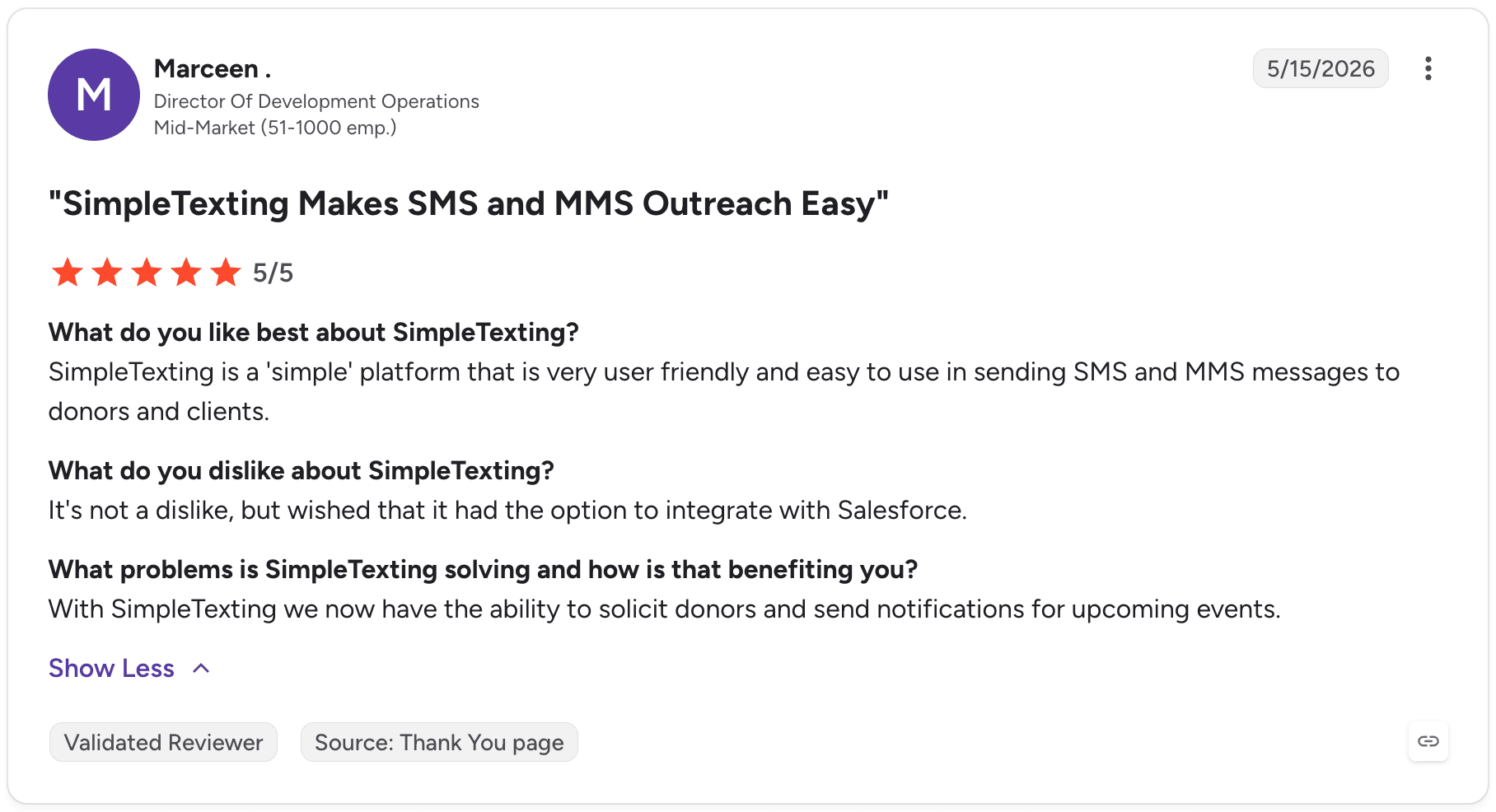
“SimpleTexting is a 'simple' platform that is very user friendly and easy to use in sending SMS and MMS messages to donors and clients.” – Marceen, Director of Dev Ops
Pricing:
- Free Trial: 14 days
- Basic Plans: start at $23.20/month annually or $29 monthly for 500 messages
- Enterprise Plans: custom pricing for more than 50,000 messages/month
Best for:
SimpleTexting is best for non-technical teams that need an easy SMS solution.
Textline
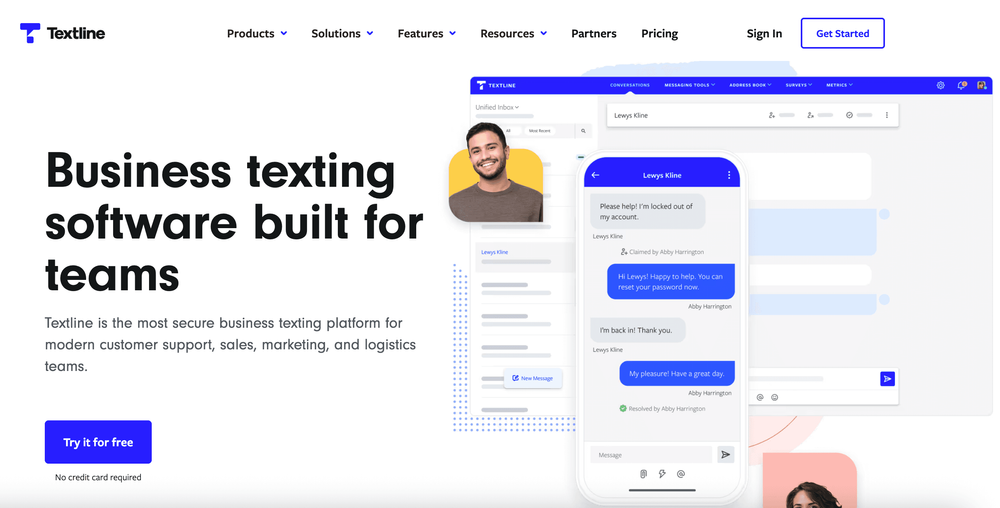
Textline is an SMS platform that’s focused on teams, emphasizing centralized messaging and collaboration.
I signed up for a free trial and had some initial confusion trying to get into my account:
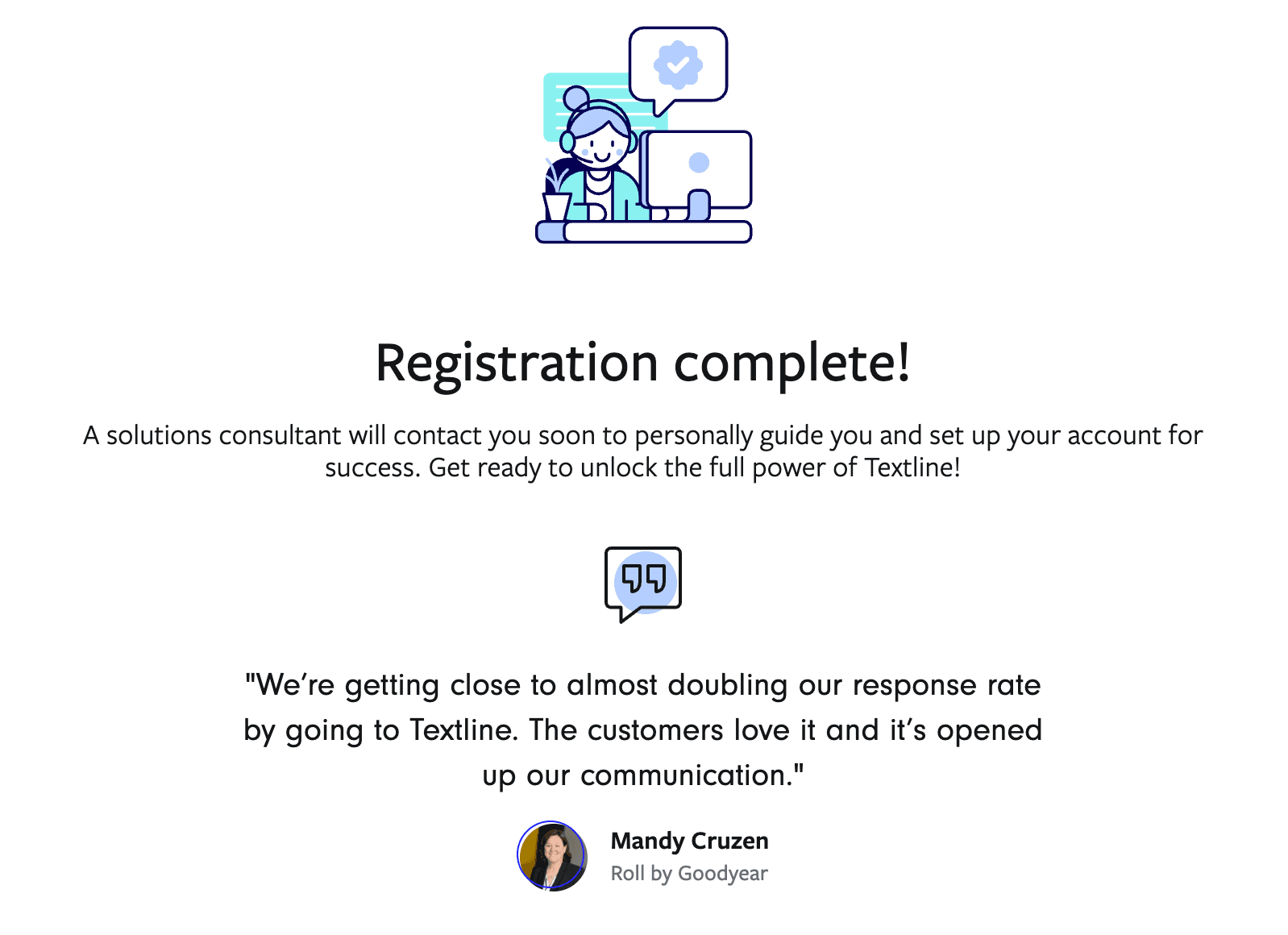
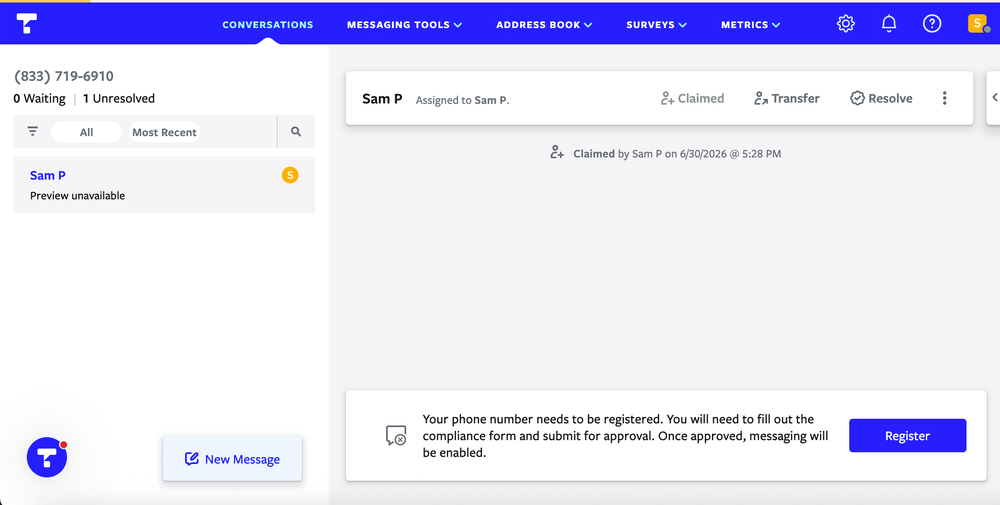
I was eventually able to get into my account without having to attend a call, although I wasn’t able to send any test messages without submitting brand registration. I did, however, get to poke around within the platform to see what it has to offer.
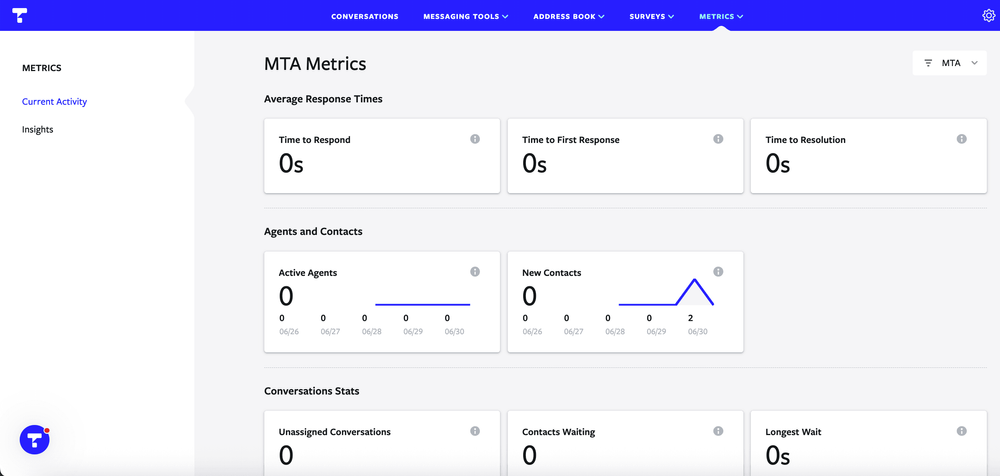
It seems to be pretty simple and robust when it comes 2-way texting in particular – and it offers some cool insights for team ticket performance.
Key features:
Here are some of Textline’s standout features I was noticing in their platform and advertising...
- Multichannel messaging – manage chat, SMS, and social media all in one inbox
- Shared communication inbox – collaborate on SMS conversations together with as many team members as needed
- HIPAA compliance – keep compliant with HIPAA (for healthcare brands) so you can send messages without worrying about violating regulations
- Major integrations – integrate with top platforms such as Zendesk, Salesforce, and HubSpot
- Team metrics – evaluate team metrics such as team member response time and touchpoints to resolution
- Robust automation conditions – set up automated actions or messages to customers/prospects based on specific conditions
Pros:
- Robust team-specific inbox features for support or sales teams
- Simple platform despite having robust features
- Per-user metrics for measuring team performance
Cons:
- Since it is focused on teams, it is heavily centered around the inbox rather than blasting messages
- Pricing not advertised and is pricier than many other SMS platforms
Reviews:
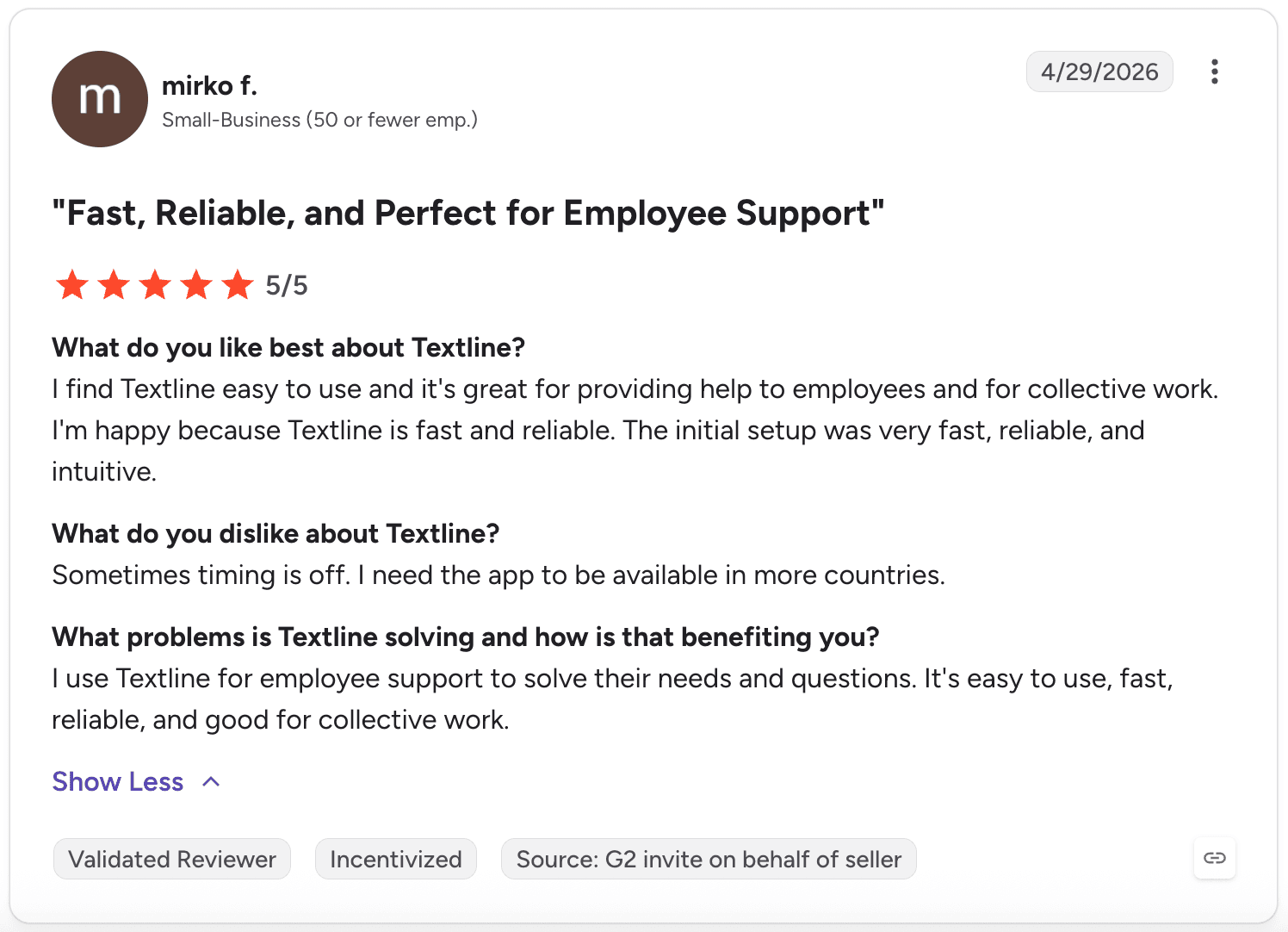
“I find Textline easy to use and it's great for providing help to employees and for collective work. I'm happy because Textline is fast and reliable. The initial setup was very fast, reliable, and intuitive.” – Mirko F.
Pricing:
- Free Trial: 14 days
- Essential Plan: $149/month for 600 messages and 3 total agents
- Pro Plan: $349/month for 2,000 messages and 5 total agents
- Enterprise Plan: custom pricing
- Additional message credits and agent seats available
Best for:
Textline is best for teams that are looking for a collaborative inbox for support or sales.
What sending behaviors yield more opt-outs?
Related to the concept of effective tools for sending non-spammy texts is the idea of not being spammy in your messaging approach. So I ran an analysis of our recent customer data to see if certain behaviors yielded higher opt-outs.
In that recent analysis of 47,377,877 messages sent from Mobile Text Alerts customers between 5/31/26 and 6/30/26, the following behaviors seemed to yield more opt-outs (note that this is comparing messages sent across all industries and use cases, whether marketing or more transactional):
- Out of 828,214 campaigns (measuring campaigns rather than individual blasts), campaigns with “urgency” words (such as now, hurry, urgent, today) saw a 3.2% opt-out rate compared to a 1.2% opt-out rate for campaigns that did not contain urgency words
- Out of 4,307,865 campaigns, campaigns that contained a question mark had over 3x the opt-out rate of campaigns that did not contain a question mark (3.0% vs. 0.9%) – a possible explanation of this is that campaigns containing questions may be more likely to be marketing-related, which would naturally yield more opt-outs
- Surprisingly, out of 4,307,865 campaigns, campaigns containing personalization tokens (such as [first name]) saw almost twice the opt-out rate of campaigns that did* not *contain personalization tokens (1.7% vs. 0.9%) – as with question marks above, a possible explanation of this is a potentially higher chance of personalized messages to be marketing-related
Note, of course, that these are correlations from our own platform data, not controlled experiments. There may be many factors at play and you should run tests with your own audience.
The main takeaway is to try to send texts people actually want to receive – consider toning down “salesy”-ness or pushiness.
Conclusion
If you’re wanting to send non-spammy texts to your customers, most SMS platforms will give you the tools you need.
You want a solution that is easy to set up, makes it simple to follow compliance standards, and has user-friendly ways to engage in one-on-one conversations with your subscribers.
Mobile Text Alerts is one of the solutions that ticks all those boxes and more!
Get a free trial now to try it out for yourself.
–
Author Bio

Sam Pelton is the content director for Mobile Text Alerts, an SMS service that gives businesses an easier way to reach customers and audiences. He has 12 years of experience working with the texting platform in the areas of customer support, quality assurance testing, content creation, copywriting, and marketing strategy. He’s also a father of 6 and loves a good (bad) dad joke.